What’s up? Today I’m sharing some development work I did prototyping a pilot for a new show called Video Rewind. This time I used a completely new technique that’s pure video generation for my realistic video shows.
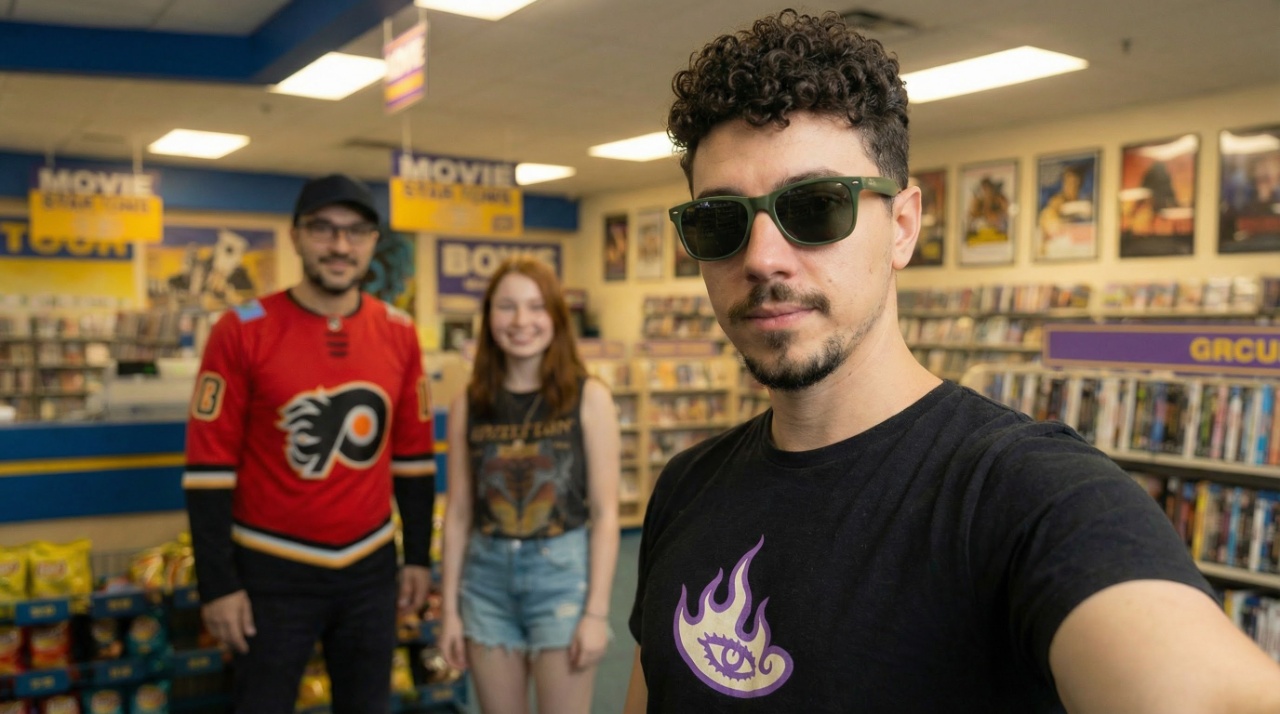
In the past, I would take screenshots in Anarchy Arcade to produce first frames. However, in this new workflow I used straight prompts to generate my first frames. For my original references, I did still use The Sims characters that Jez and Pox prepared, plus one screenshot from the blockbuster map I’ve been working on.
From Screenshot to AI Magic
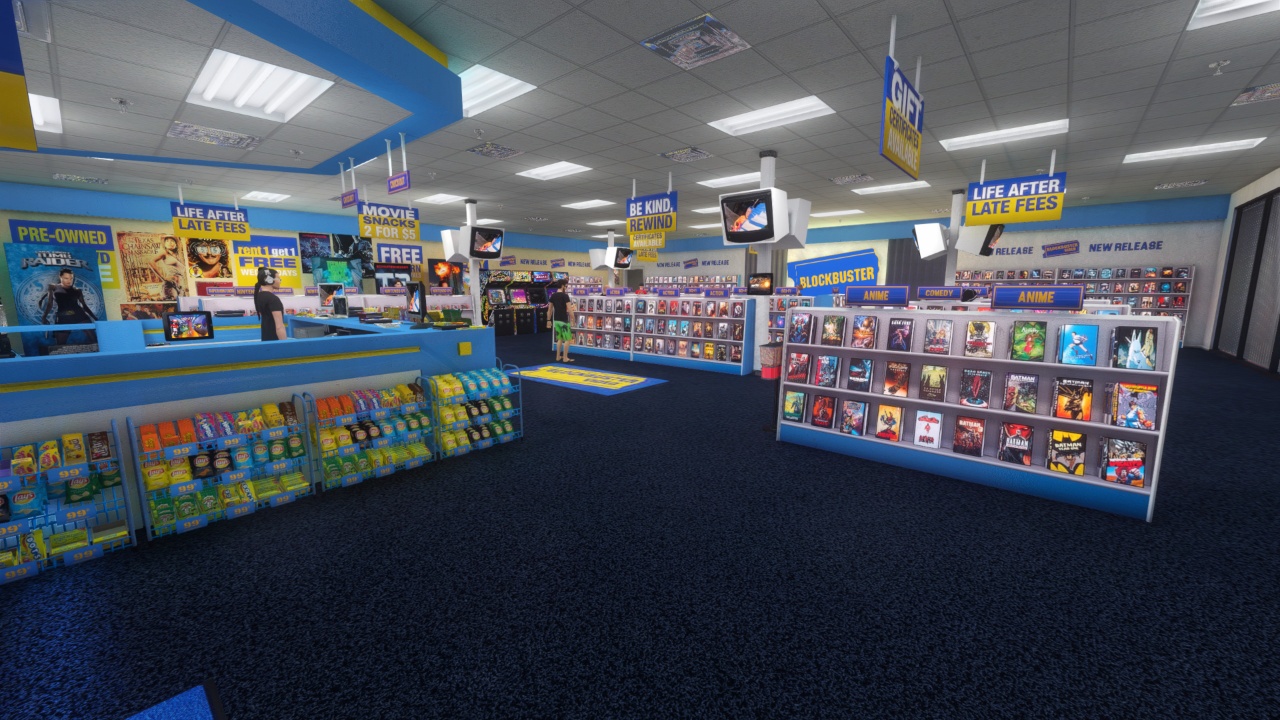
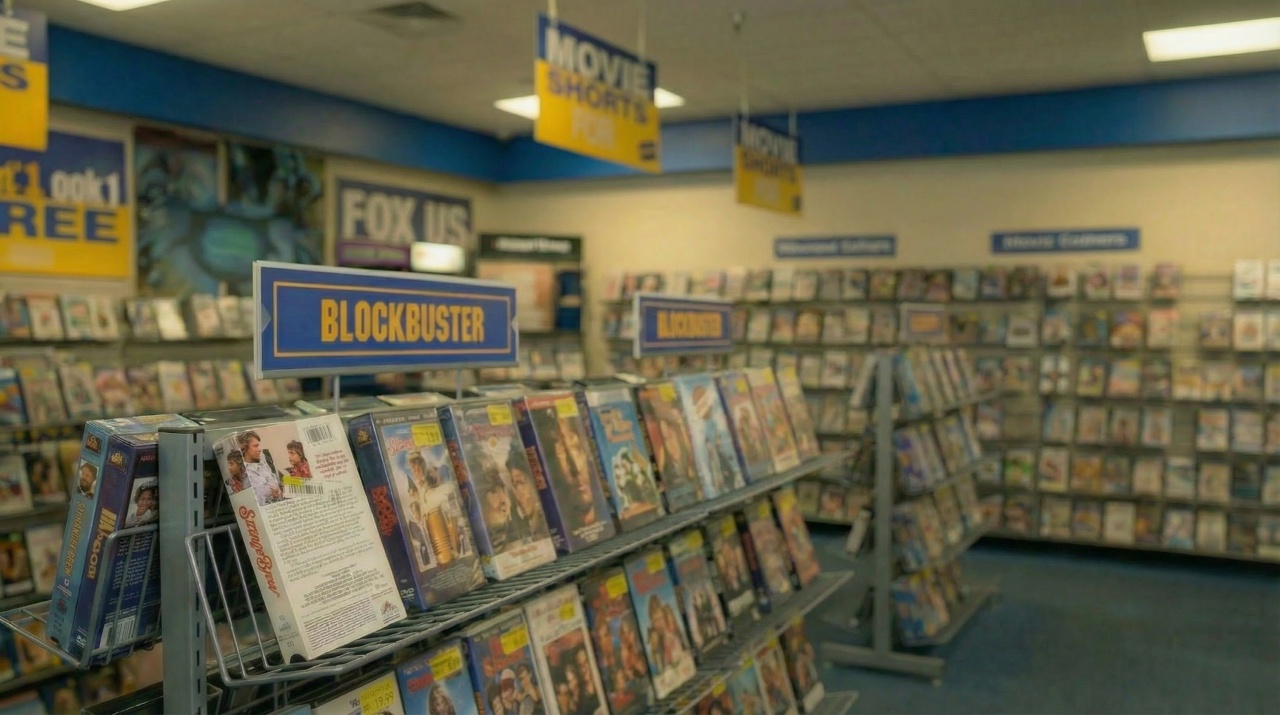
This is the original reference picture that I took from the Anarchy Arcade Blockbuster map. This is the only reference picture that I actually used from a screenshot.
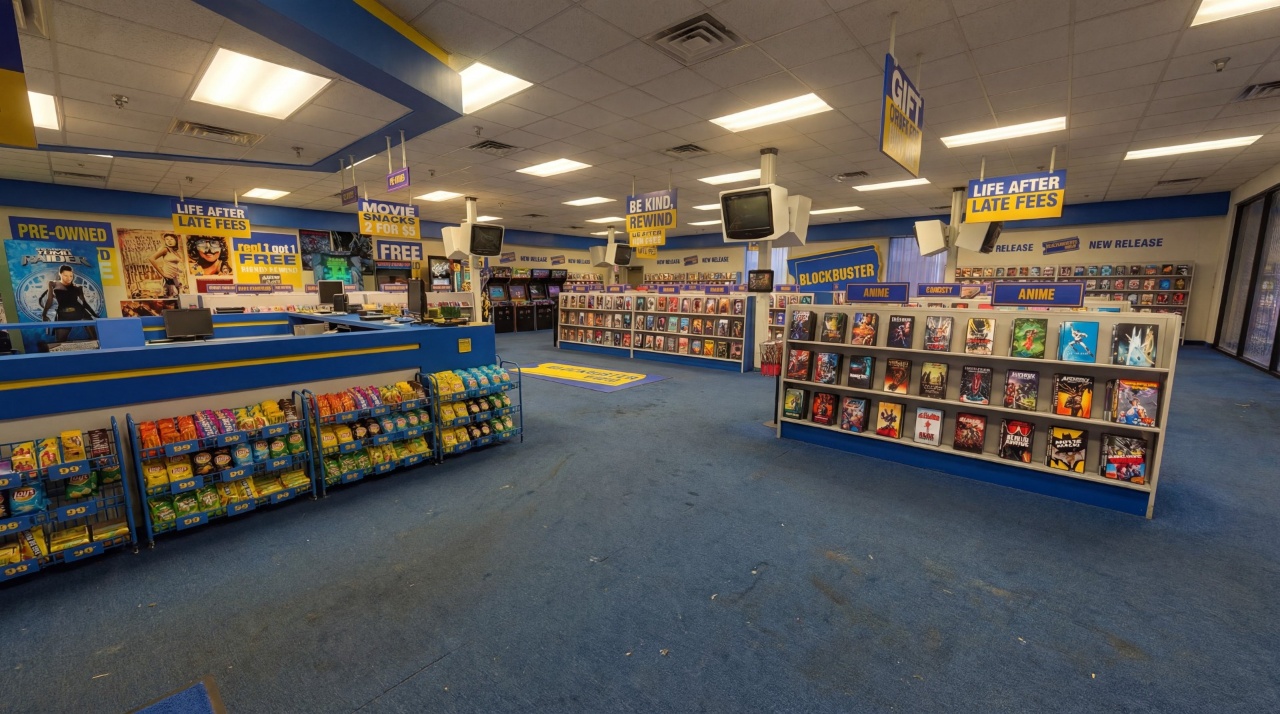
I then passed it through Nano Banana image-to-image to make it look like a real life photograph. This is the actual image that was used as the ingredient in the first frames for the video generation.
Alternative Camera Angles
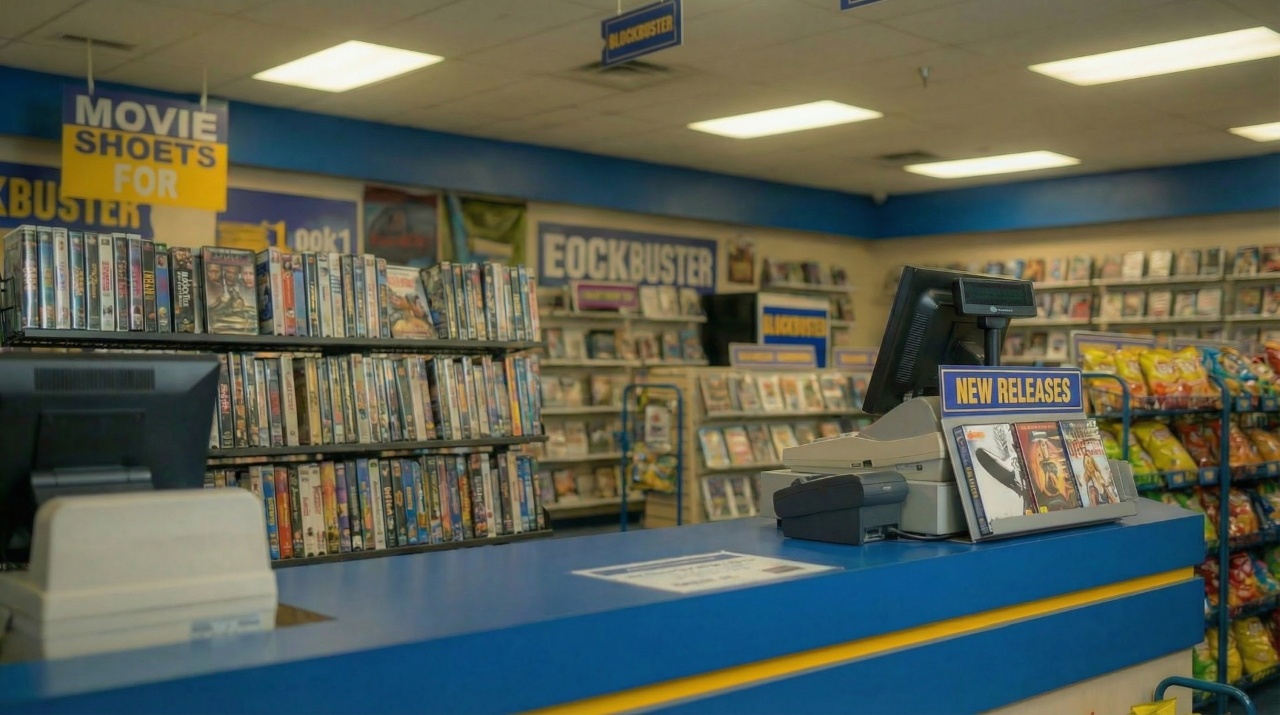
But I needed more than just that one camera angle. So I told Nano Banana Pro to generate some alternative camera angles from that image, and it produced this one of the checkout counter:
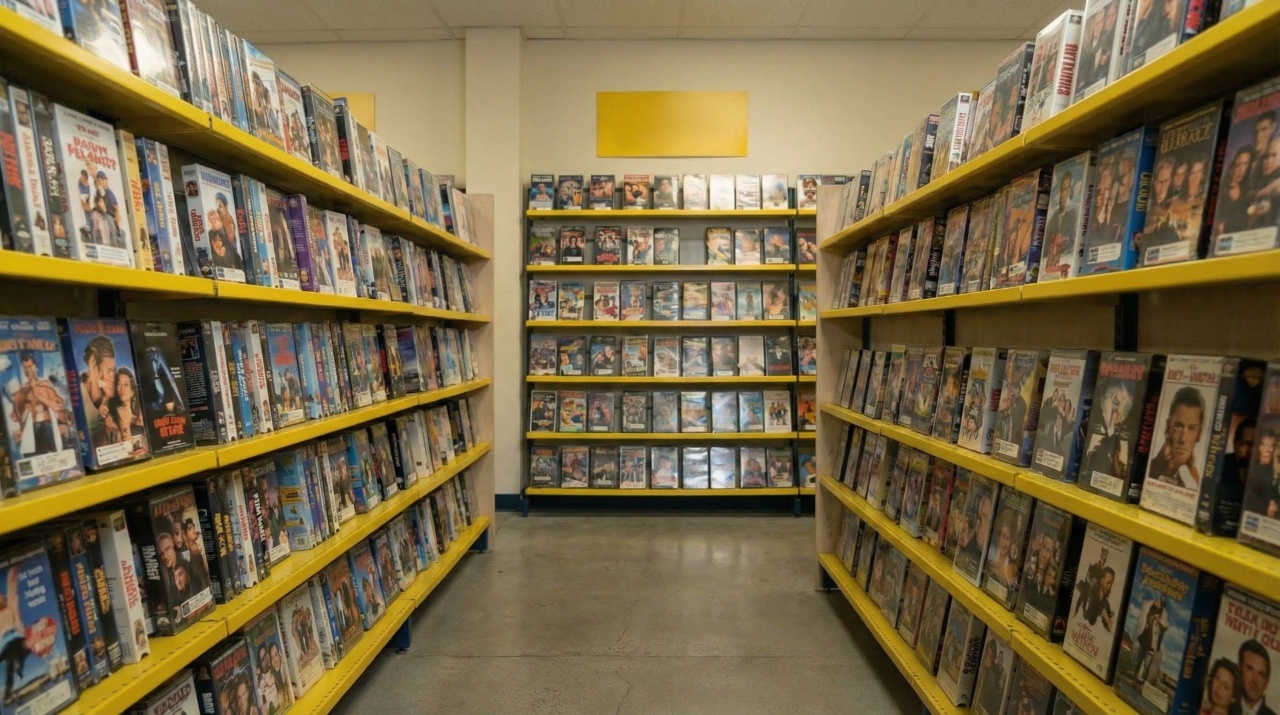
It also produced this one of one of the video aisles:
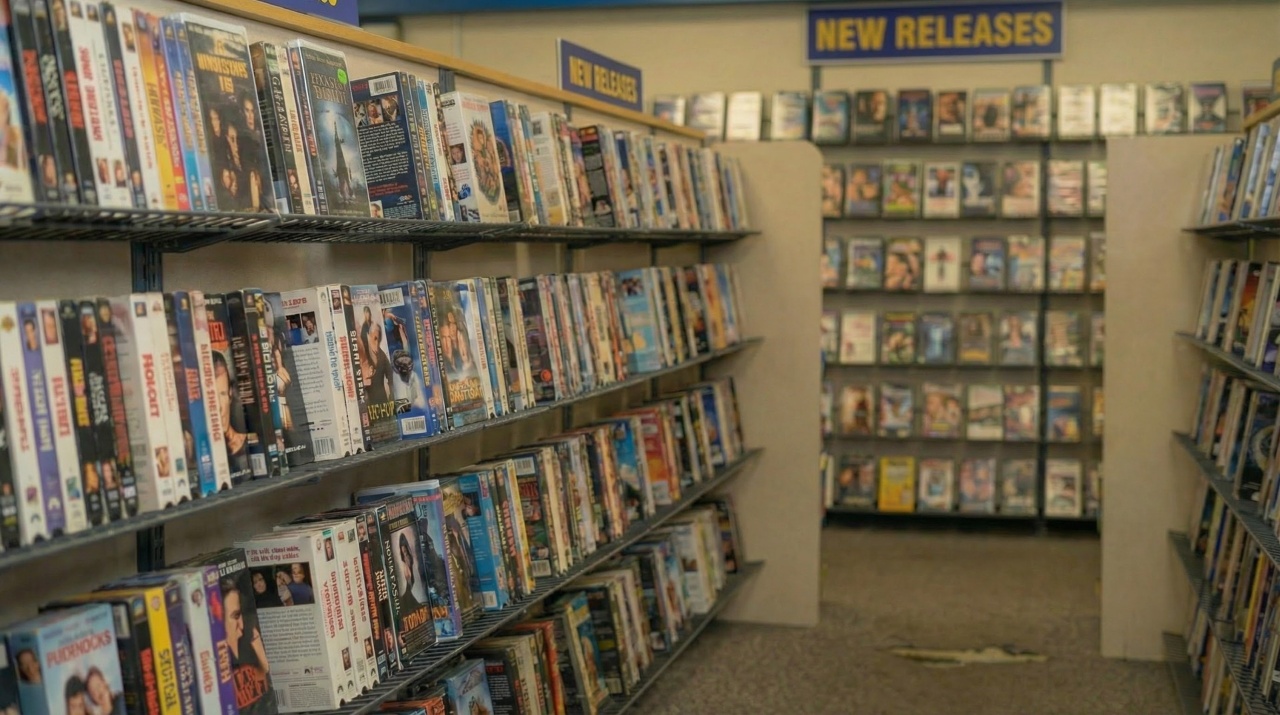
I knew I was going to need multiple video aisles, so this is another alternative camera angle:
And to top it off, one more of those video aisles that I generated by just telling it that I wanted an alternate angle:
The Show Concept
The premise of the show is that these three stoners who work at Blockbuster got a new camcorder and use it during closing time when all the customers are gone to record kind of like a vlog. But it’s set in the 90s, so it’s not like an internet vlog – it’s more like a show they’re making themselves about reviewing movies and making recommendations.
Gnarly is the manager of the video store because he has that nice sarcastic voice and attitude:
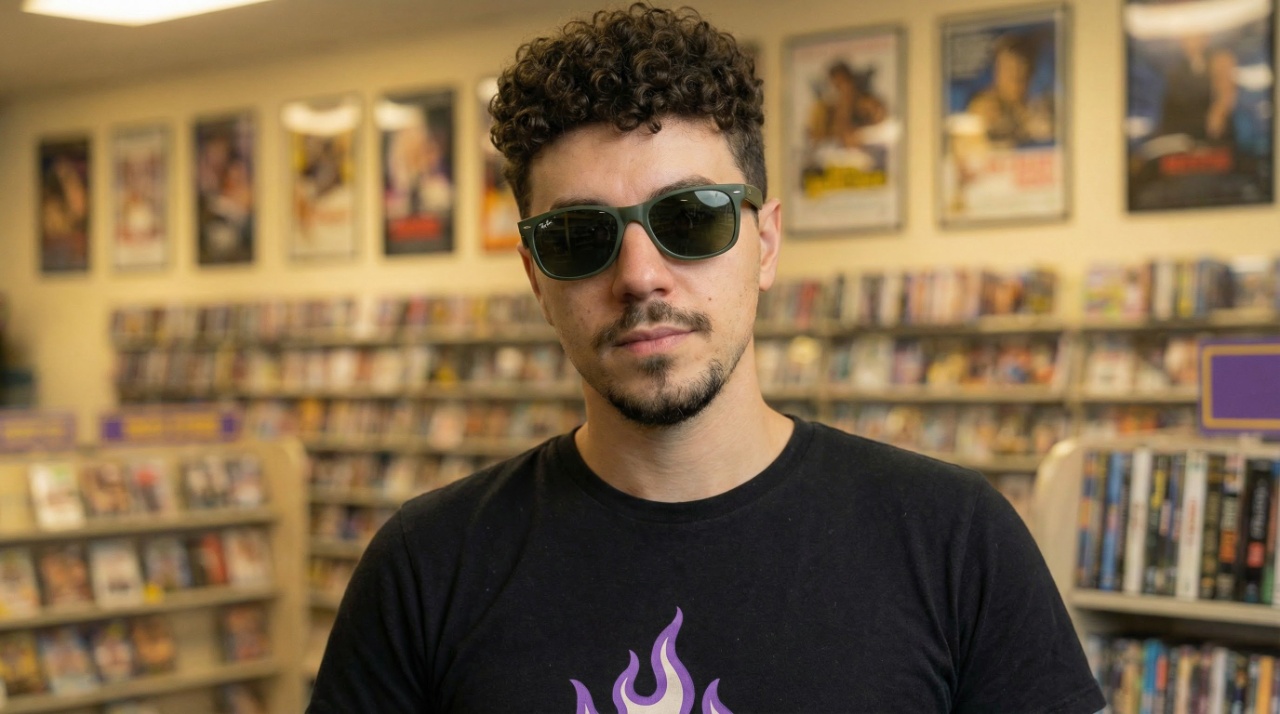
Pucks and Jez are his stoner employees. They have different personalities though. They’re all stoners, but Pucks is a bad employee who doesn’t know shit about the store except for the actual movies, while Jez actually does all the work organizing the shelves and all that stuff.
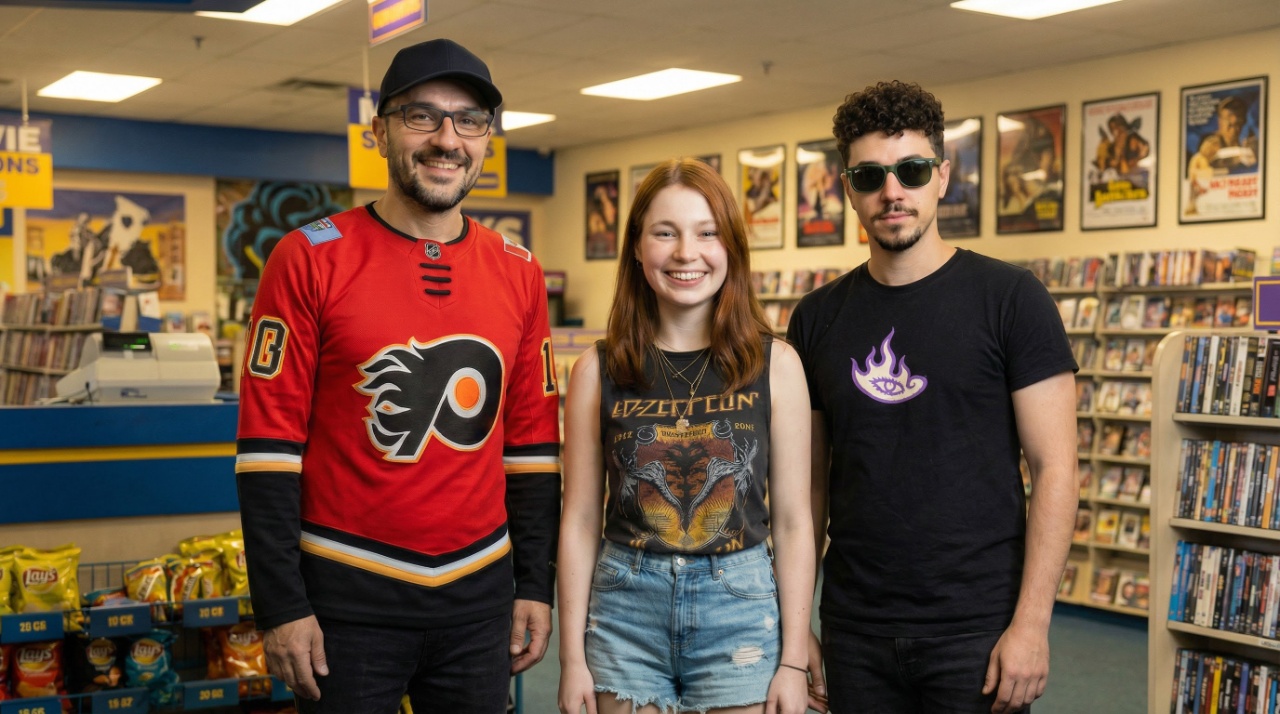
Multi-Character Video Generation
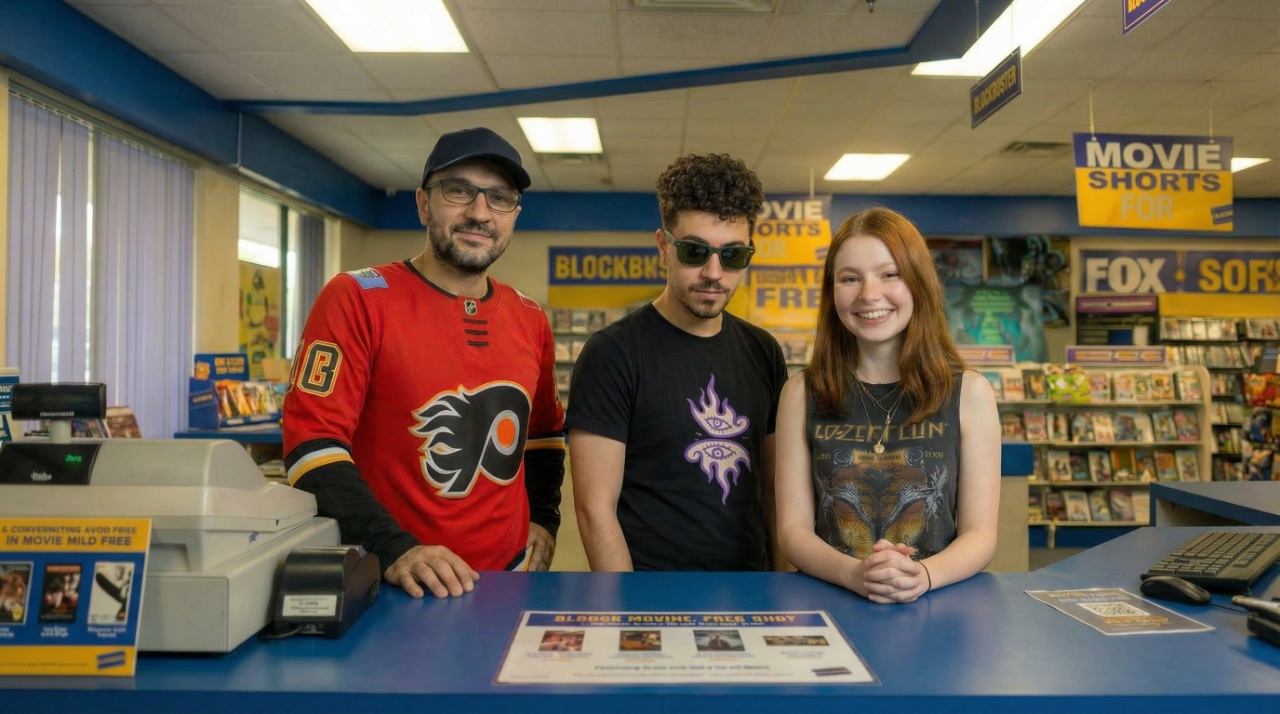
I would give Nano Banana those ingredients to generate the first frame – one of the background images plus the headshots of the various characters. This is one of the multi-character first frames used in the introduction segment where they stand in front of the camera and talk about what’s in the episode:
When it’s a multi-character shot, it’s more complex because I have to tell the AI which character is talking. After generating the first frame, I give it a video prompt like “The stoner chick introduces what’s about to happen while the other characters look at her and smile but wait their turn to talk.” This prevents all characters from talking simultaneously, which creates a weird synchronized effect.
The Production Process
For talking characters I used Hedra, and for the intro I used Grok because Grok is better at action than talking. To do the intro, I first created four different music tracks on 11 Labs, then created a logo and turned it into a video logo. I generated random scenes of the characters stocking shelves, giving tours, doing paperwork – just random stuff they’d do at the job, then clipped it together manually with music:
Movie Review Segments
Each character has one movie pick per episode. To generate the first frame, I gave it the aisle background, the actor, and a VHS case picture, telling it the character is holding the DVD standing in the aisle giving a movie review:
To make things more interesting, I generated multiple takes of the same audio lines so I could clip them together mid-sentence. Instead of characters standing there like drones saying entire lines while looking at the camera, I edit it so while she’s talking it clips to close-ups:
Same deal with Pucks and his movie review:
The Challenges
Because I was generating alternate camera angles using just prompts, I couldn’t tell it specifically what I wanted the camera angle to be or where actors should be standing. The success rate was maybe 60% – meaning I had to throw away 40% of generated content. When I’d ask for a close-up of Gnarly in a group shot, it would make the other actors disappear, then I’d have to re-prompt multiple times.
The whole process took about 6 hours, including all the setup work. Future episodes would be faster since the foundation is established, but the generation miss rate is still frustrating.
The Final Product
It all came together in the end. Here’s the outro where they wrap up the show, which I clipped together with Grok animations of them walking away and outside shots, all with an 11 Labs soundtrack:
You can watch this episode on Schmotime.com/video-rewind or check it out on the Schmotime YouTube at youtube.com/@schmotime.
What’s Next?
I’m not sure what the future holds for this show. It might turn into a 3D show, or I might do more video generation episodes but use the other method from the 420 special and American Politics Gnarly Farms episode – taking screenshots in Anarchy Arcade for first frames. That gives me much more control over camera positioning and actor placement than just prompting.
That’s it for today. I’ll see you next time with details on a different project I’m working on. Peace out!