Today I dove into the massive arcade space that houses all the pets – what we call the Pet Slash Garage Sale server. This is where all the rigged and ready-to-go pet avatars live, and I needed to spawn the remaining avatars that weren’t already placed in the world.
While working on this, I also tested out one of the cooler features of AArcade – the ability to drag and drop MDL files directly from Windows Explorer into the virtual world. This only works when you’re dragging from a properly mounted folder, but when it does work, it’s pretty seamless.
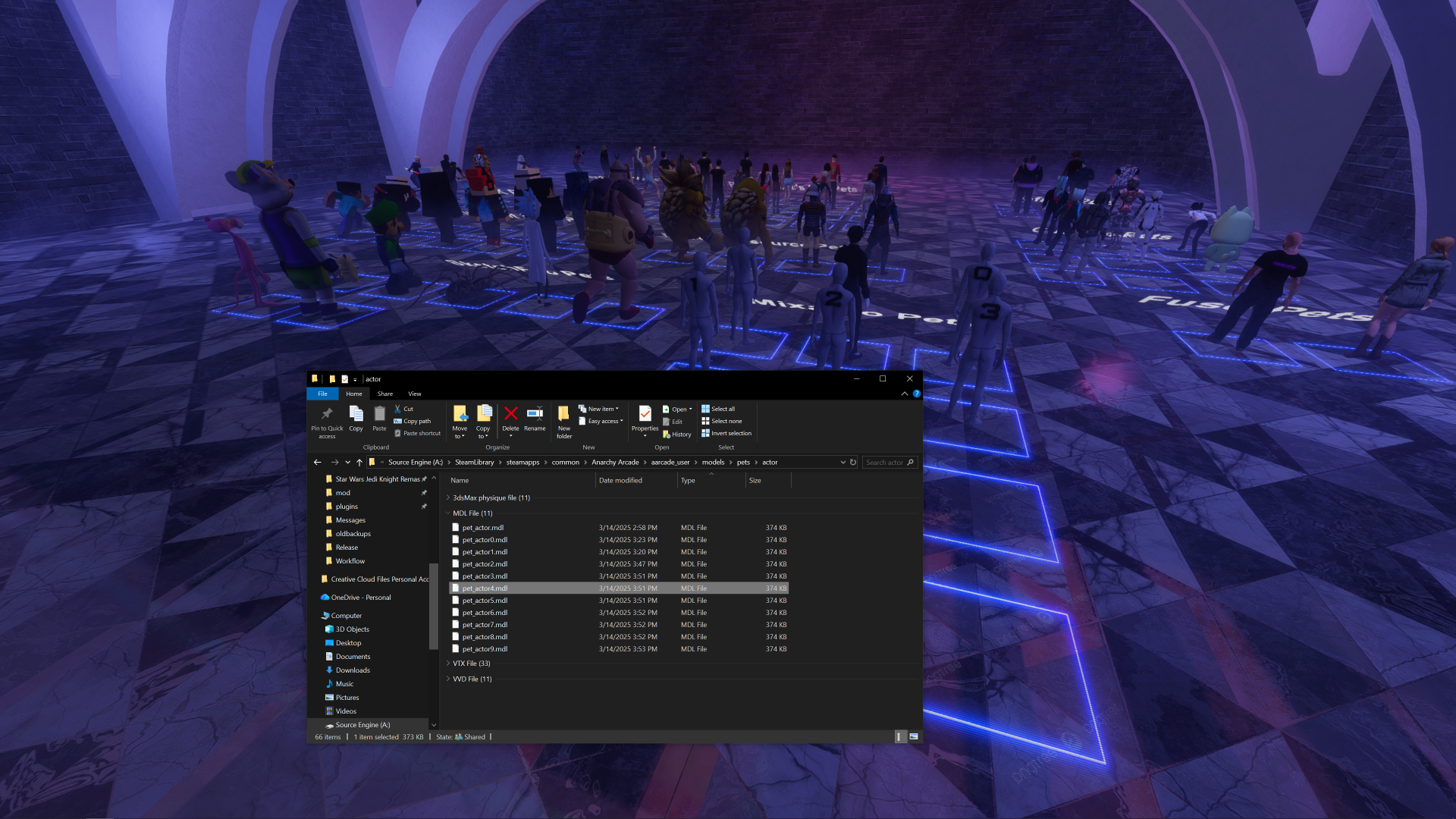
The process is pretty straightforward – you just grab the MDL files from your file explorer and drop them into the world, and they spawn exactly where you want them.
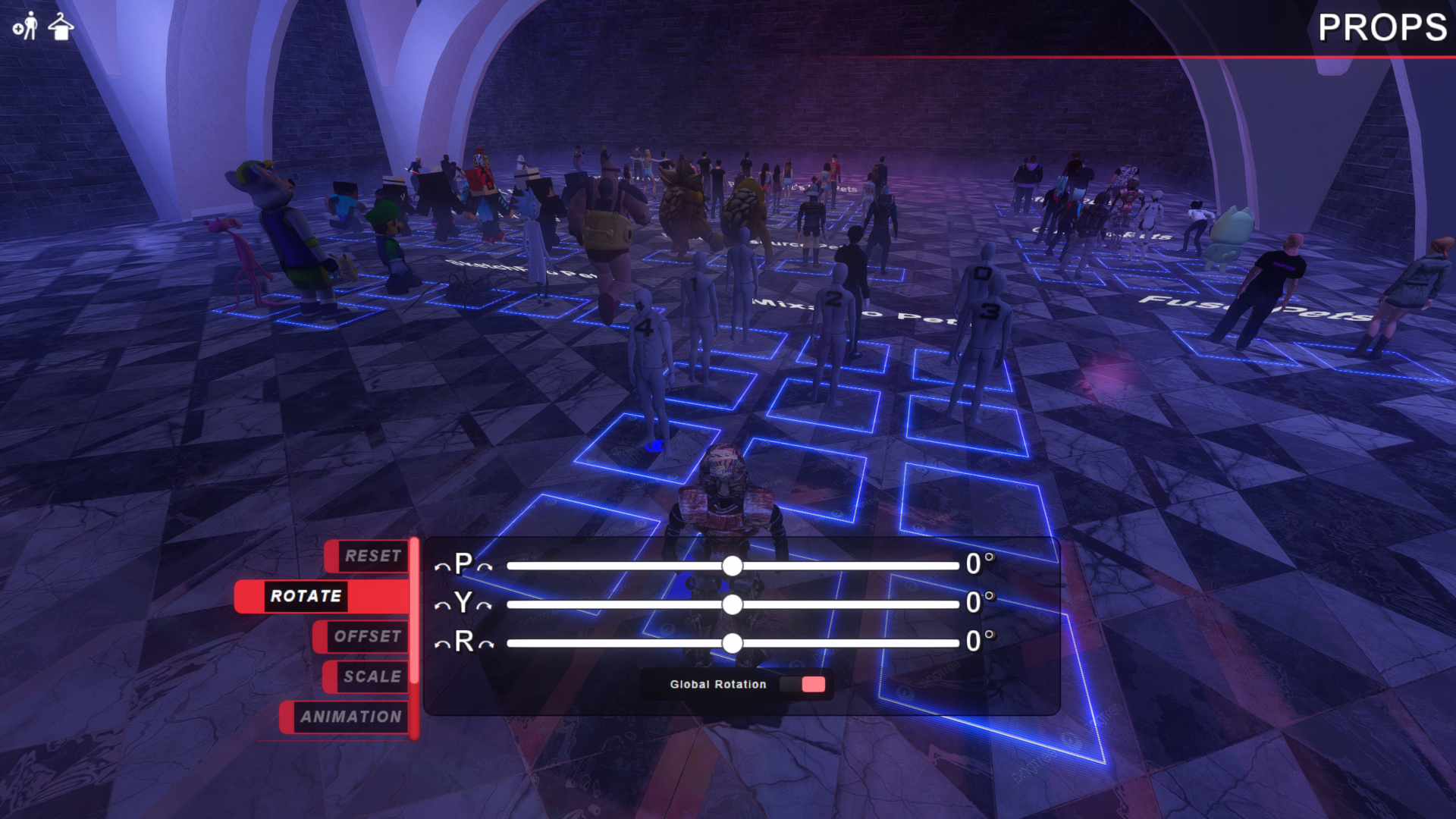
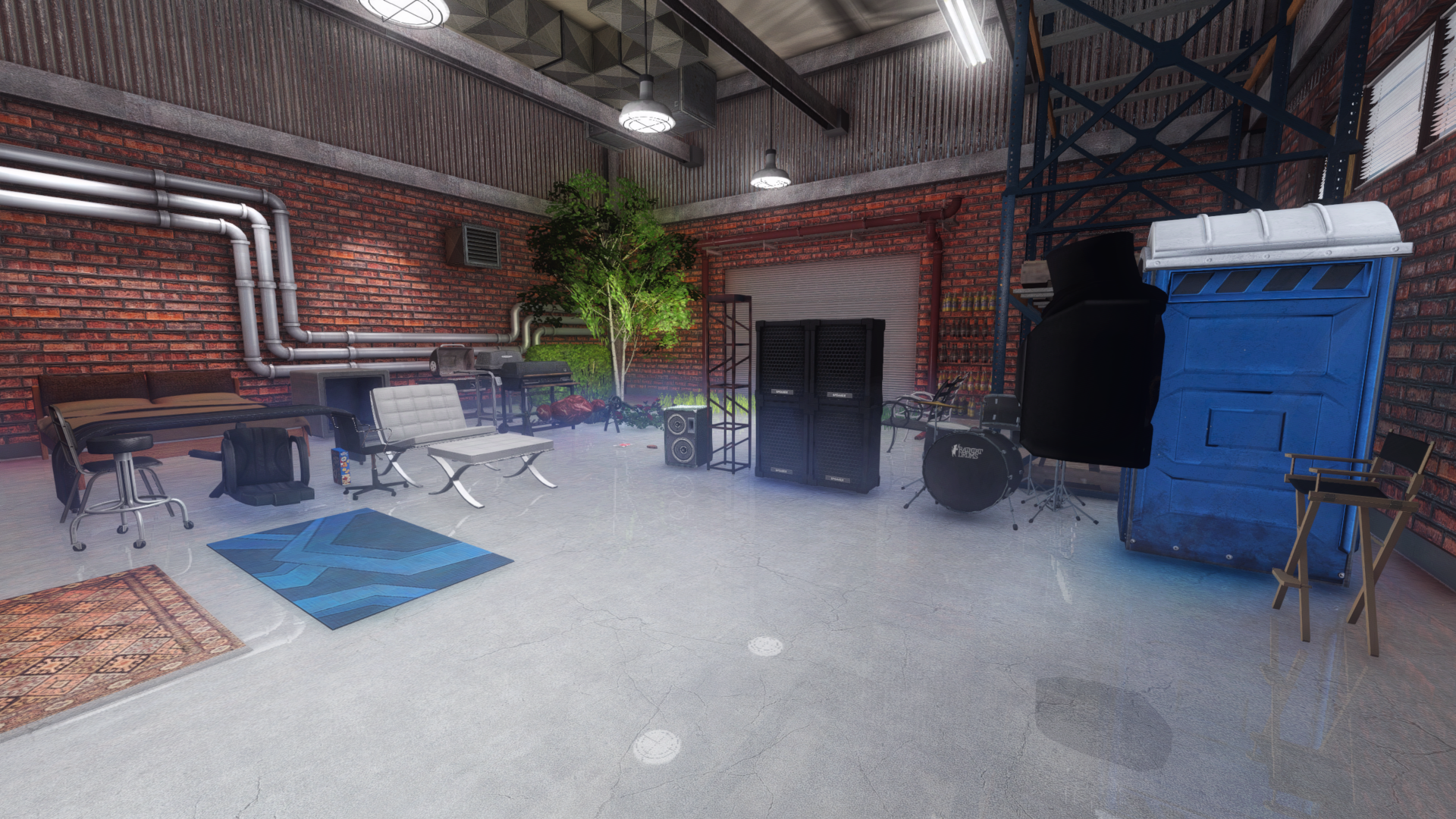
It’s always satisfying to see the system working smoothly, especially when other users can jump in and interact with the content. Rick Sanchez joined the world later and started exploring the garage sale area, picking up some of the items we had placed.
These little workflow improvements make content creation so much faster. Being able to drag and drop assets directly from the file system into the virtual world eliminates several steps and makes the whole process more intuitive for content creators.