What’s up everybody, It’s Sith Lord here. I’ve got a few things to catch you guys up on because I haven’t posted a blog in a while, but we’re going to take it one thing at a time. This blog post is going to be all about the blockbuster map that I made last week, and then I’ll make a blog post tomorrow that’ll cover some of the other things that I’ve been doing.
Humble Beginnings
This is how the map started off, though it started off very crappy. Like umm, I just made some shelves. These are the kind of shelves that I was used to seeing in Blockbuster. Some people might know the more recent Blockbuster shelves that had DVDs on them and were much skinnier. This is the one that I went with because this is the one I remember.
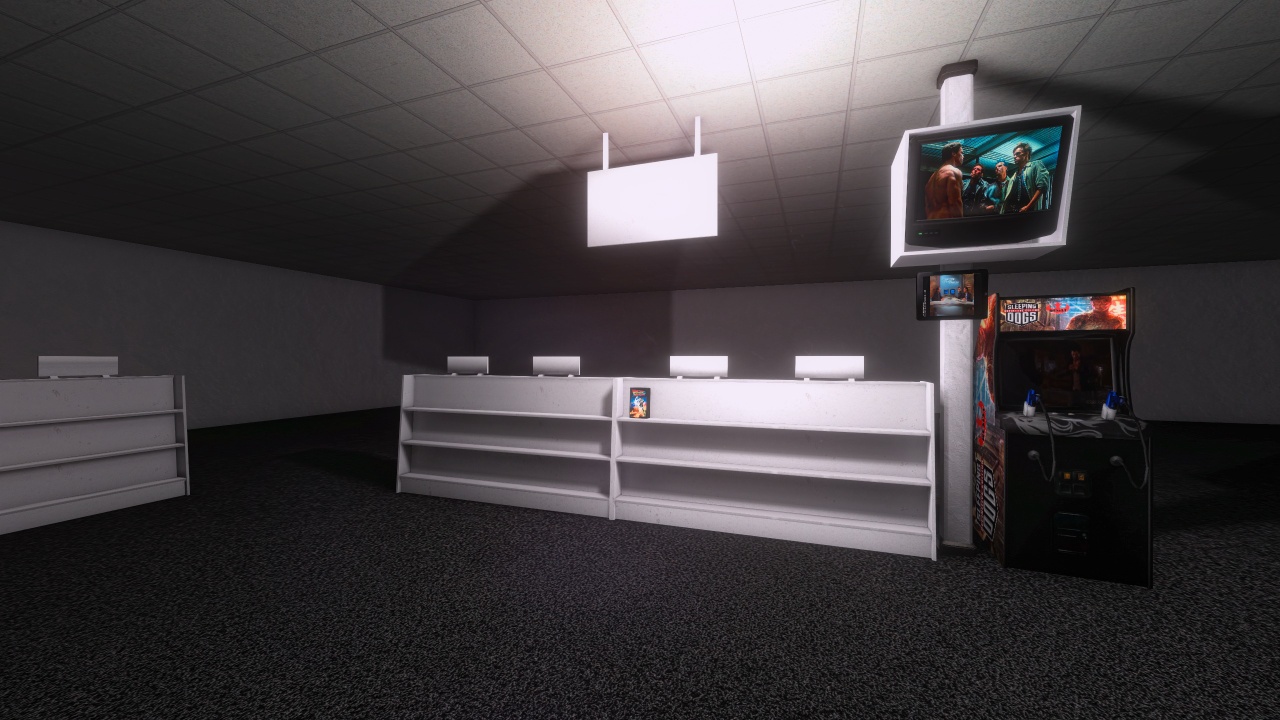
After I made this shelf in this room and this screenshot, I just stopped using Hammer because I was so discouraged and I hung out in the VR Chat 77077 arcade, where they also have a Blockbuster if you go outside around the corner. Their blockbuster’s really, really good. ODA King created that one, and that happens to be the same guy who’s the anime animator that made that Star Wars short.
Adding Detail with AI-Generated Textures
Here I started adding some more shelves to it. I generated a couple things using AI, like that rug down there on the bottom that’s partly generated by AI. It generated the diffuse texture of the carpet with the logo on it and the rubber ribbon around it. However, it didn’t look good in the game because it needed to have like a normal map and stuff.
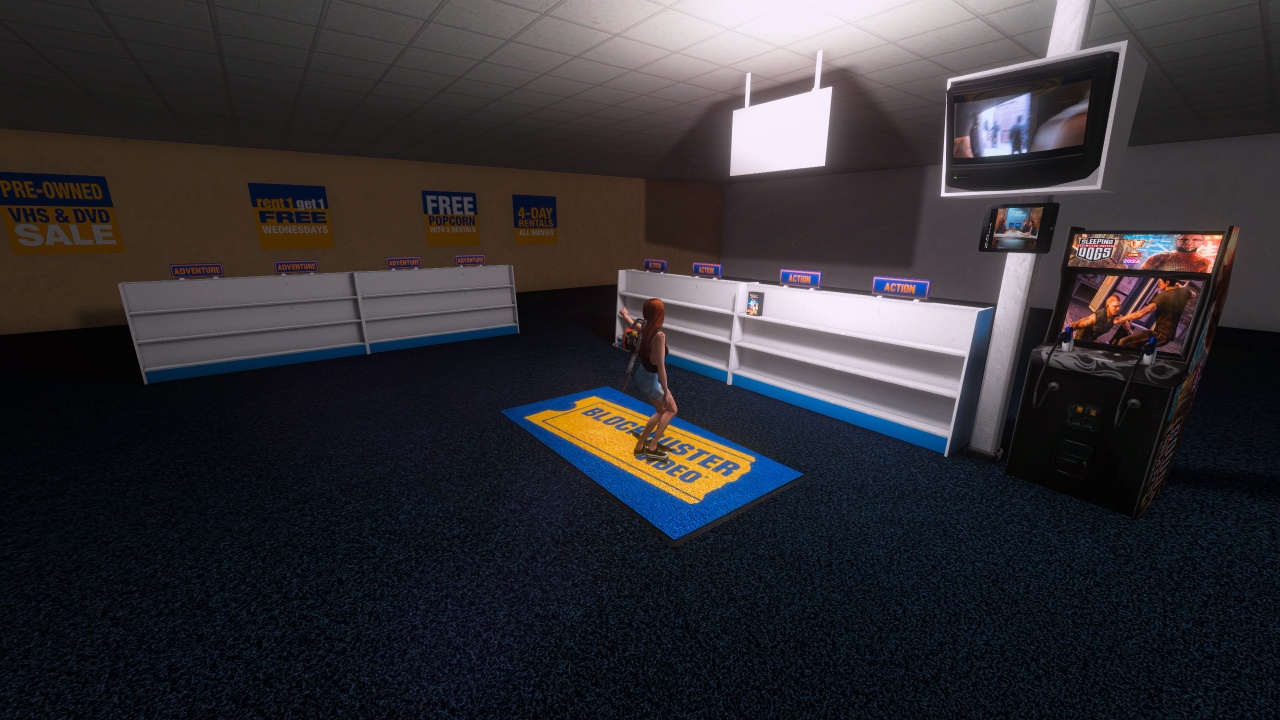
What I ended up doing was I had the AI remove the logo and then I just sent the texture of just the carpet with the rubber around it to an automatic normal map generator. Also, those posters on the back, I had a reference picture from an actual Blockbuster. What I did was I gave that photo to Nano Banana Pro and it ripped out that design from the photograph and turned it into a texture.
Managing Entity Limits
OK, so then I had to do a little bit of math because the limit for dynamic entities in any Source engine map is 2048, and every object that you spawn in game in Anarchy Arcade, like if you’re spawning a movie or a game, that’s one object. So I had to be sure that I was going to be able to fill up these racks without going over 2048.
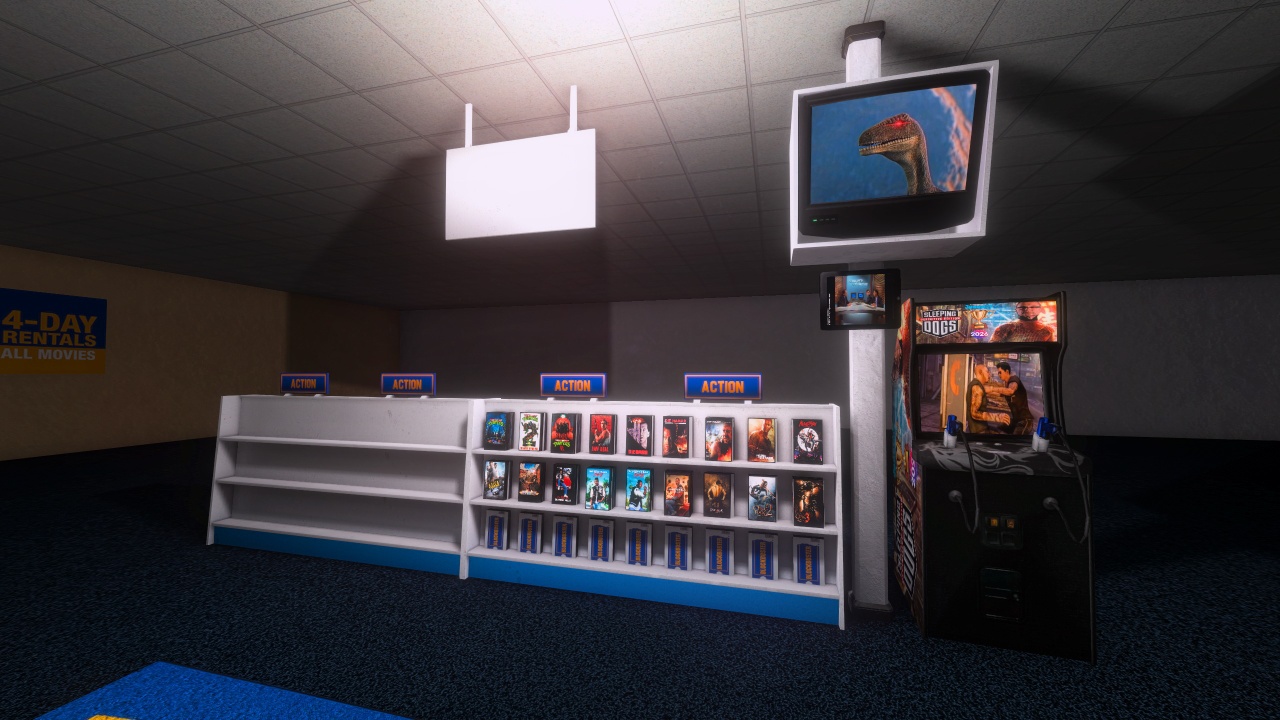
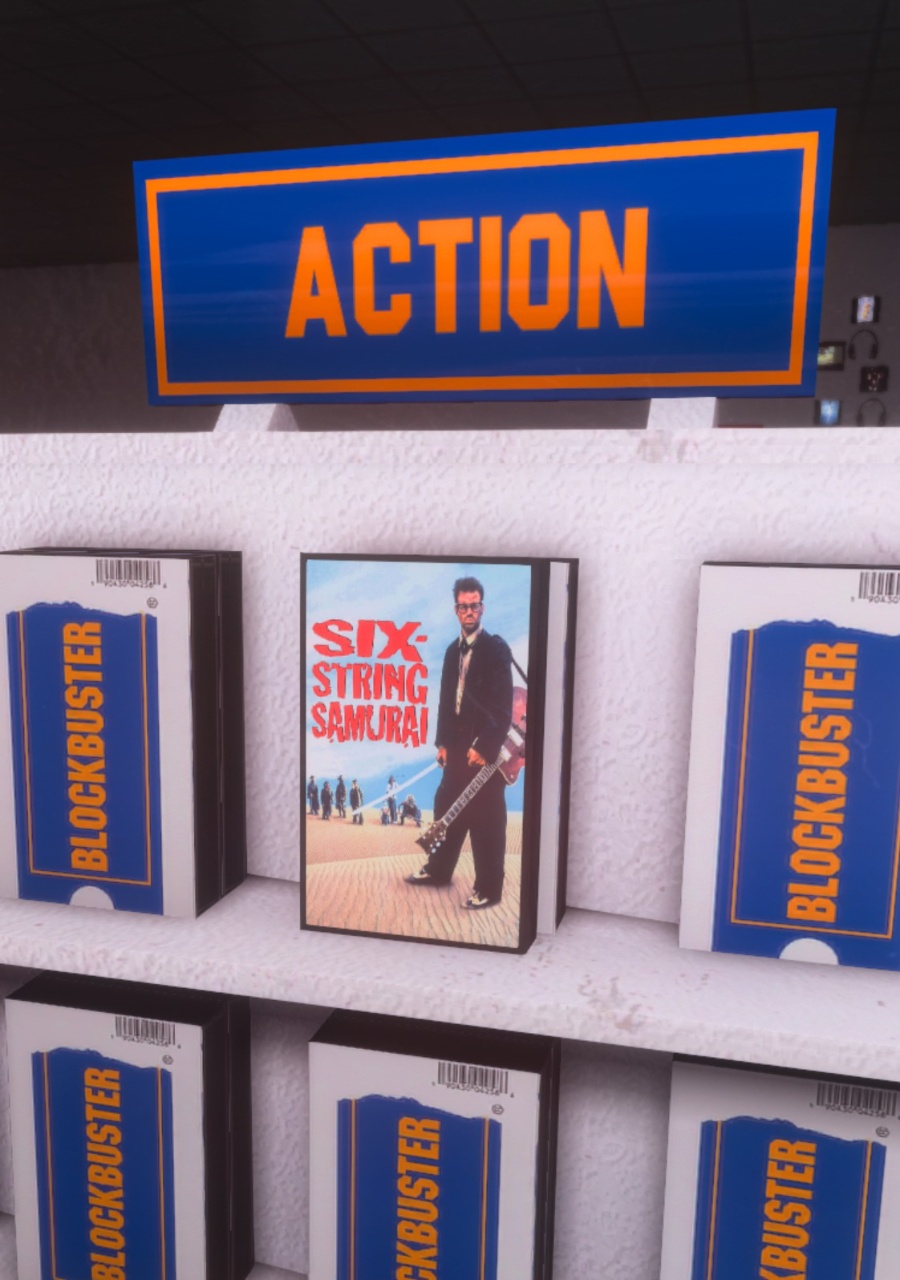
The Blockbuster VHS that are down there, like the actual ones that say Blockbuster on them, that have the actual tape in them – those are not props. Those are just func_details that I made in Hammer and slapped them in there. And then I go in and I spawn the actual VHS cover in front of it, just like a real blockbuster was.
Filling the Action Section
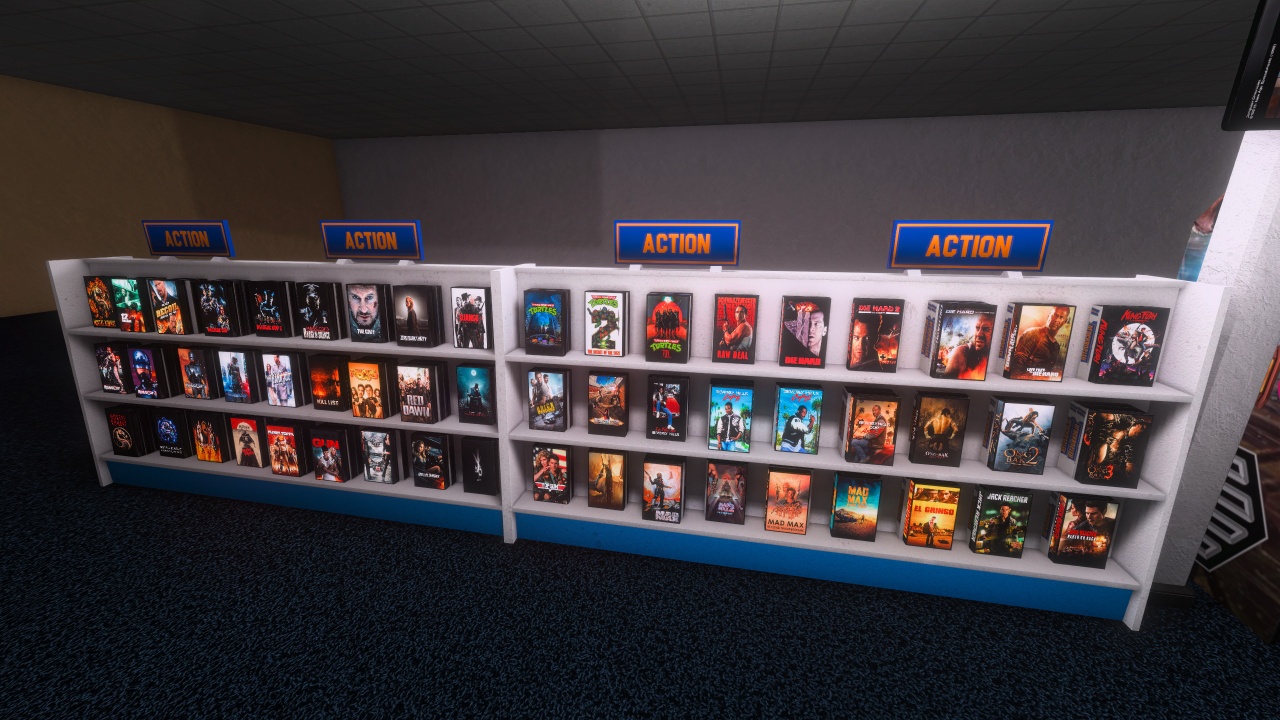
Then I wanted to see what a full shelf would look like, so I started on the action section here, and I just spawned a bunch of action movies over these two shelves. You see the genre tags on the top there. Those I made in Photo Impact. It’s like Photoshop. I downloaded a Blockbuster font that let me make words that looked like they were written in the right font.
Creating the 3D Blockbuster Sign
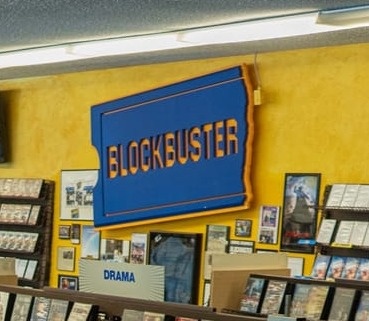
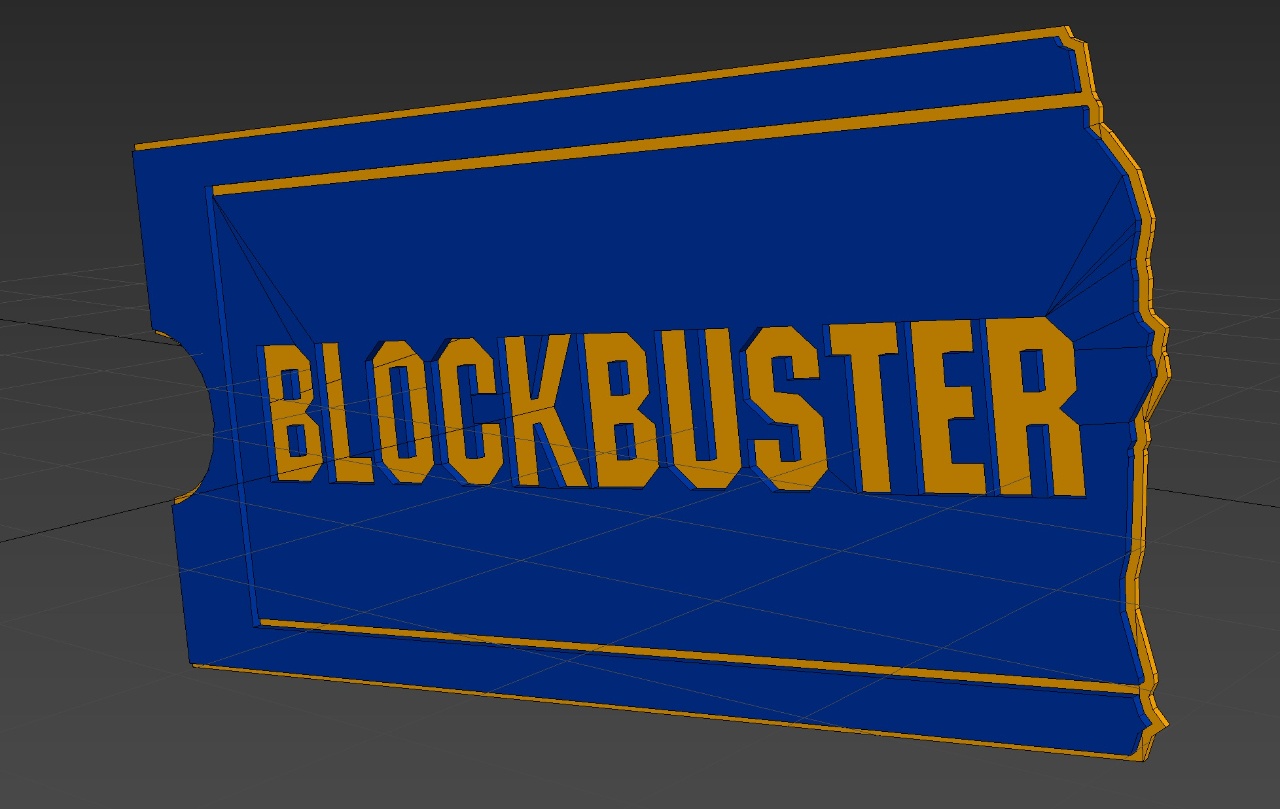
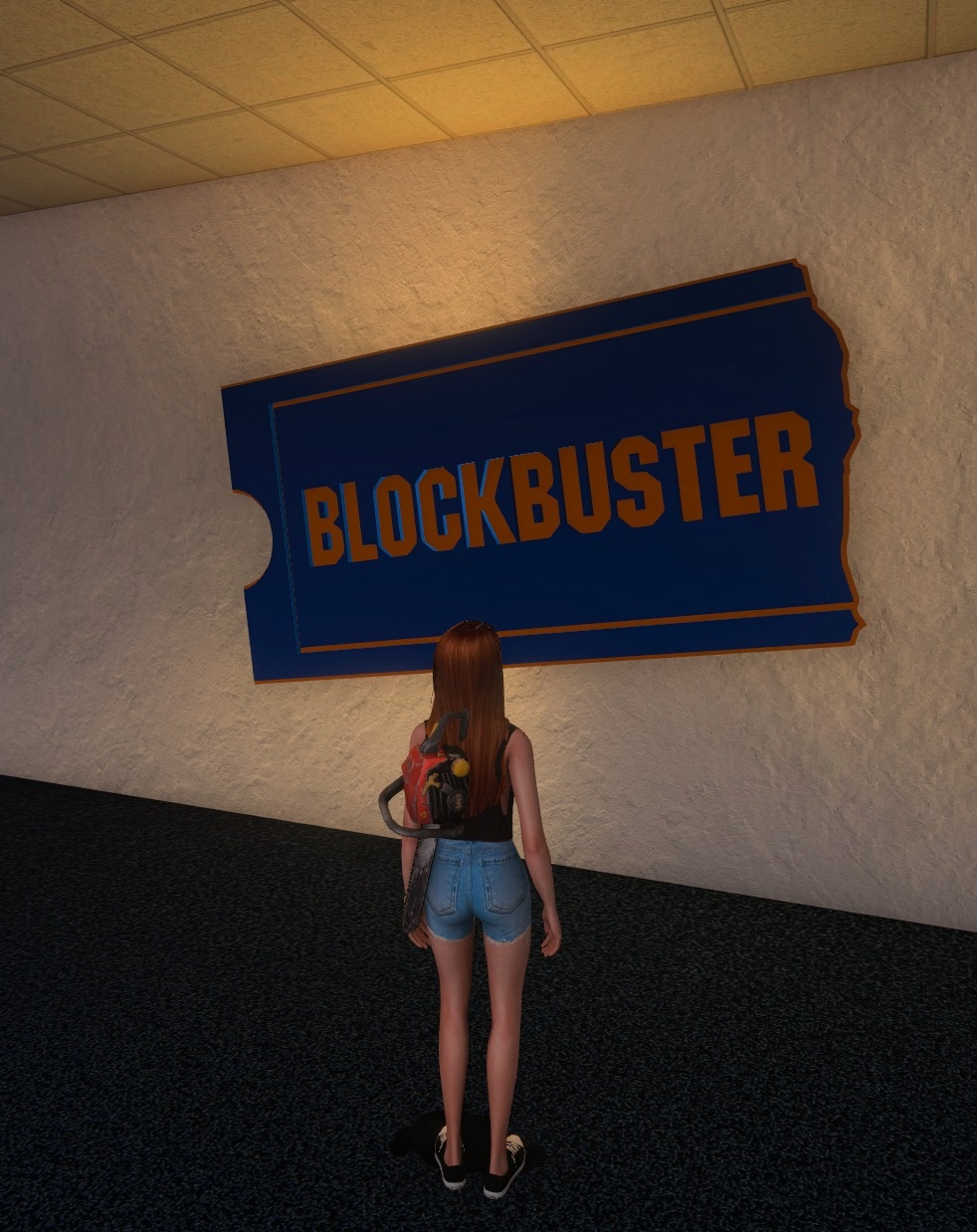
So then I started making some props. I wanted to make some props and there was this blockbuster sign in a lot of the reference images. It looks like it was a light in some cases, this 3D version of their logo there. I did not want to open up 3DS Max at this point and model anything, so I asked the M3 discord if anybody could convert one of the logo PNGs into a 3D model for me.
Sola was able to do that. They turned it into a 3D model using an auto converter and sent me the GLB. It worked, however it was ridiculously high poly so I ended up opening it up in 3DS Max anyways and spending like minutes manually deleting vertices from the layers and rebuilding some of the polygons until it was really low poly.
Building the Sci-Fi Section
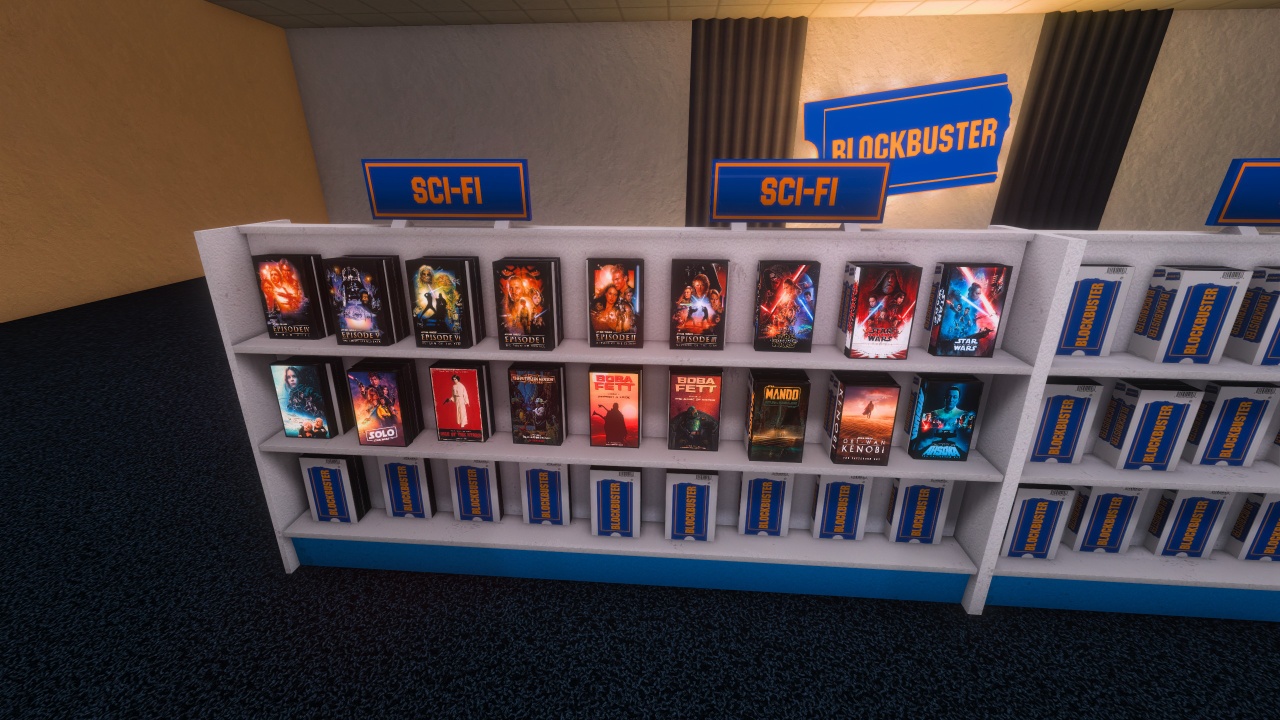
After that, I kind of went back into media mode instead of doing level design, and I started filling up my sci-fi shelf here. This has every Star Wars movie in it. Well, the main ones. It has the prequel movies, the sequel movies, plus Solo and Rogue One. And then it’s got the holiday specials on there too, but then it also has the fan edits where they turn like the Boba Fett show into a 2 hour movie.
Inspiration from VRChat
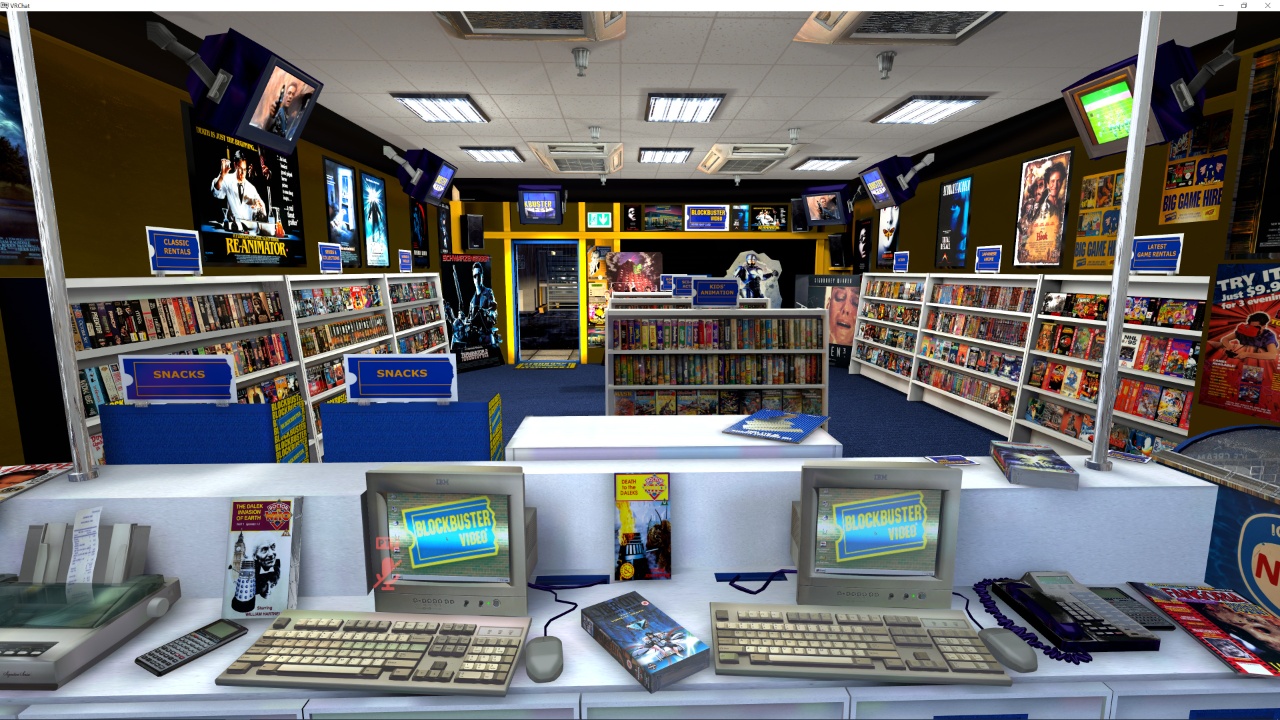
And then I went back into VR Chat and hung out in 77077’s blockbuster some more. And this one shows what it’s like standing behind the counter at that blockbuster. He’s got all kinds of cool stuff in there, including those layered posters on the far wall – layered movie stands that they have in movie theaters and they had some blockbusters and those are really freaking cool.
Creating Layered Movie Displays
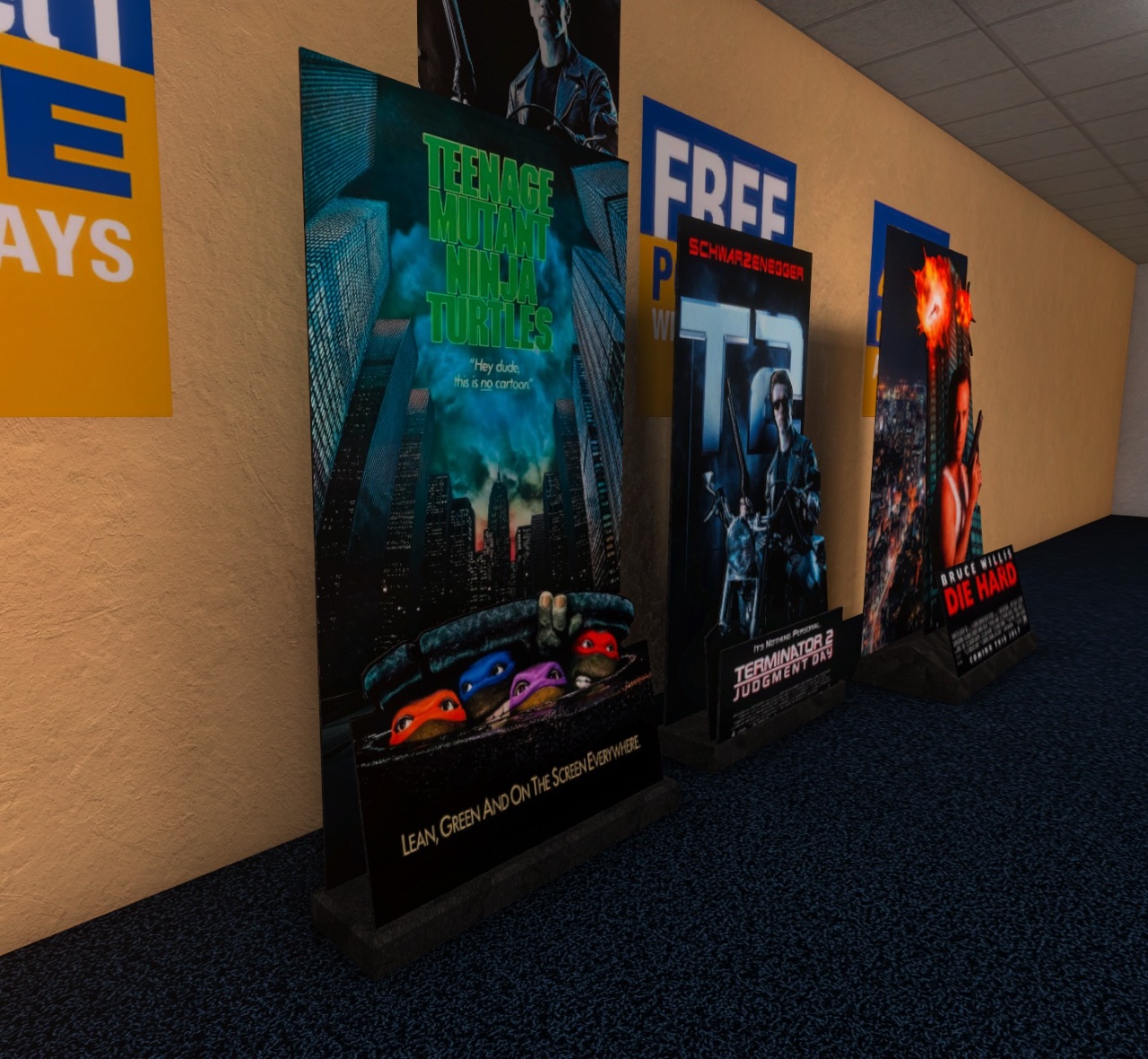
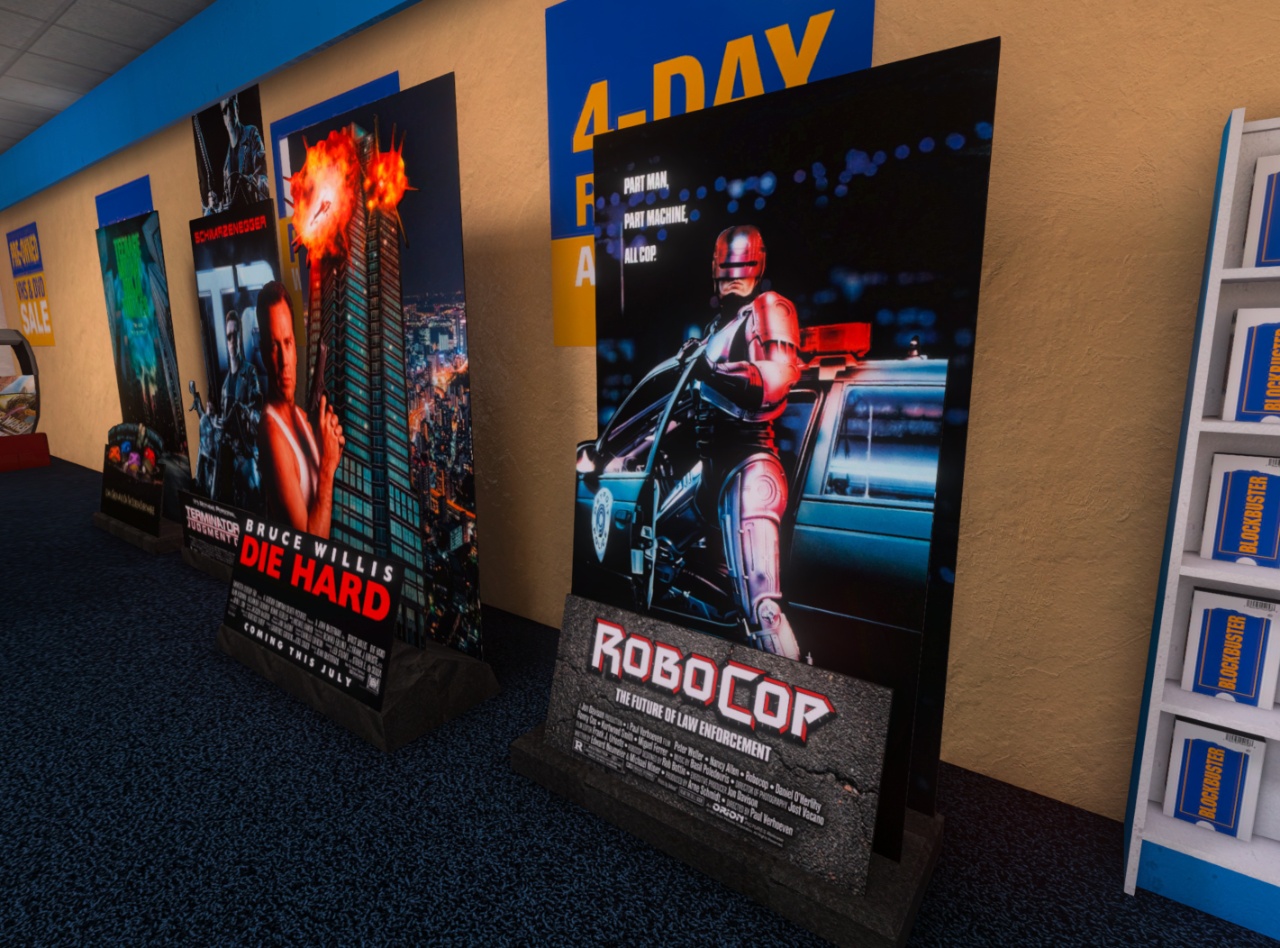
Here was the first one that I made, it was Die Hard. I think 77077 has this in his arcade too. I took the movie poster from Die Hard, then I ran it through nano banana to separate the layers like I had it remove the background so it’s just Bruce Willis on a solid black background.
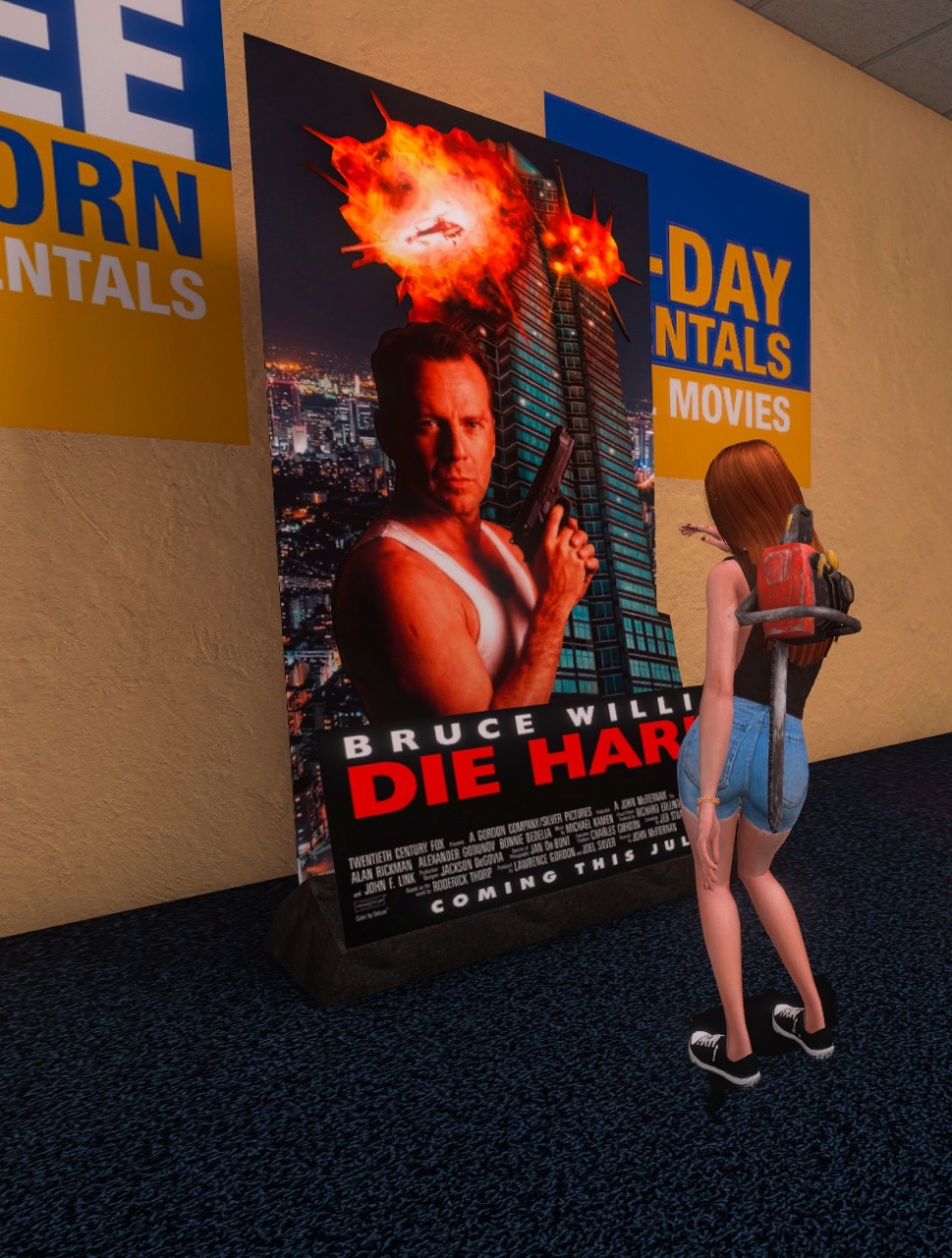
The process was intense: PNG to SVG to DXF to 3DS Max, where I extruded it and put the UV map on it. The result looks like he’s on cardboard with actual depth.
Video Game Section
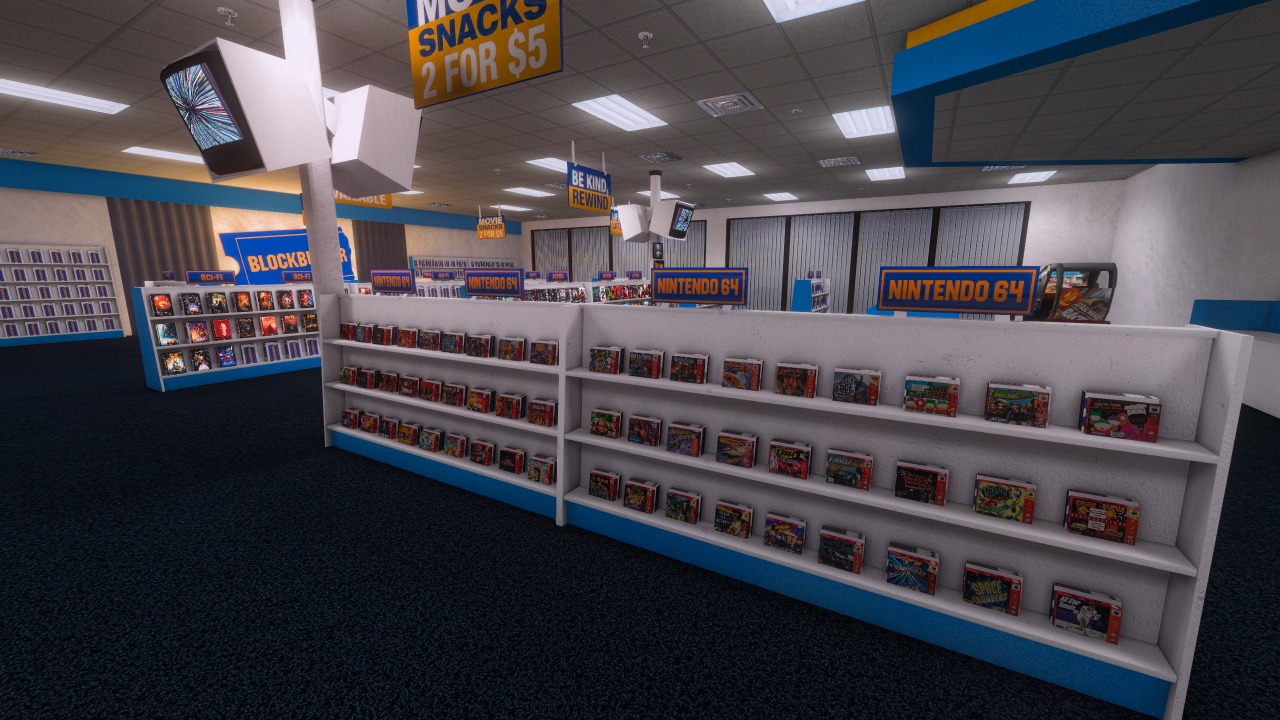
Then I went and started the video game shelf. I wasn’t sure if I was going to even have a video game section in this but I just fell into it and there it is. I started with the N64 section there. I had to make a different size, actual plastic case where the games were and then I just spawned the boxes in front of it.
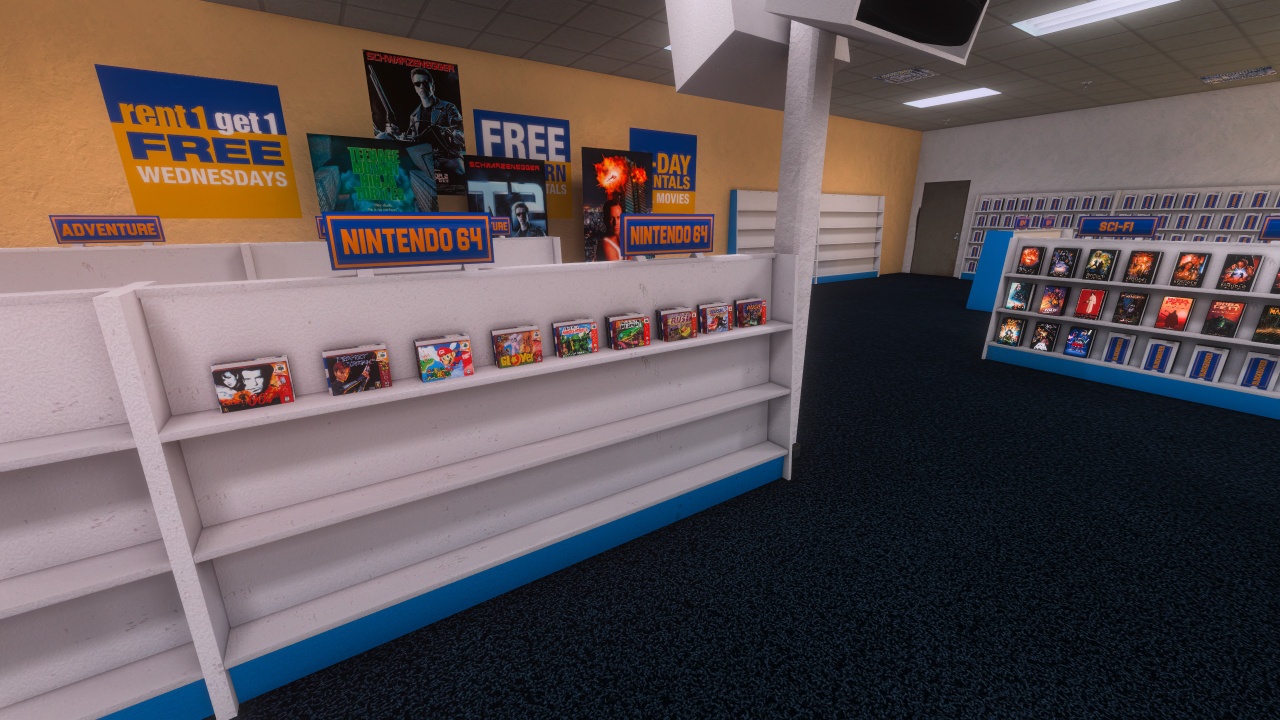
I had to make a special N64 box template because in Anarchy Arcade you only have two image channels – the screenshot and the regular box art. So I made a generic template that had the N64 sides and looked good with the generic box front slapped on it.
AI-Generated VHS Cases
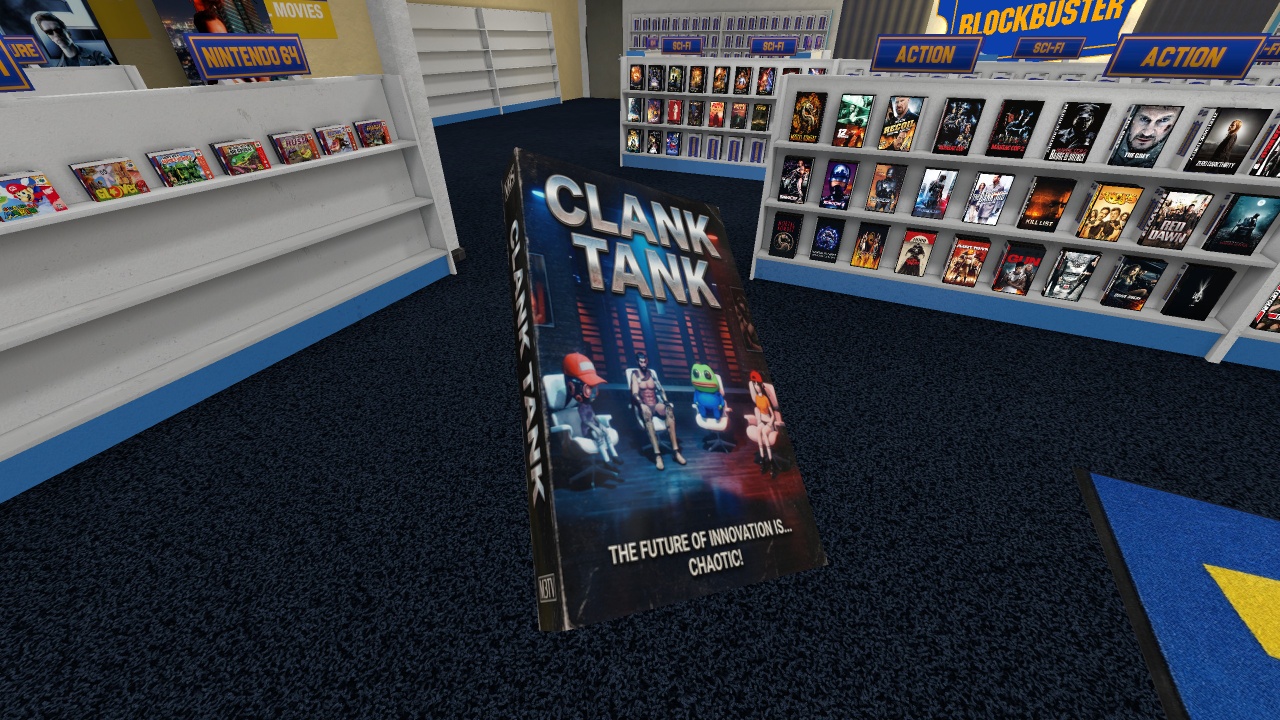
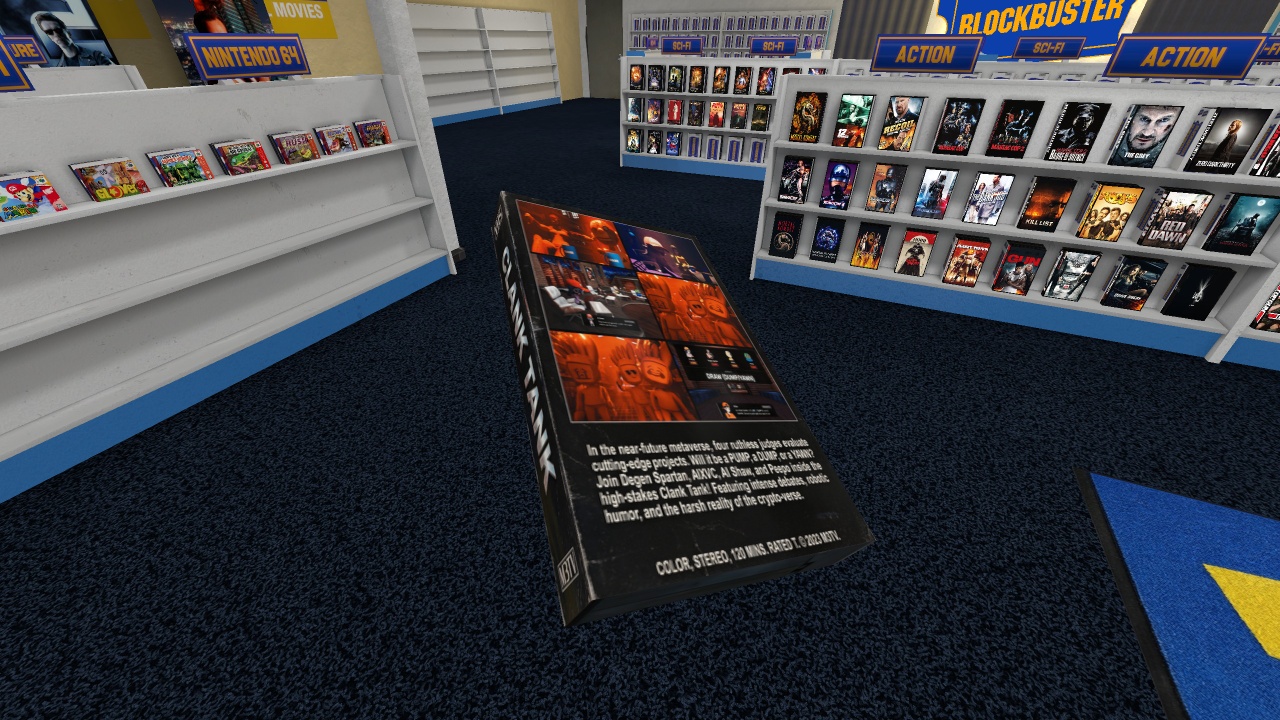
So in the course of posting all this crap into various discords like the Anarchy Arcade discord and the M3 discord, Gin from the M3 discord started making these VHS cases for his AI shows that we make over there. And it turned out freaking awesome. Way better than the posters that we were making before.
Expanding the N64 Collection
Then I went back into N64 section mode and I looked up a couple lists. I looked up the top 10 best N64 games, then I looked up the top 50 best N64 games and those combined, I was able to fill up these shelves with good N64 games.
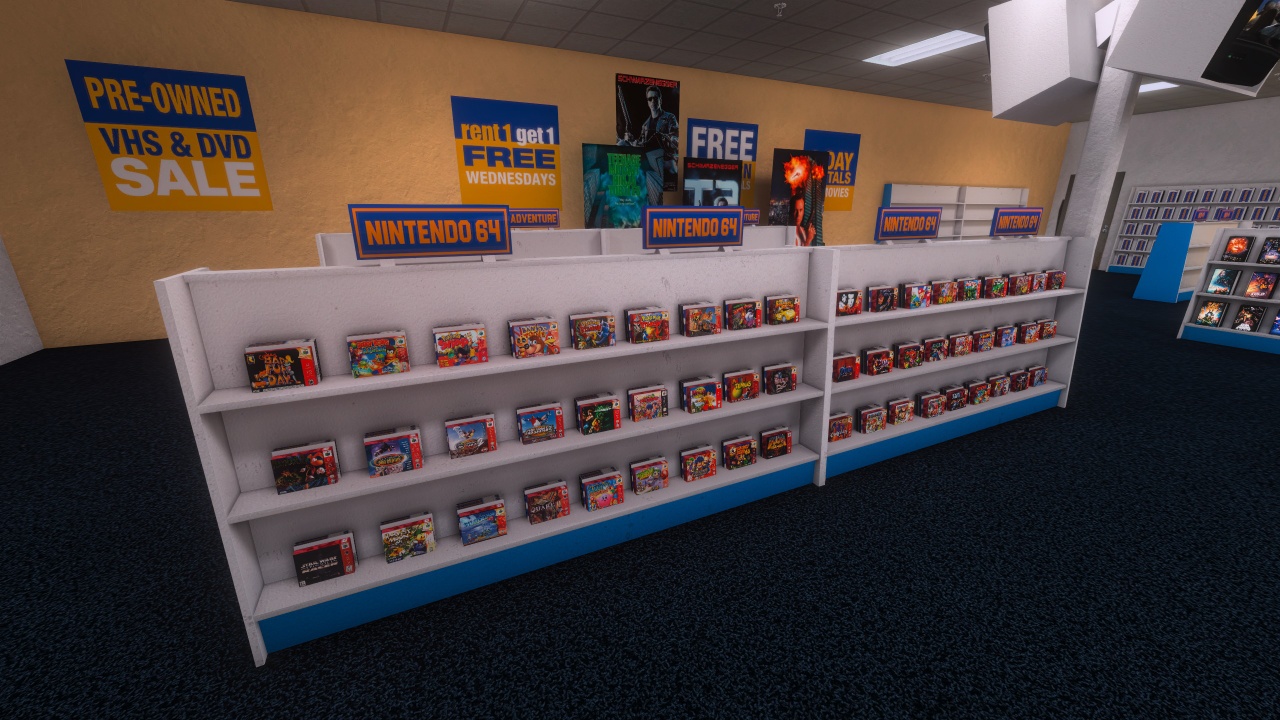
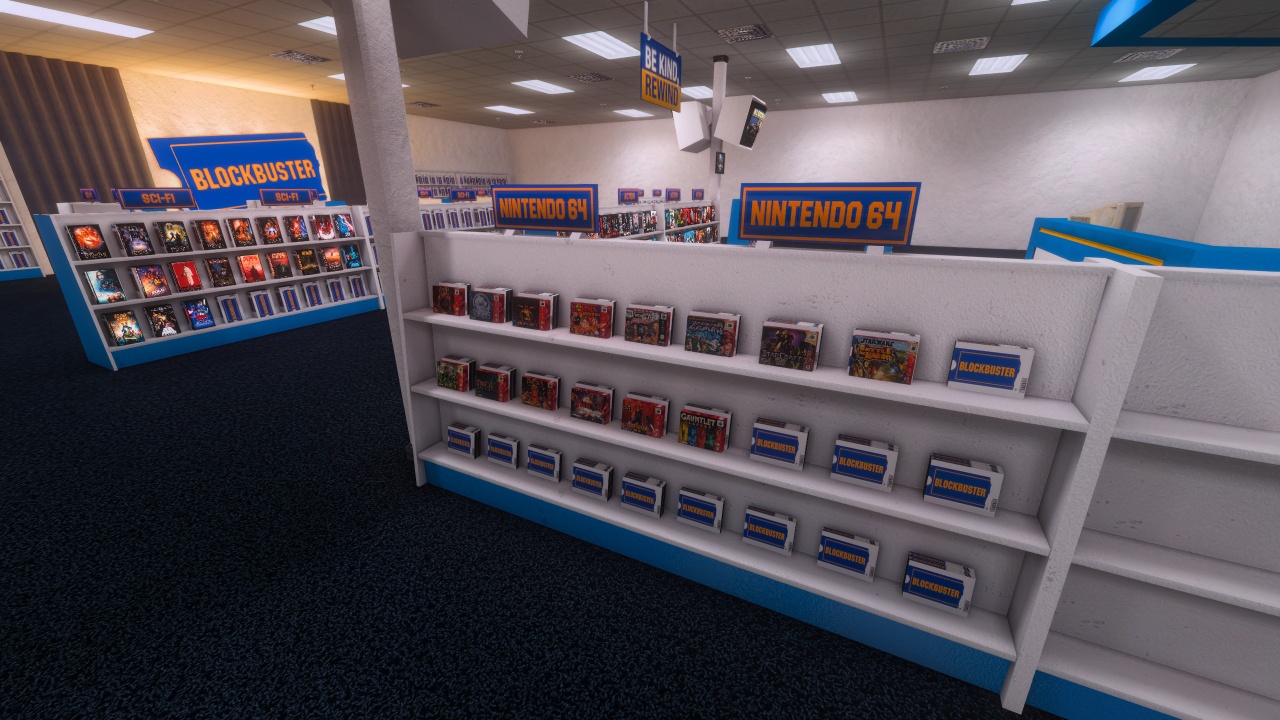
The cool thing about this is in one of the recent Anarchy Arcade updates, the library browser started showing you which media items already exist in your world with a solid white highlight, so I didn’t spawn duplicates.
Store Layout Coming Together
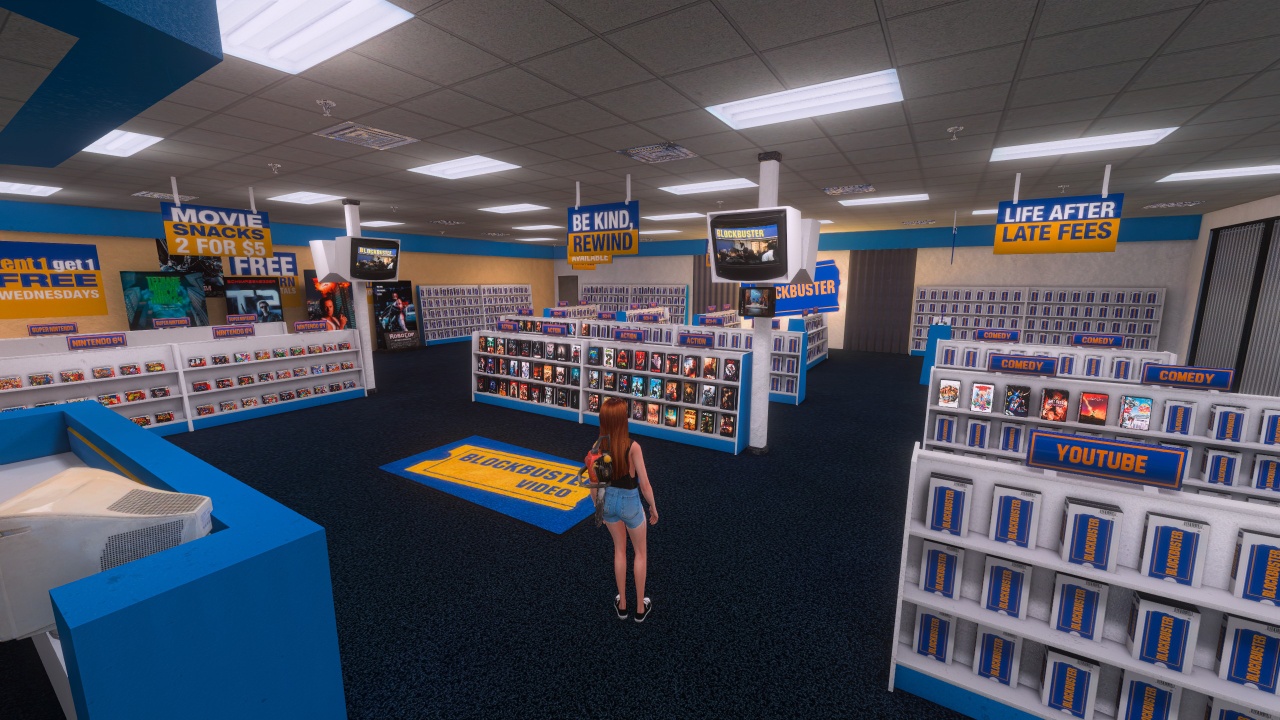
Creating Realistic Candy with AI
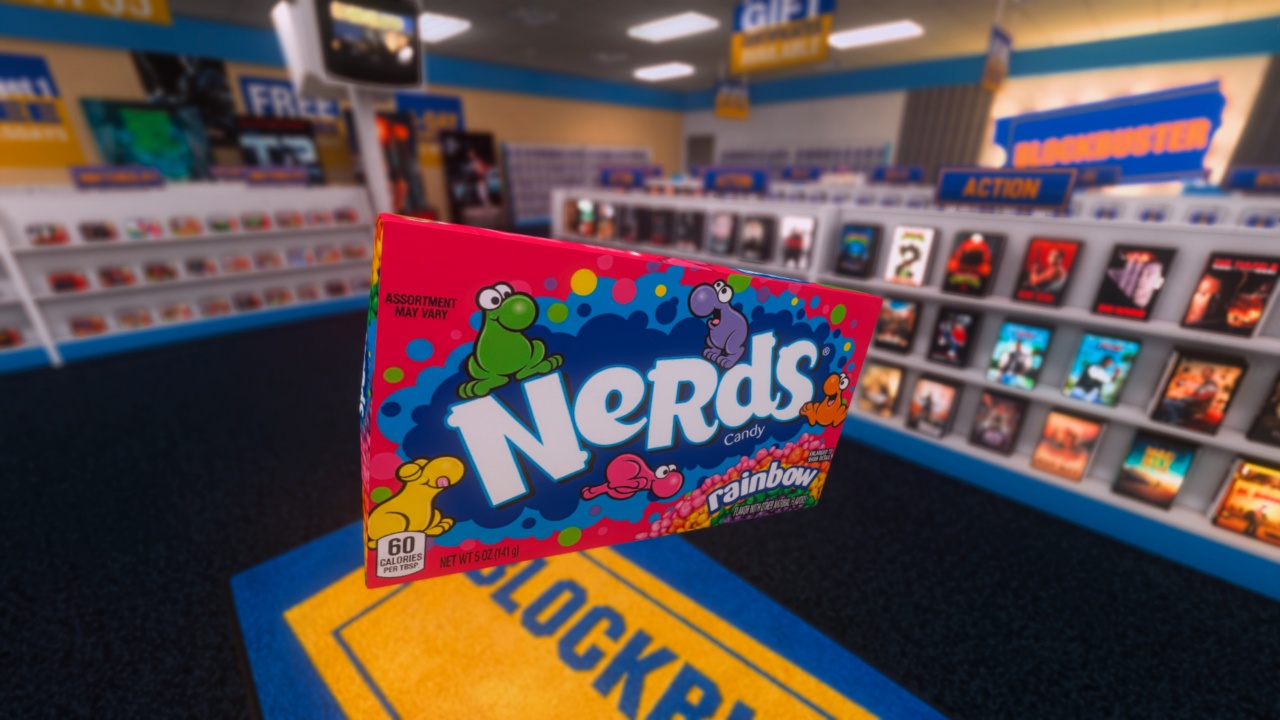
What’s blockbuster without snacks? In all the reference pictures, there was always snacks. I remember snacks in the blockbusters I would go to, so I needed a bunch of snacks. I have a lot of existing snacks in my Anarchy Arcade library, but they’re from other games like GTA and they all have made-up brands. I wanted real candy.
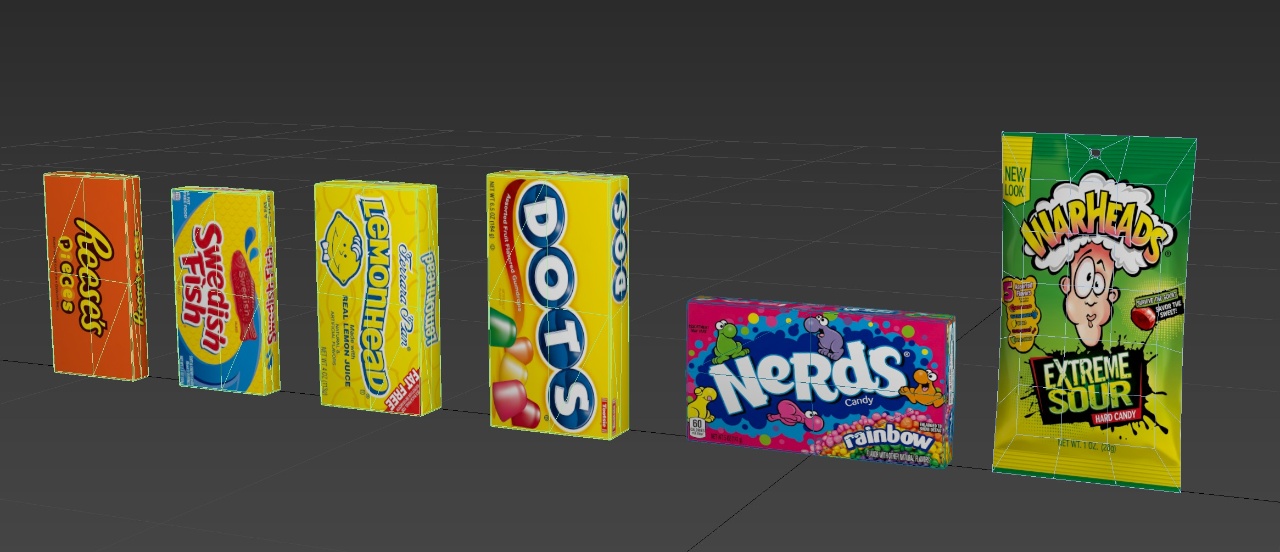
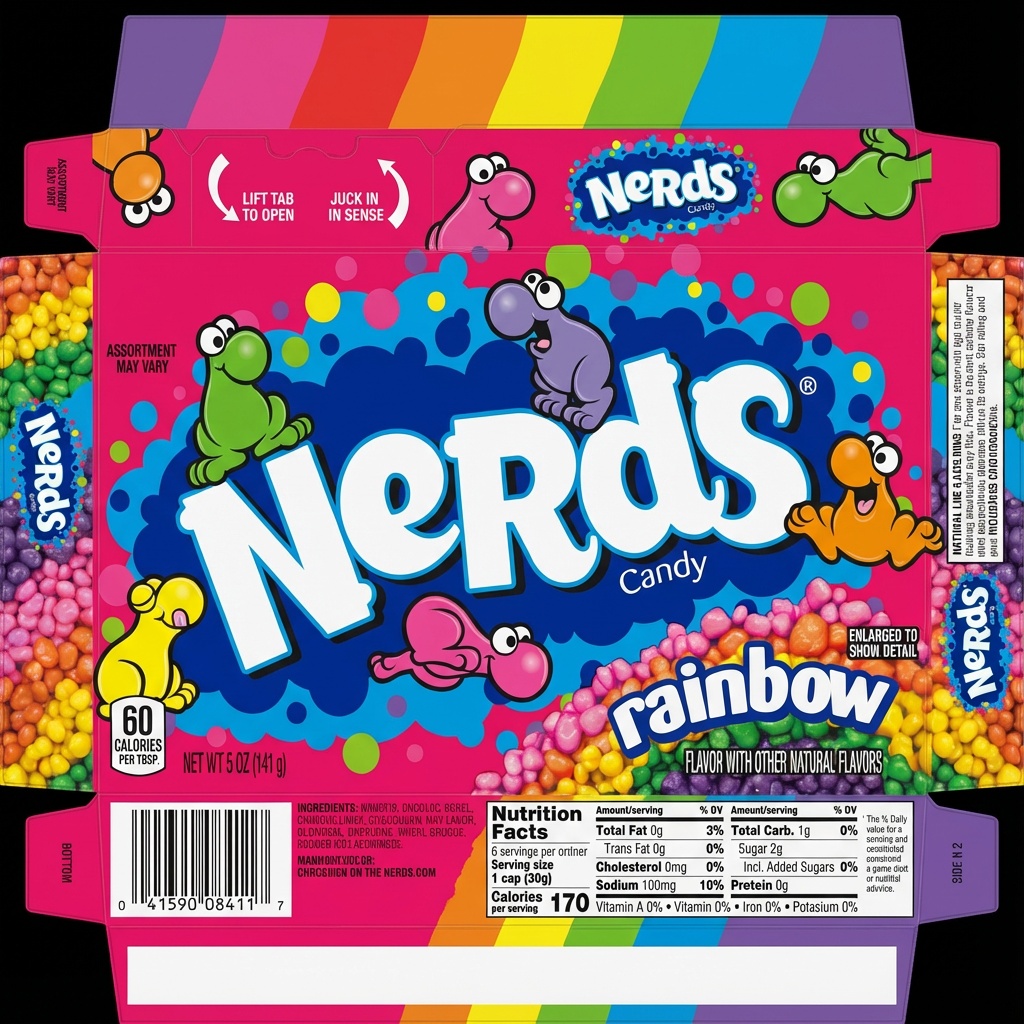
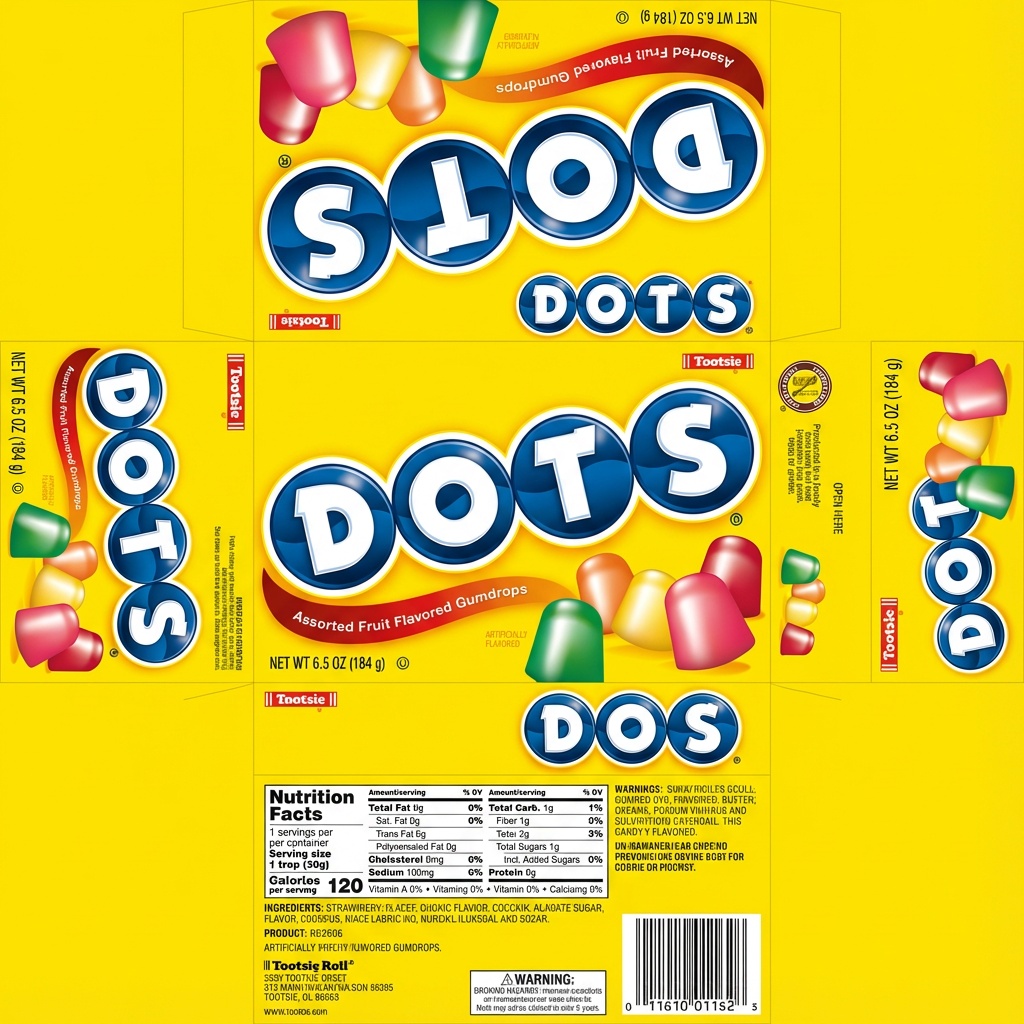
Because of the AI image generation with Nano Banana Pro, it was really easy for me to make UV unwrapped Nerds boxes or Dots boxes. I just give it a reference image and it creates the unwrapped UV sheet.
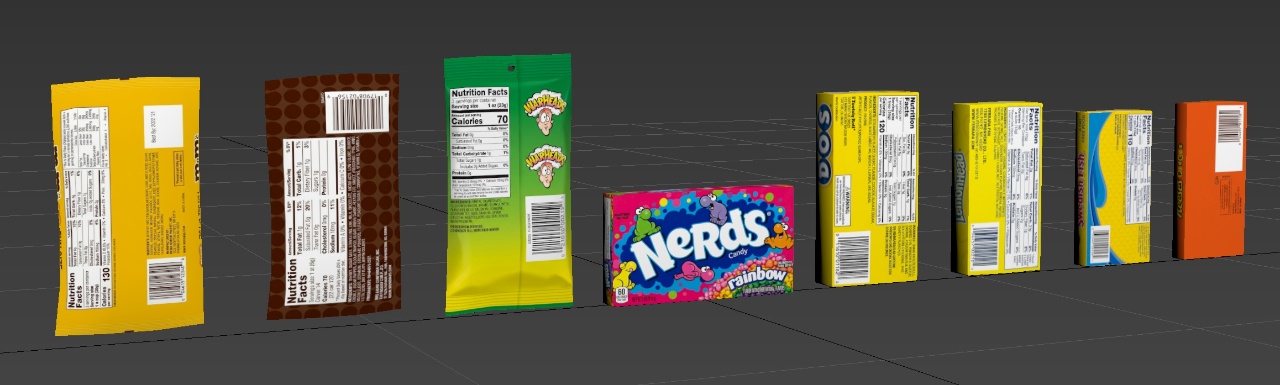
Point-of-Sale Display Boxes
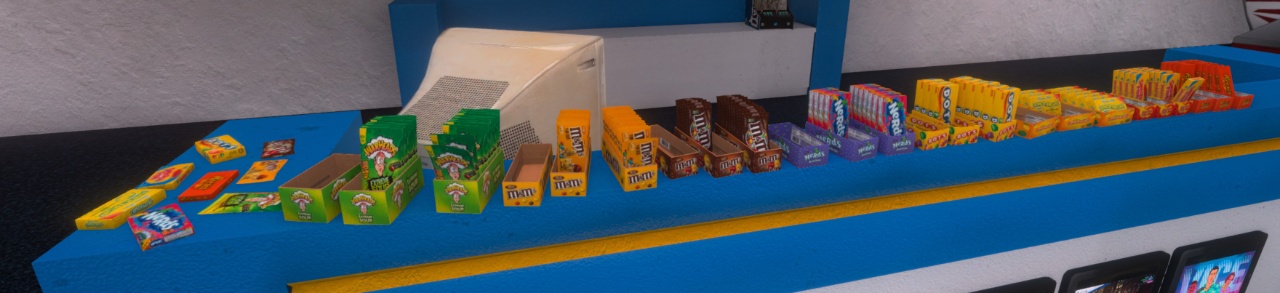
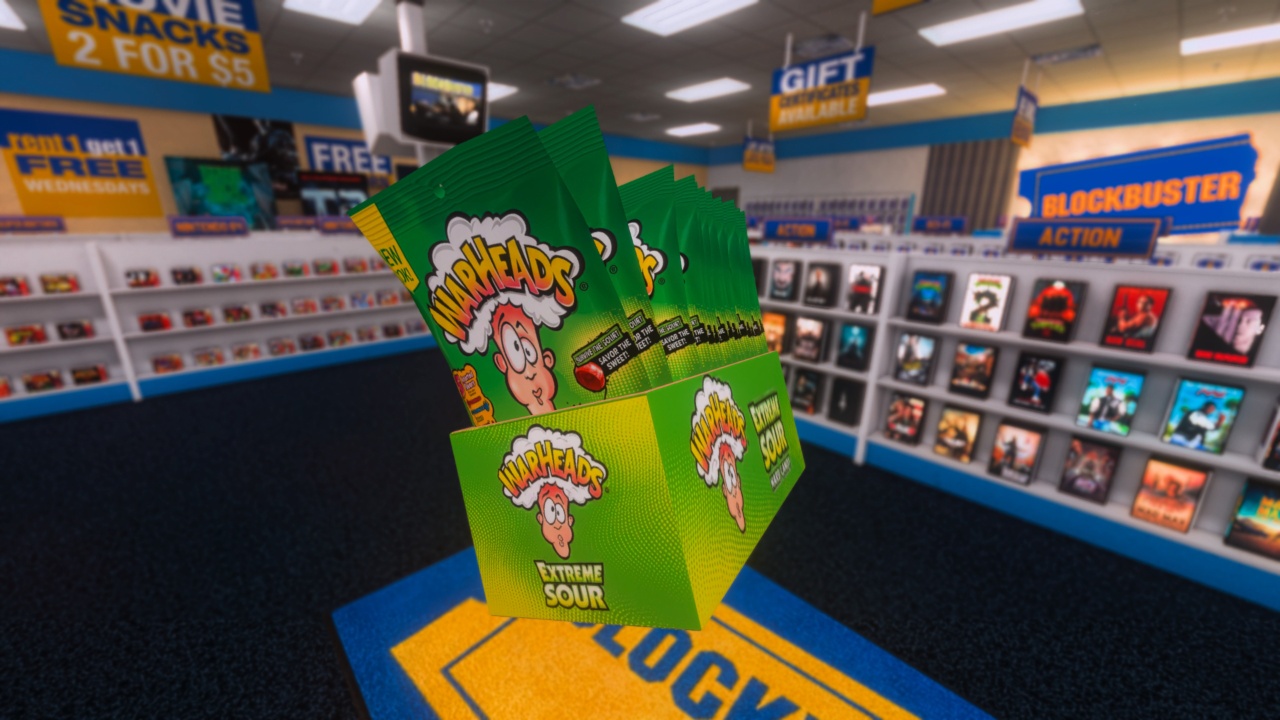
So I had a bunch of individual candies, but I knew I was going to display them in bunches. So I made these point-of-sale display boxes where you just rip off the top of the package and that’s what you throw on your shelf.
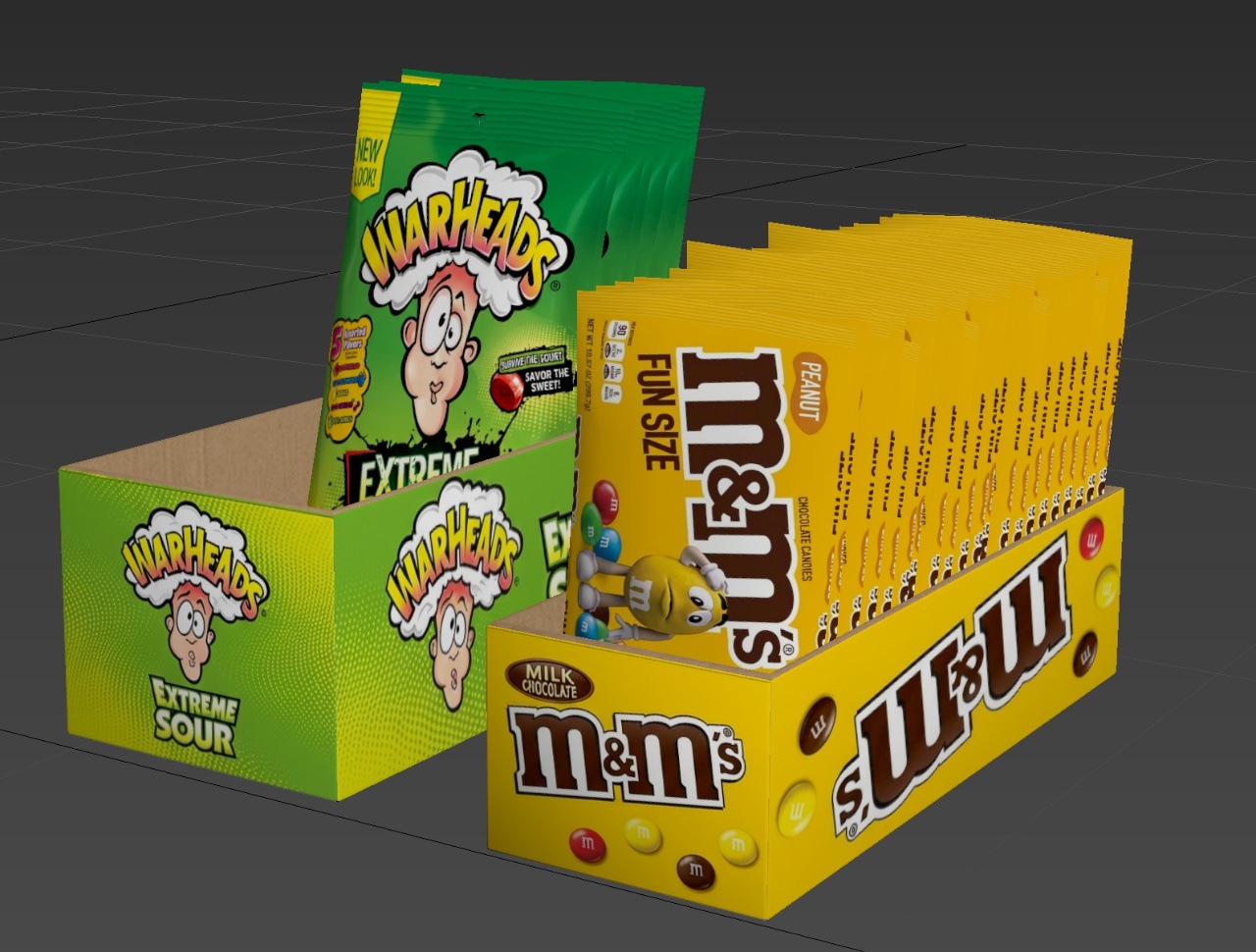
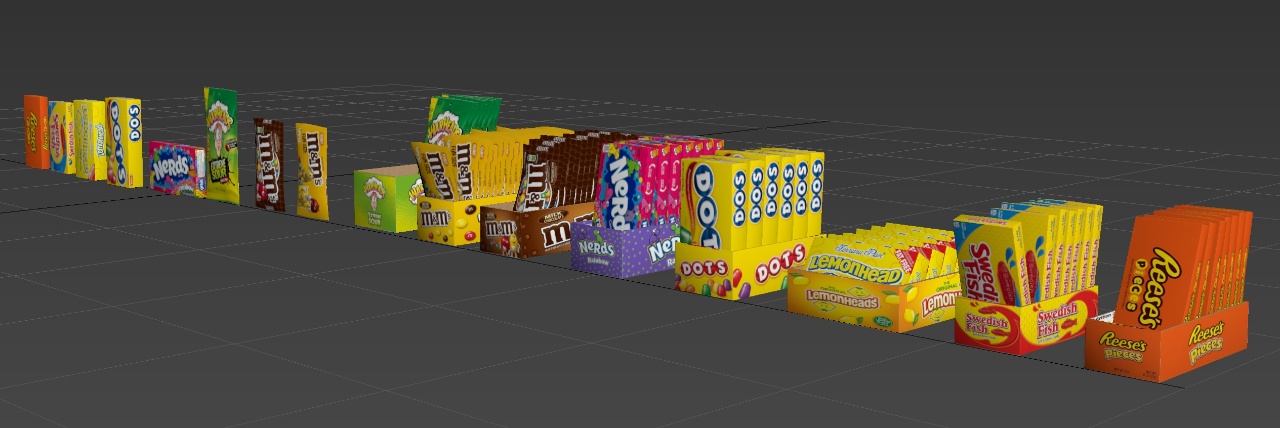
For each candy package in a box, I applied an FD 4×4 cage which gives you control points to deform a mesh. I was able to make every candy package different – one’s leaning to the left, one’s got a little bit crunched near the top. They’re all different to make it look more realistic.
More Layered Posters
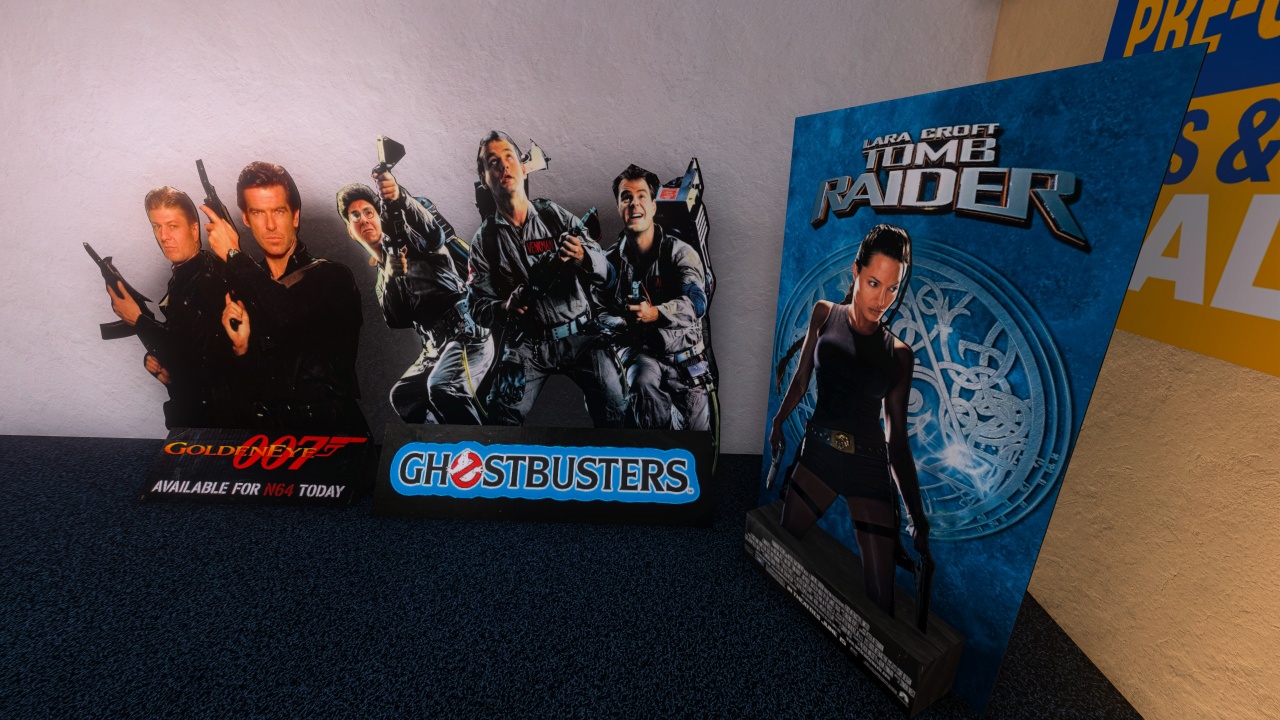
After that, I was still in 3DS Max, so I made a few more posters. Those 3D layered posters, here they are. We got the Tomb Raider because all the other posters were only dudes. So there’s Angelina Jolie on the Tomb Raider and then for the other two, I didn’t put a backdrop on them because they just looked cooler without the backdrop.
Chip Bags and Display Racks
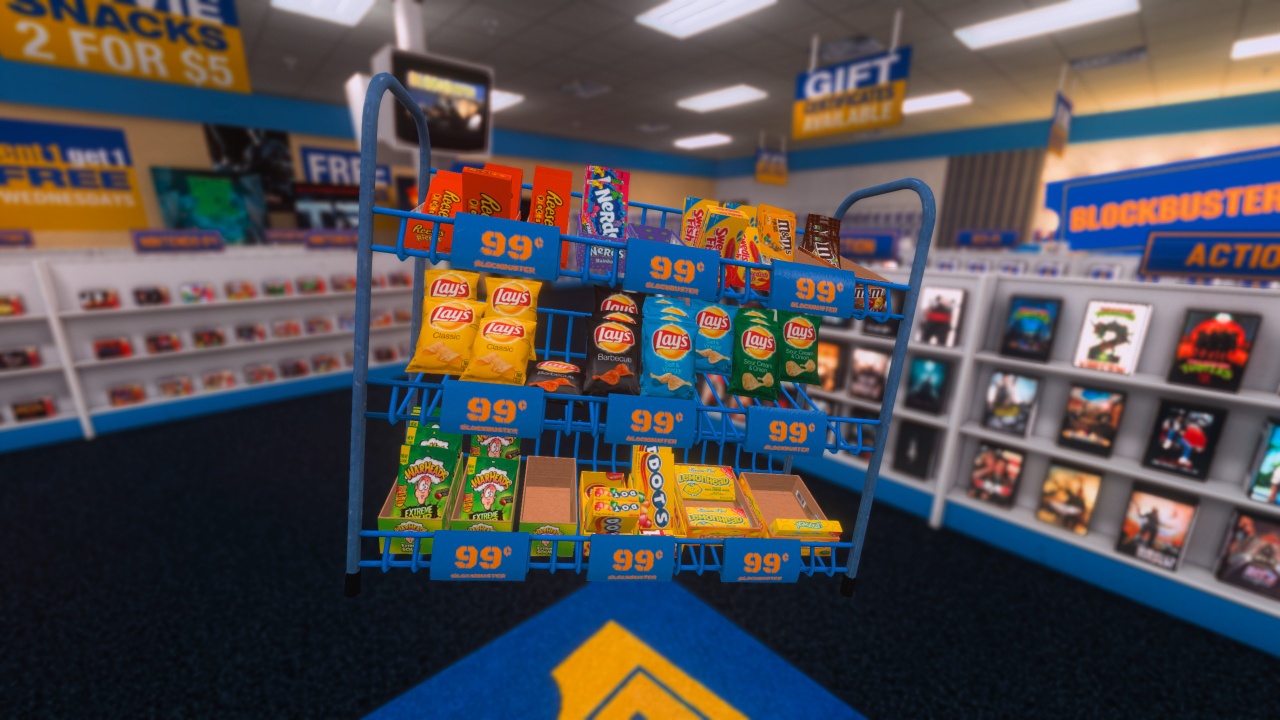
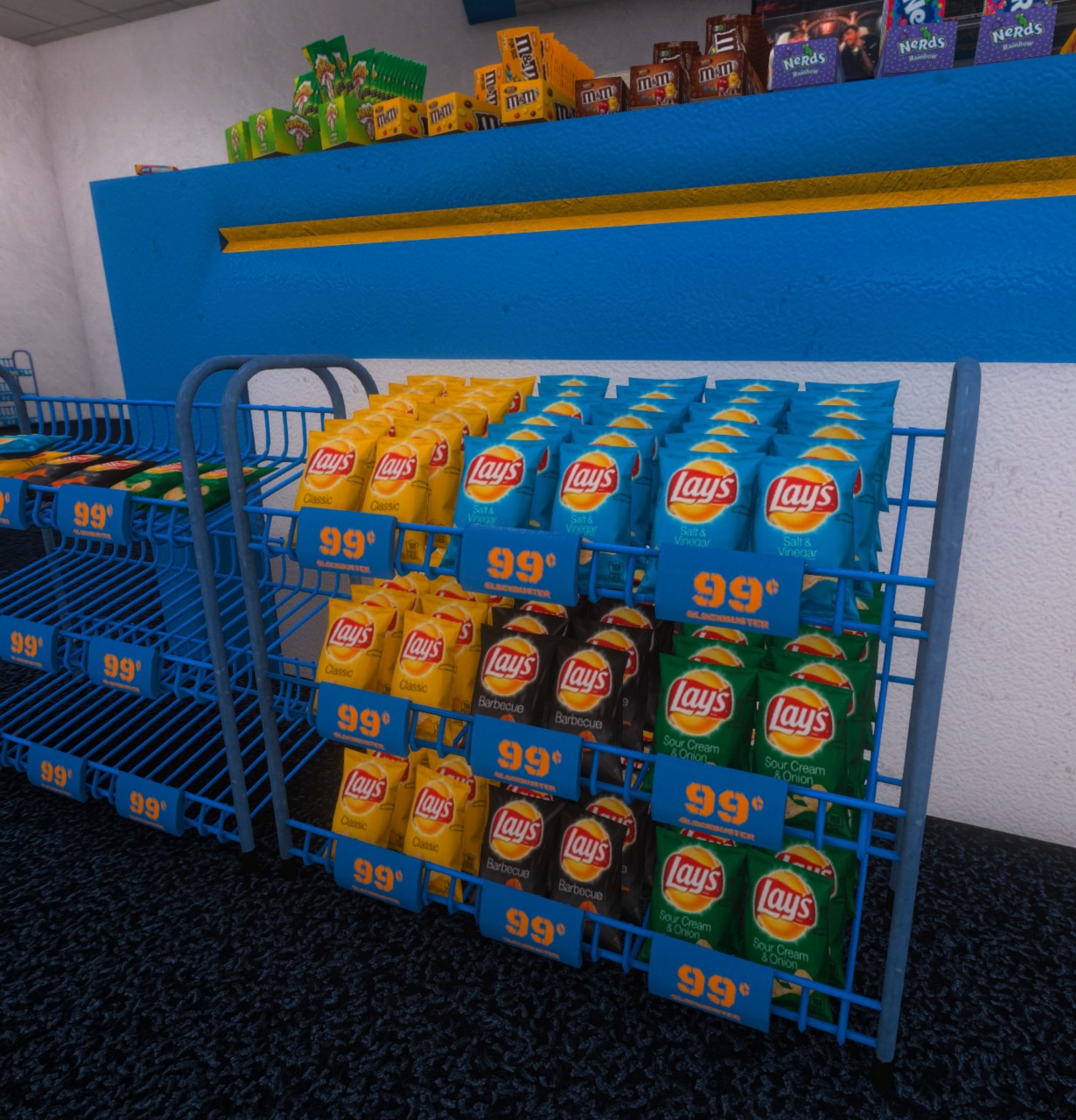
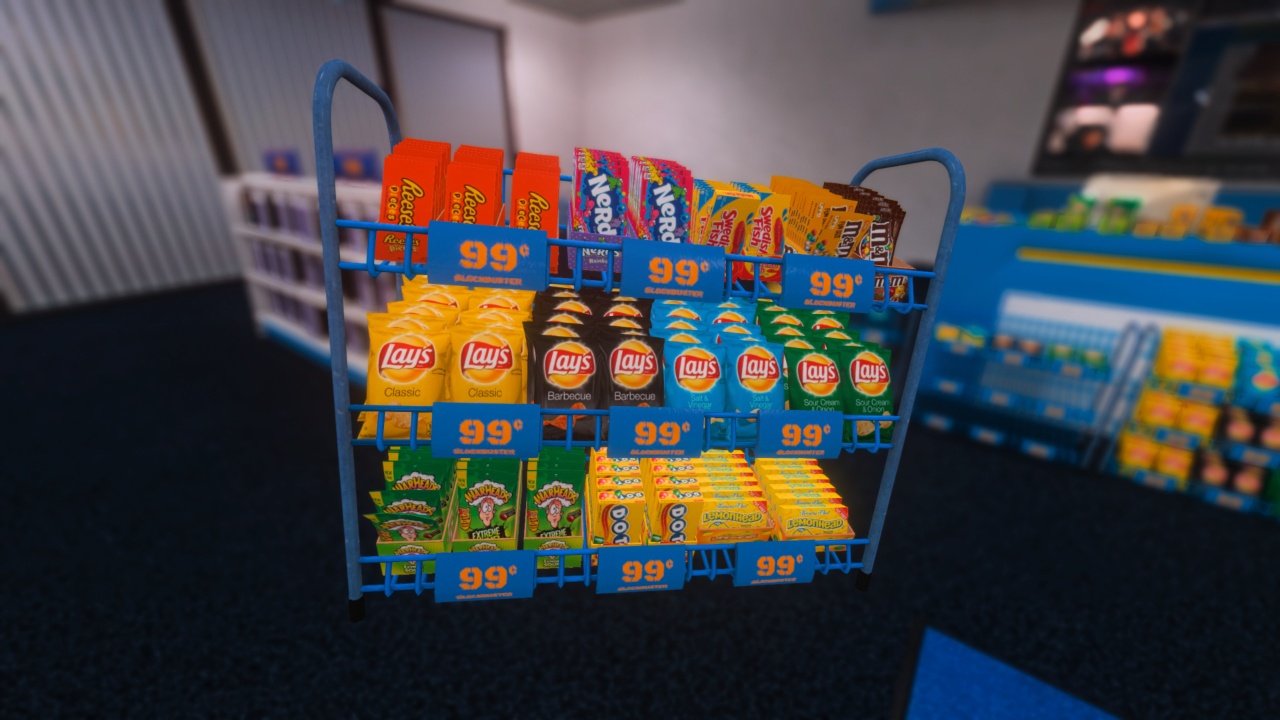
But I wasn’t done with snacks. I wanted more snacks. I had a bunch of candy, but I didn’t have any chips. So the same process that I went through on the candy boxes and bags, I went through it with the chips.
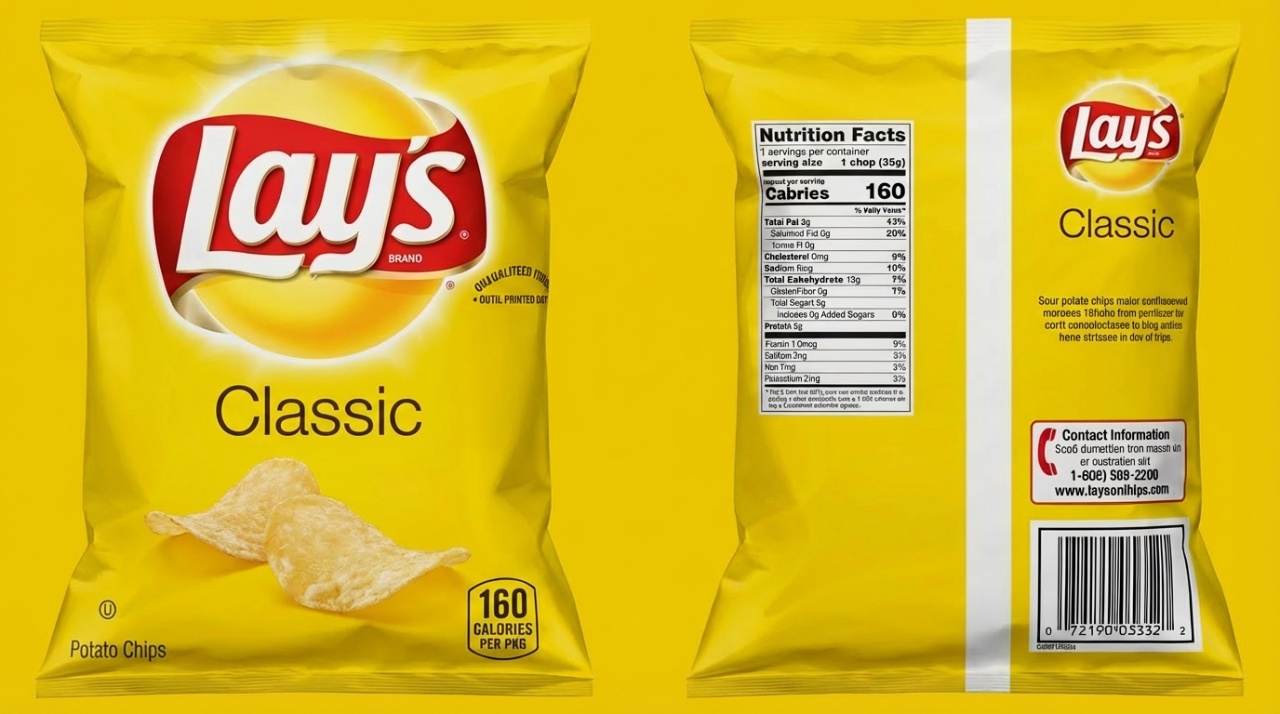
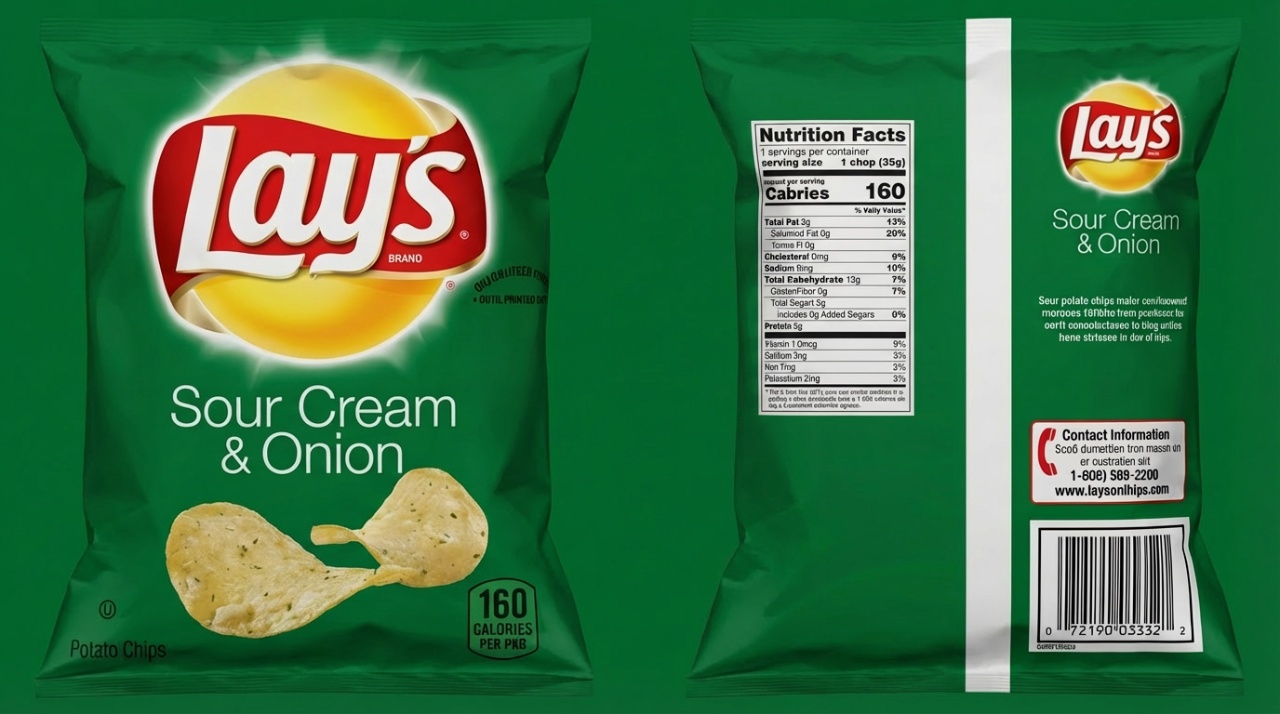
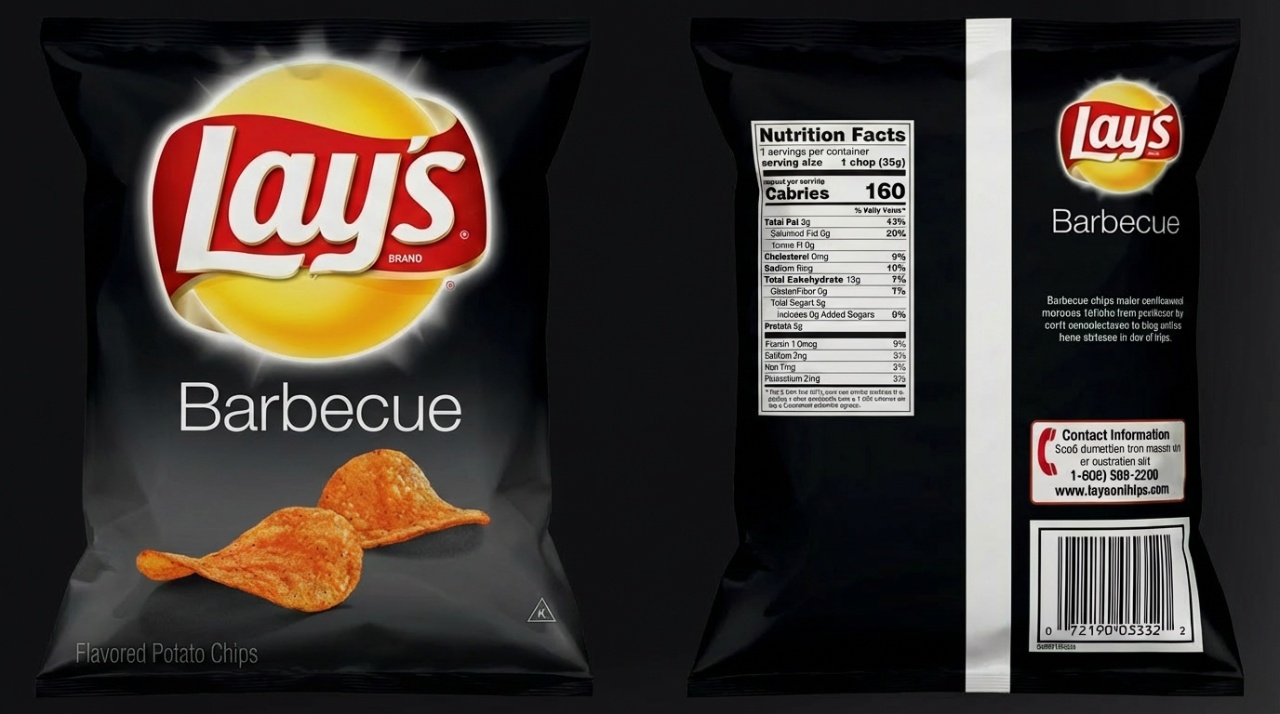
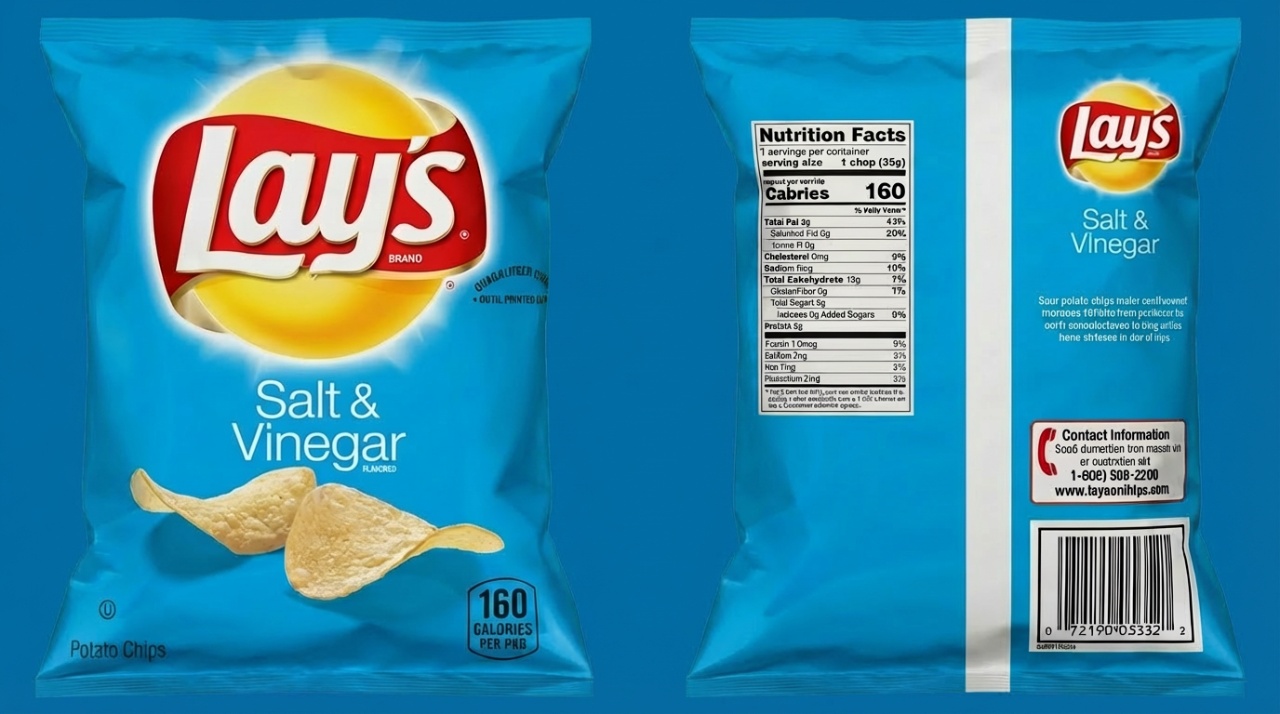
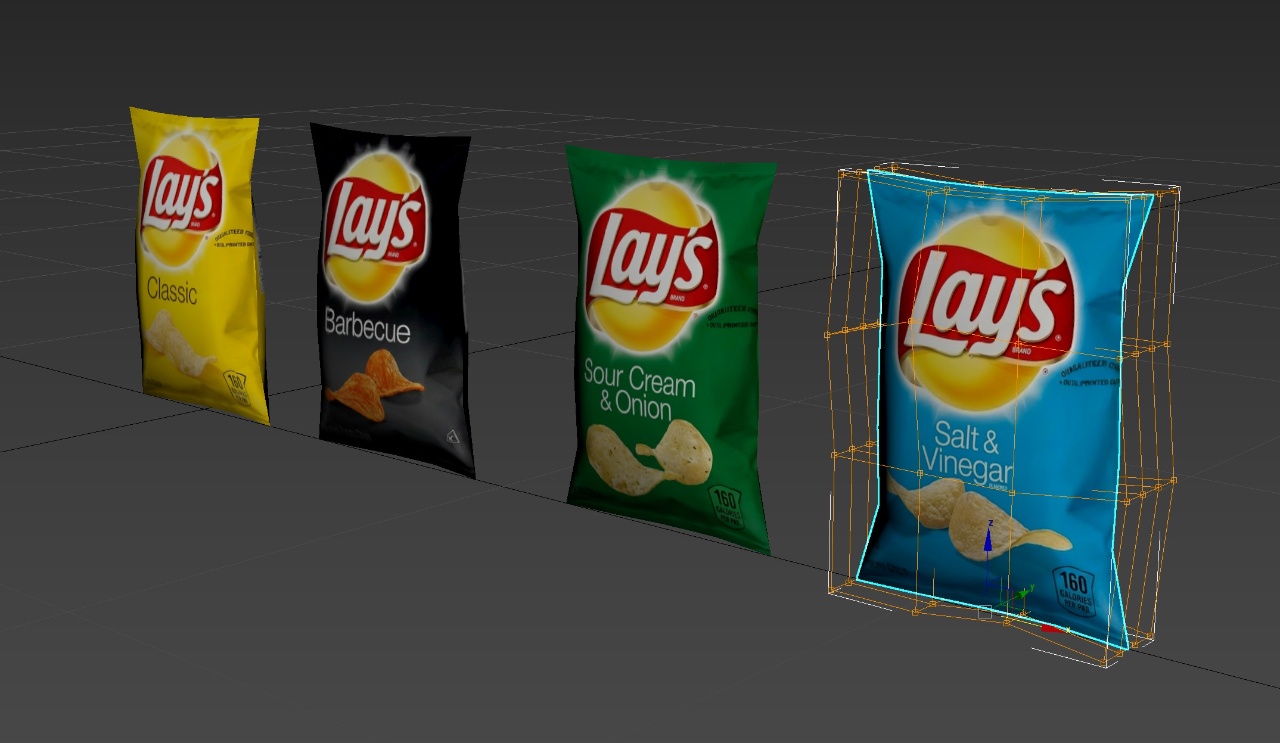
What I ended up doing was I projected with planar projection the bag face onto the box, and then because it’s a projected texture onto the box, I’m able to move the vertices around on the box without changing the UVs. So I actually just squashed the box to fit perfectly in the area that the texture was trying to take up.
The Knee Knocker Display Case
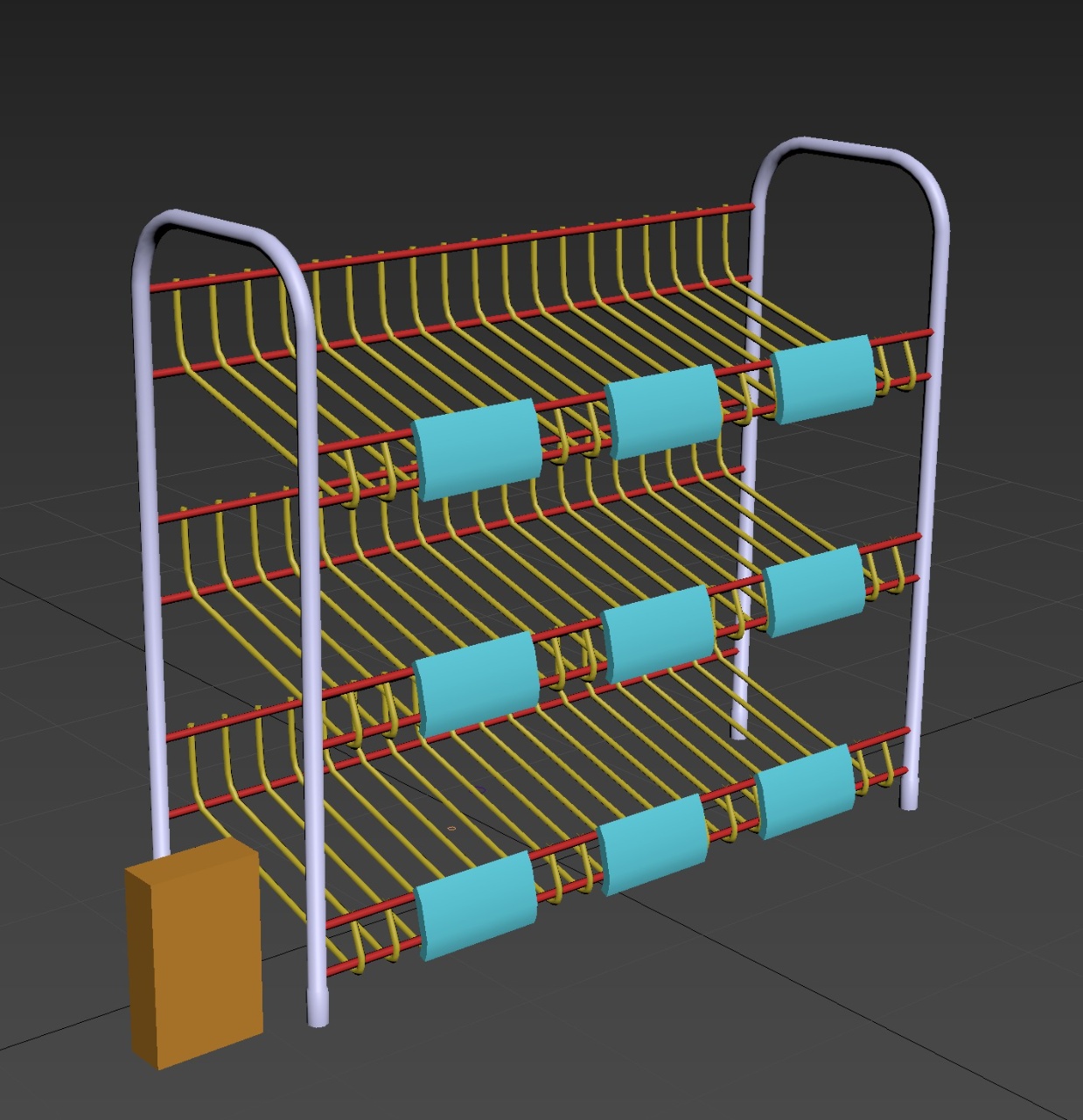
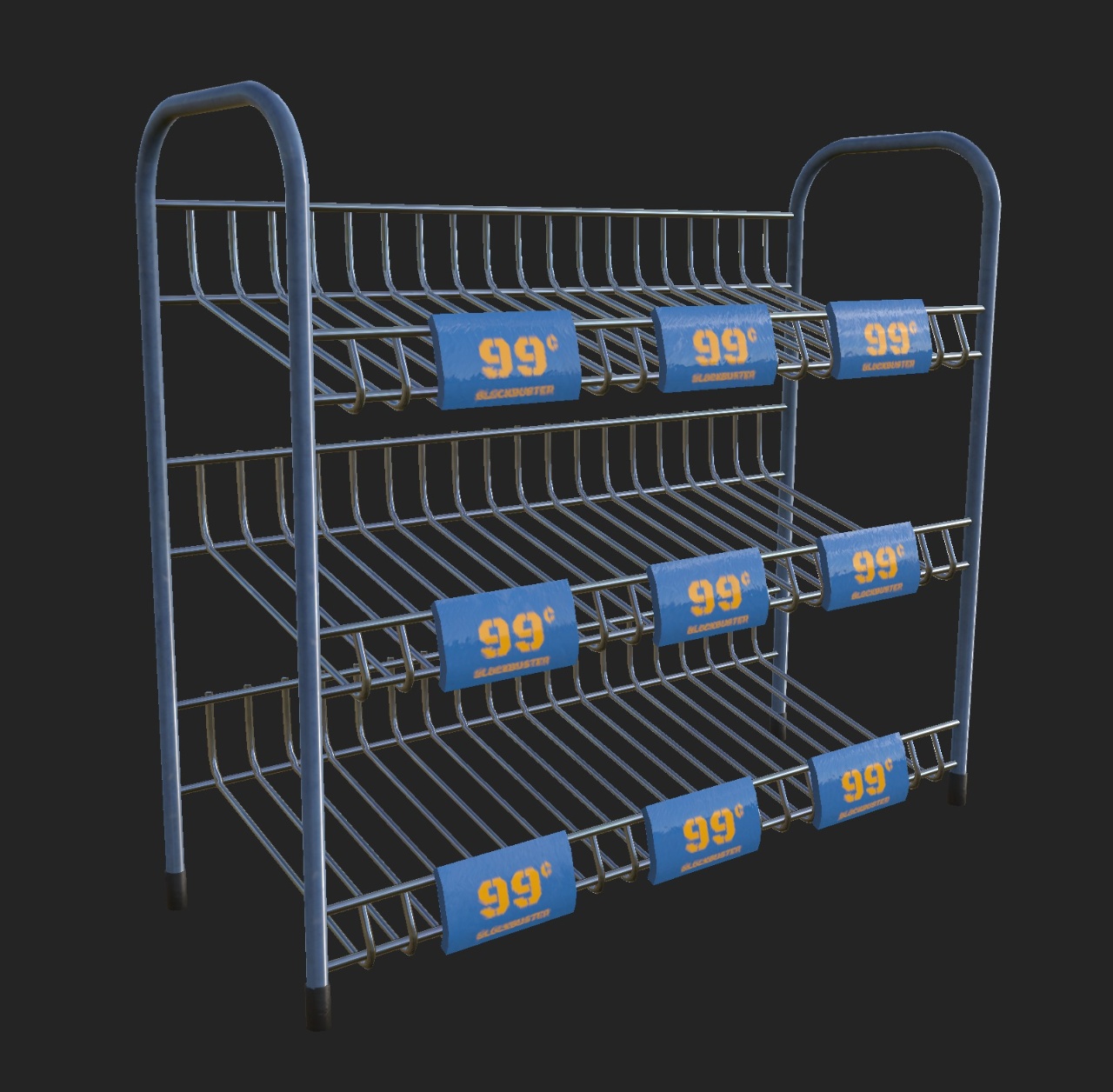
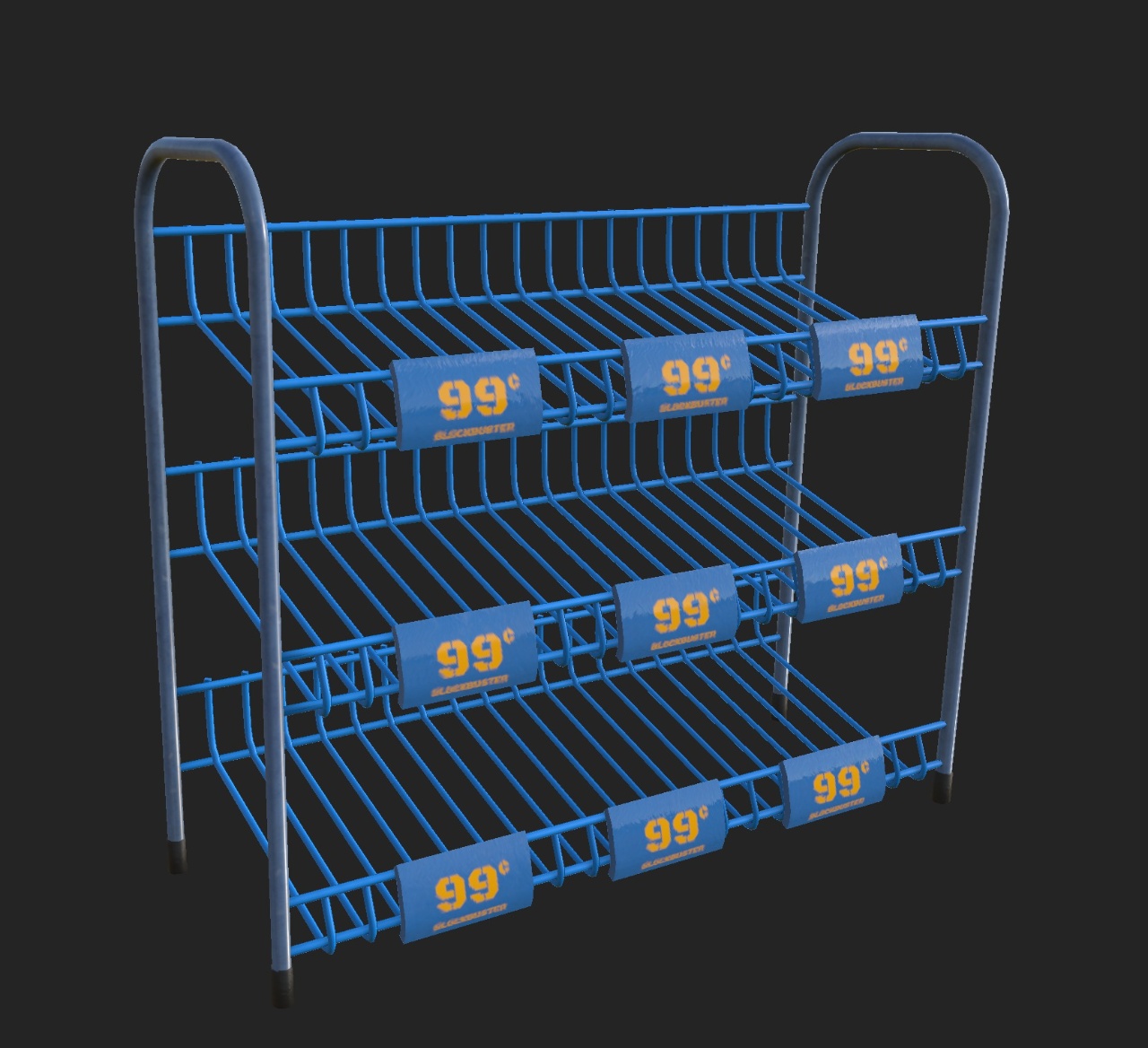
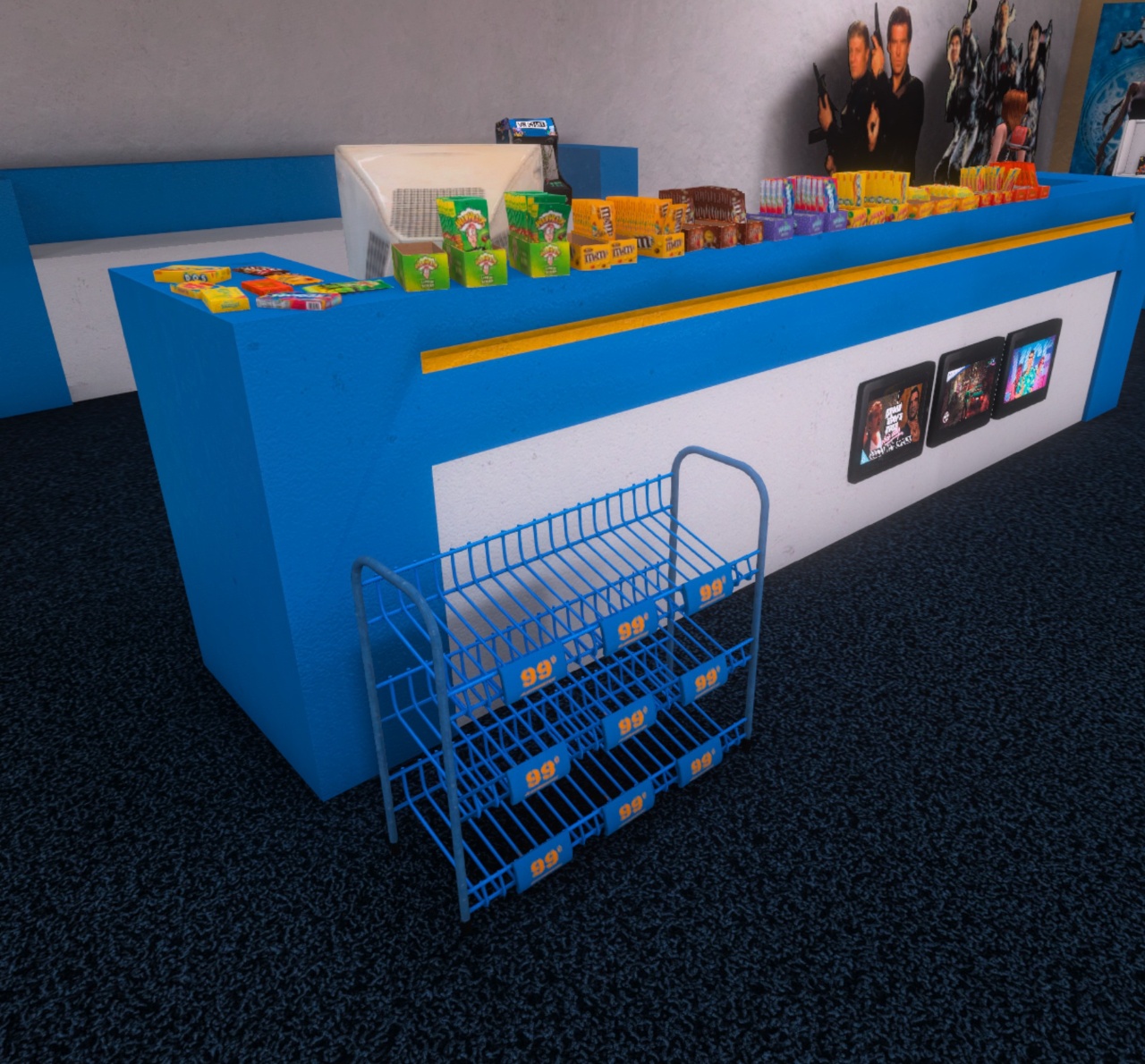
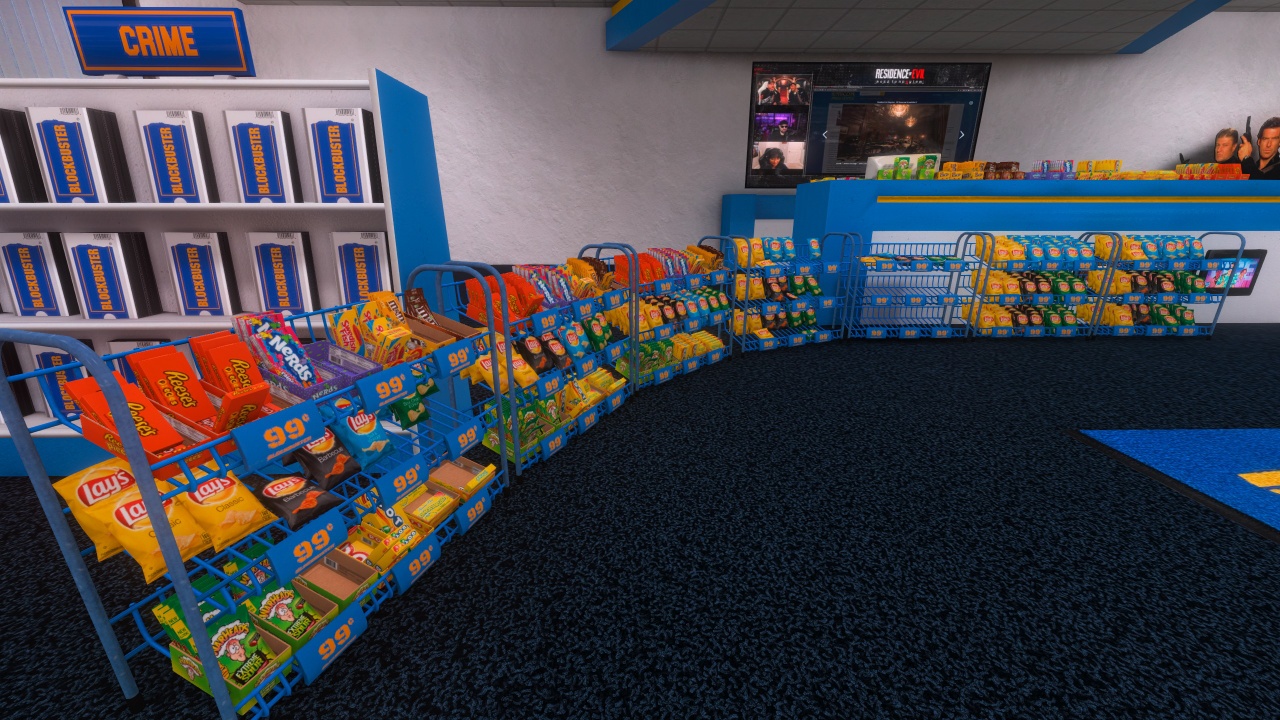
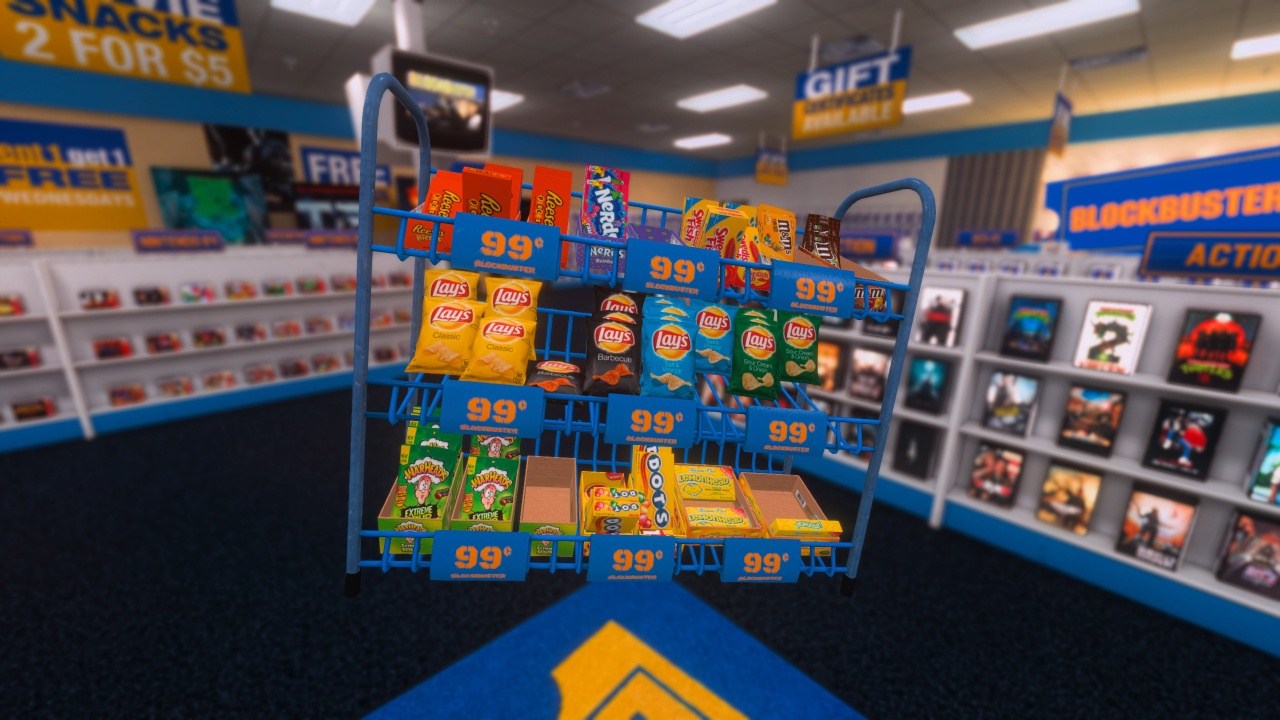
These bags needed a home. I looked up a few different display cases that held candy and chips. This is the one that I landed on. I’m told that in retail these are called knee knocker cases because you put them next to the checkout stand at knee height and people knock their knees onto them.
Stocking the Snack Displays
Next Up: Beverages
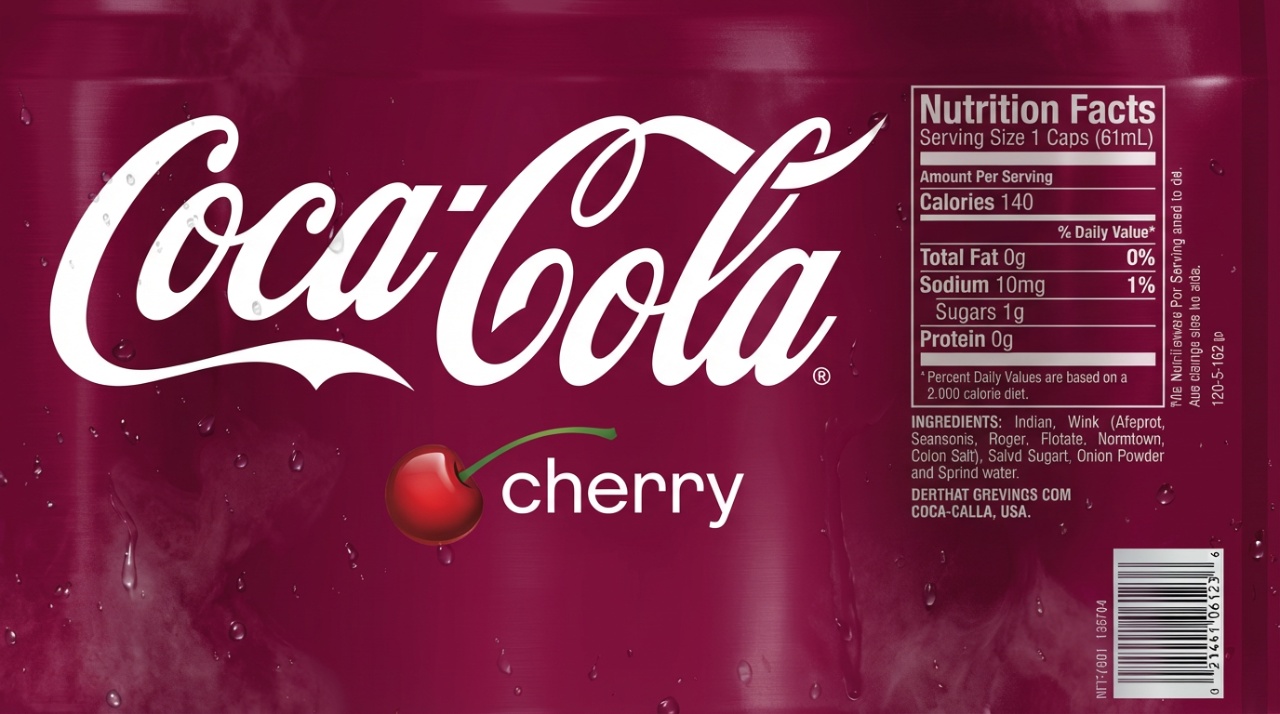
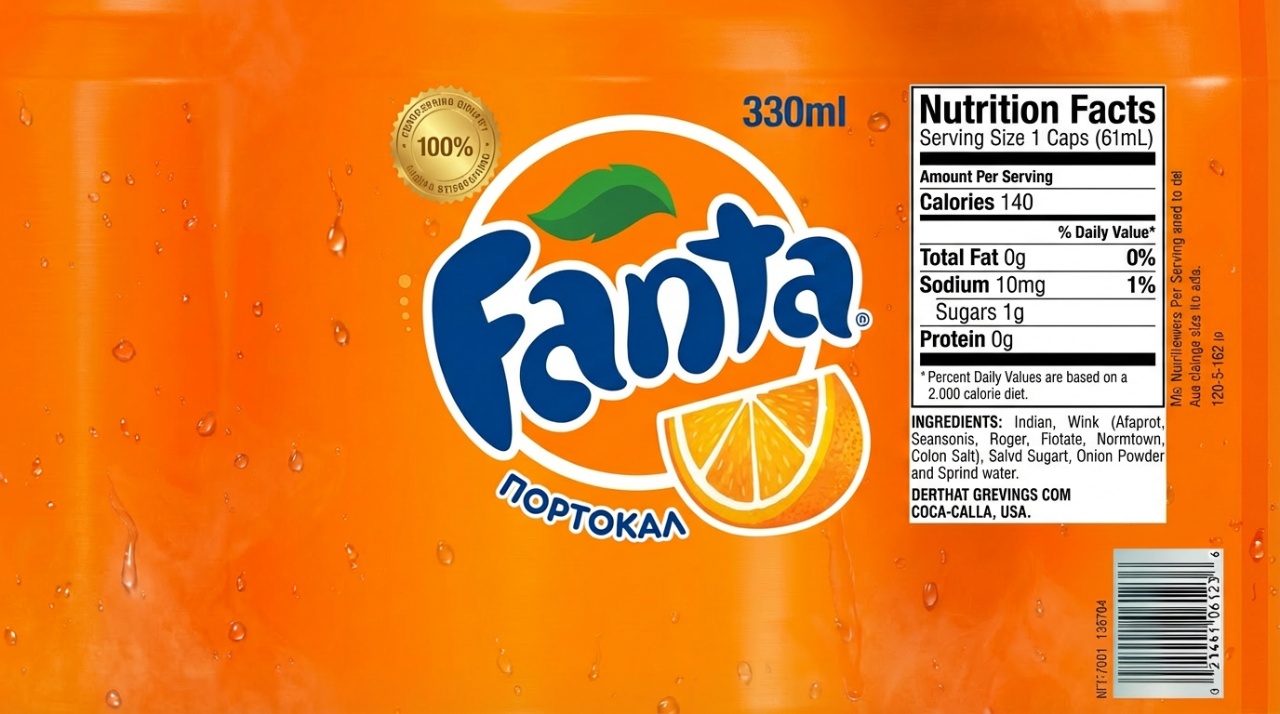
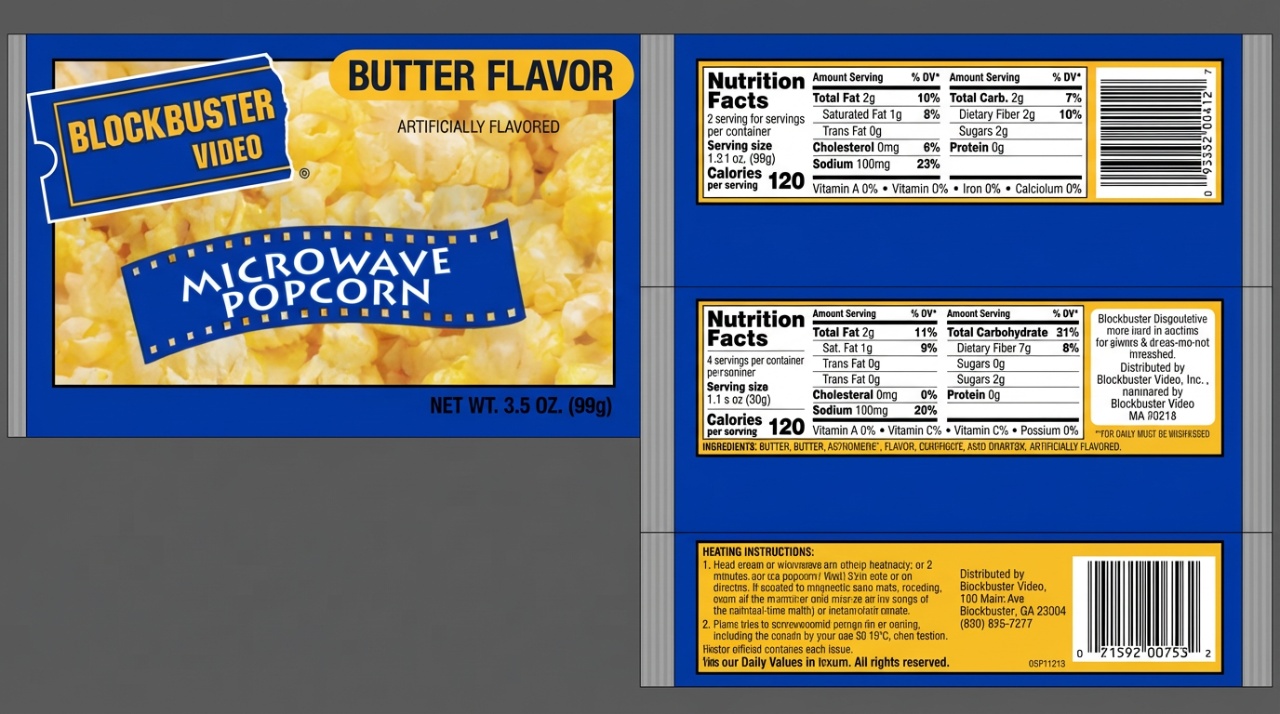
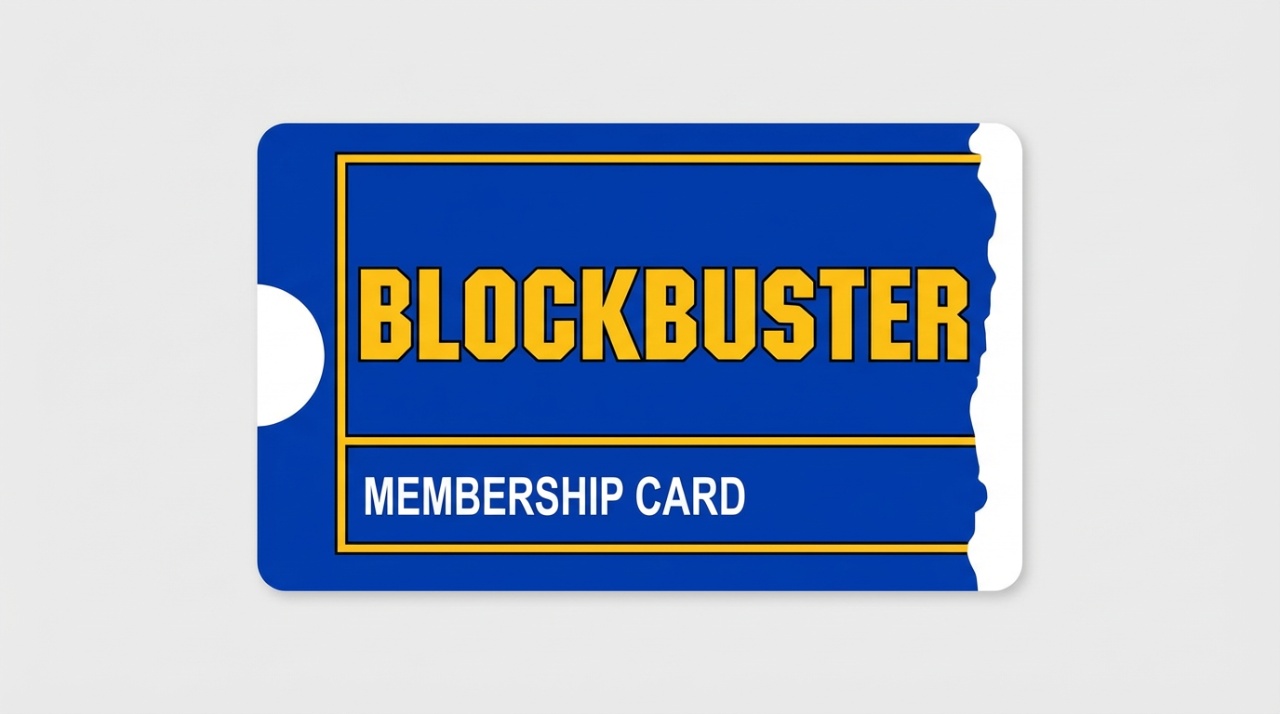
So that’s the state of the blockbuster map right now. I’m going to be making soda next because the only things left in the snack section I need to make are the beverages and the popcorn and some gift cards.
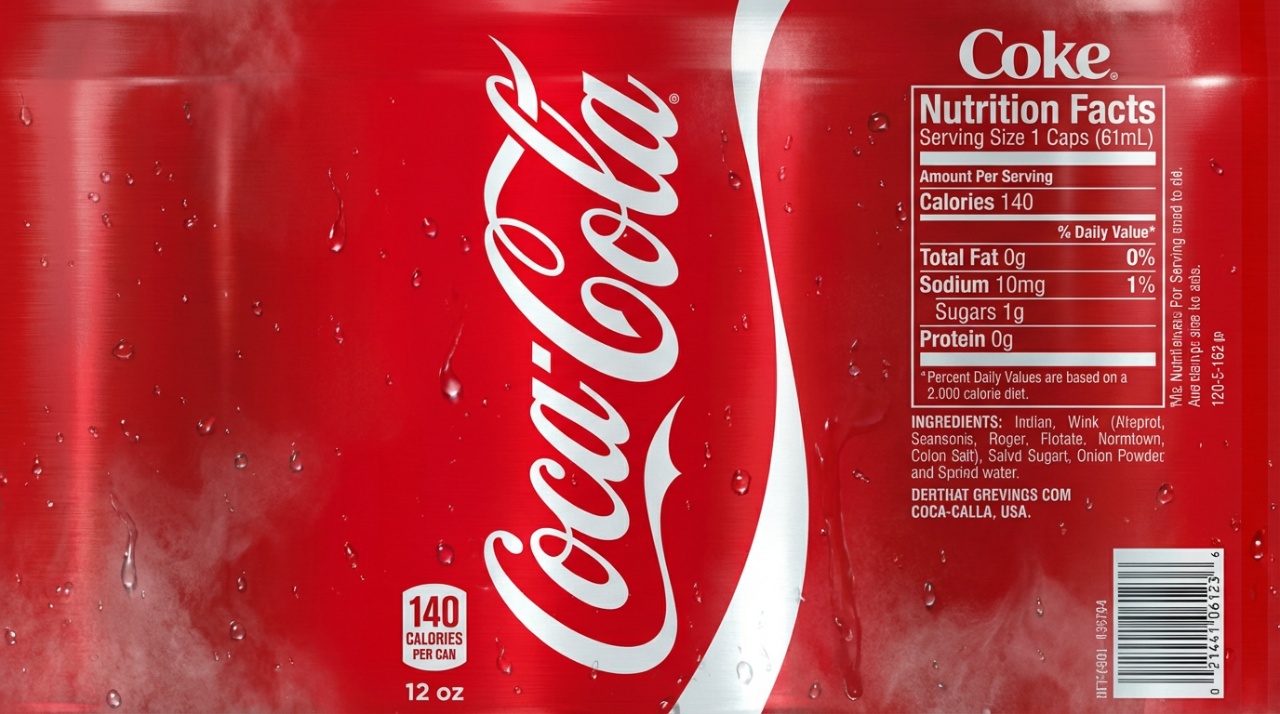
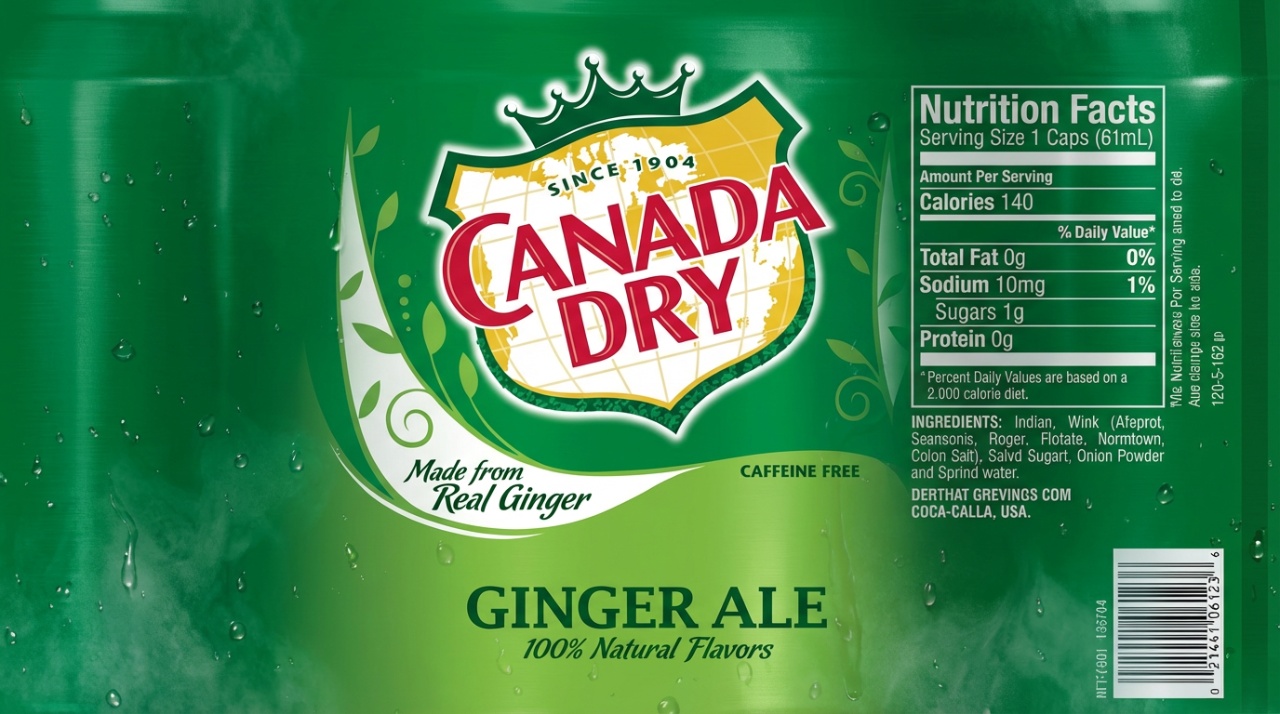
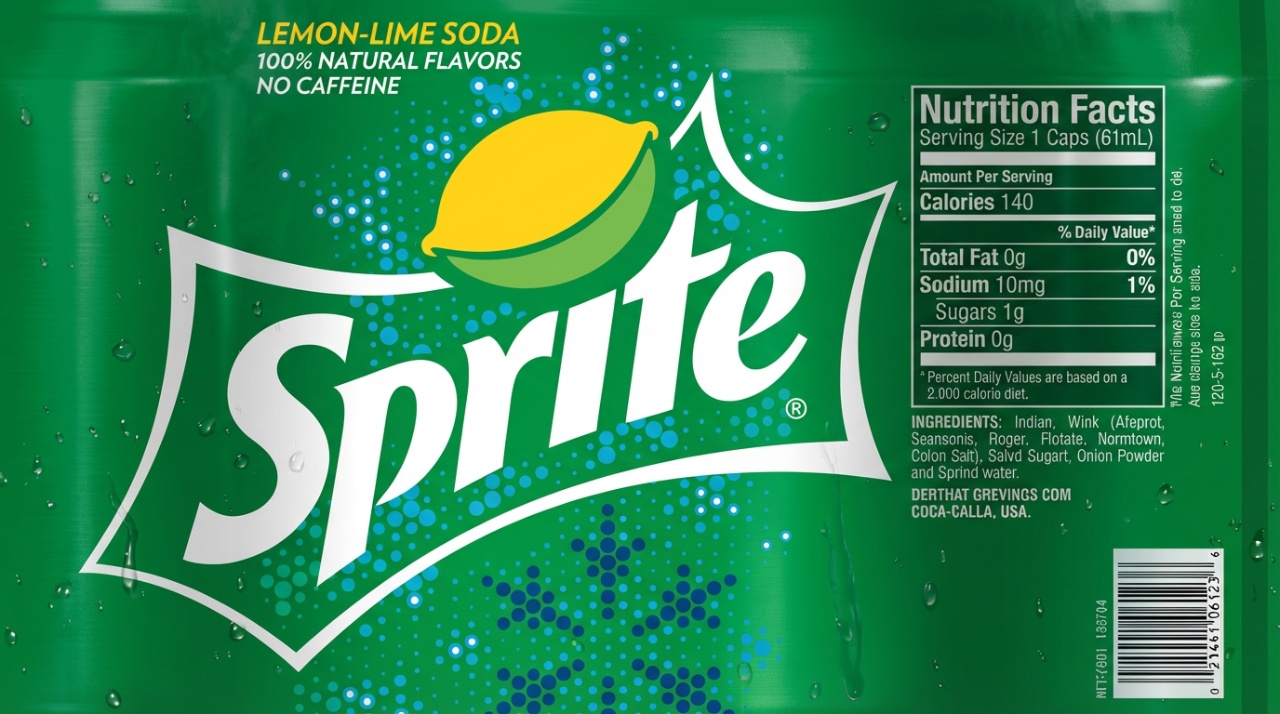
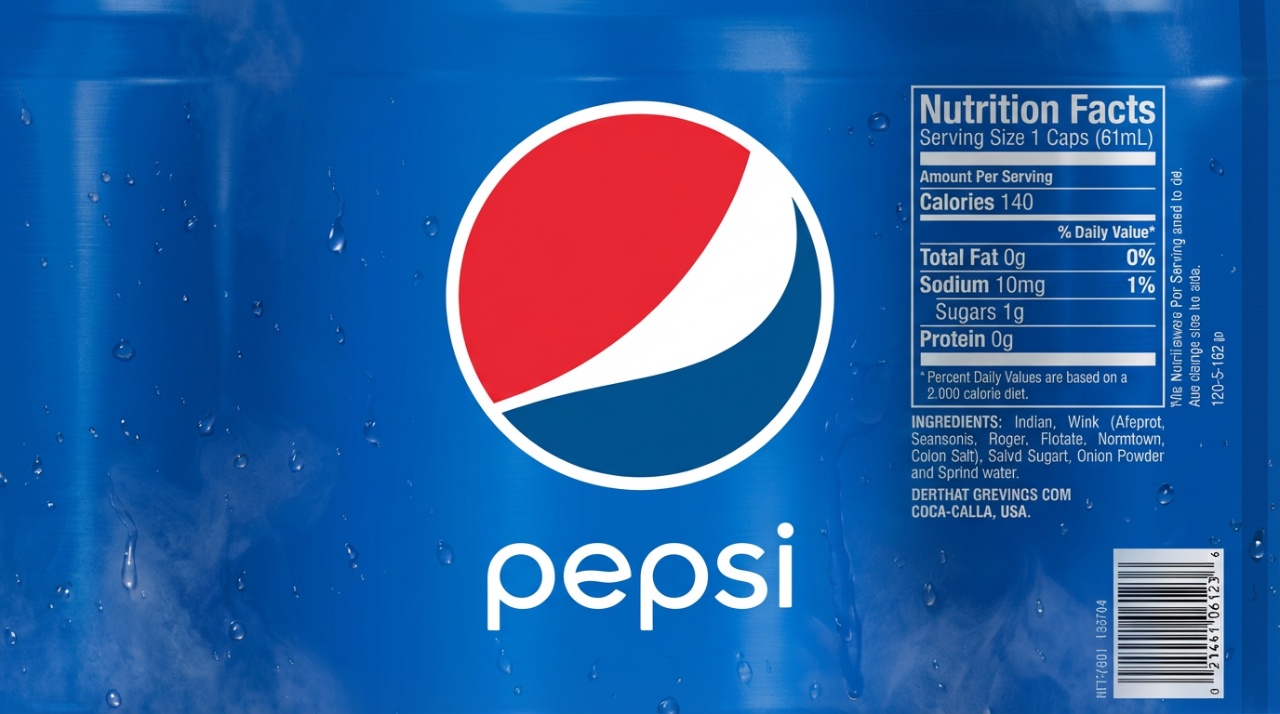
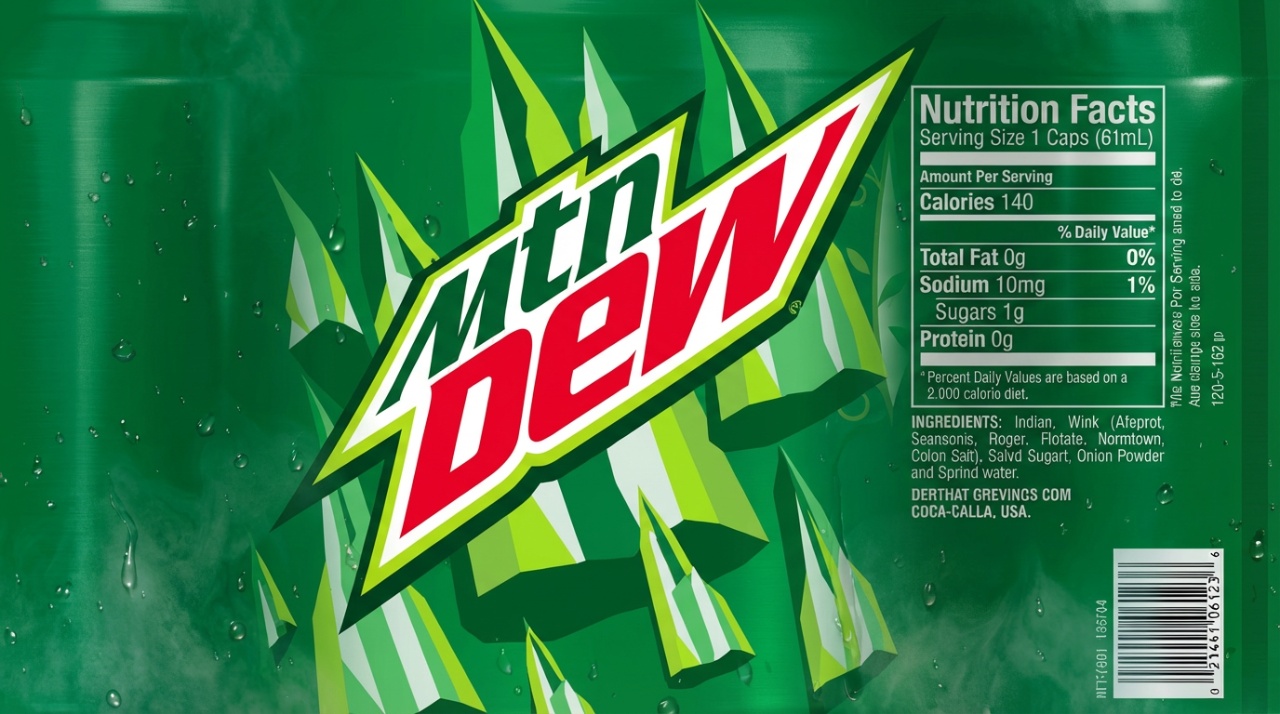
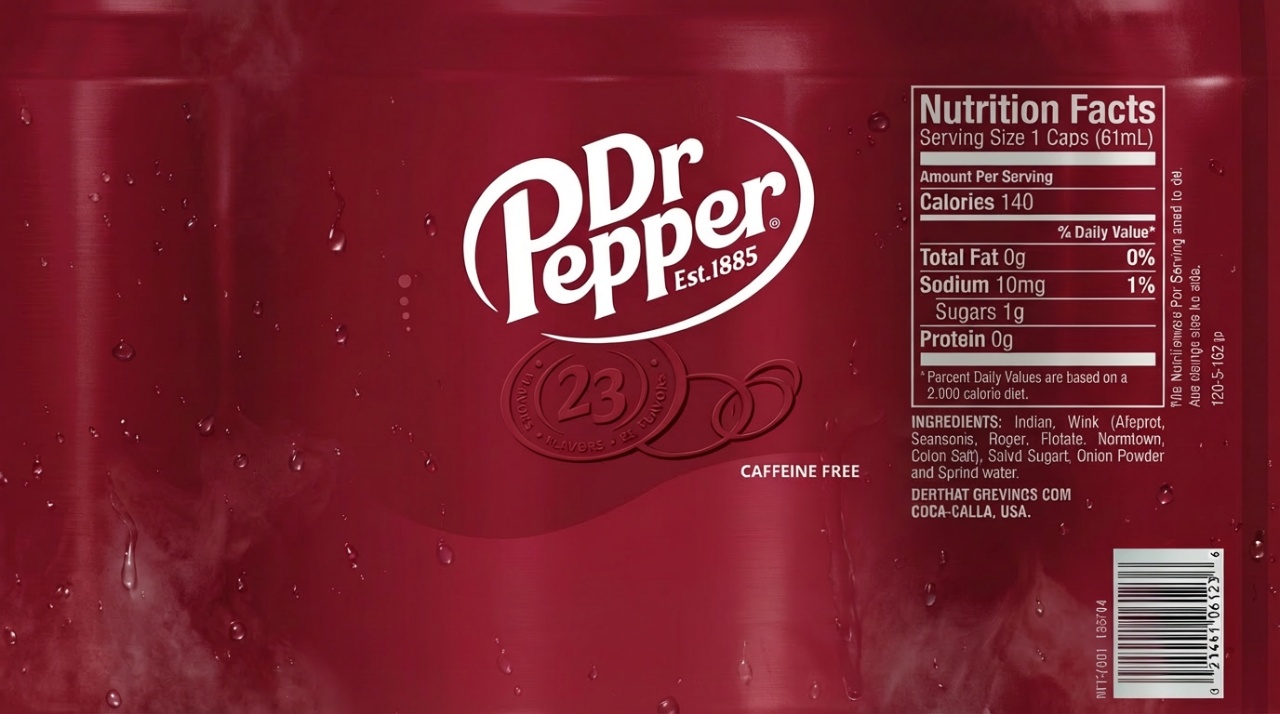
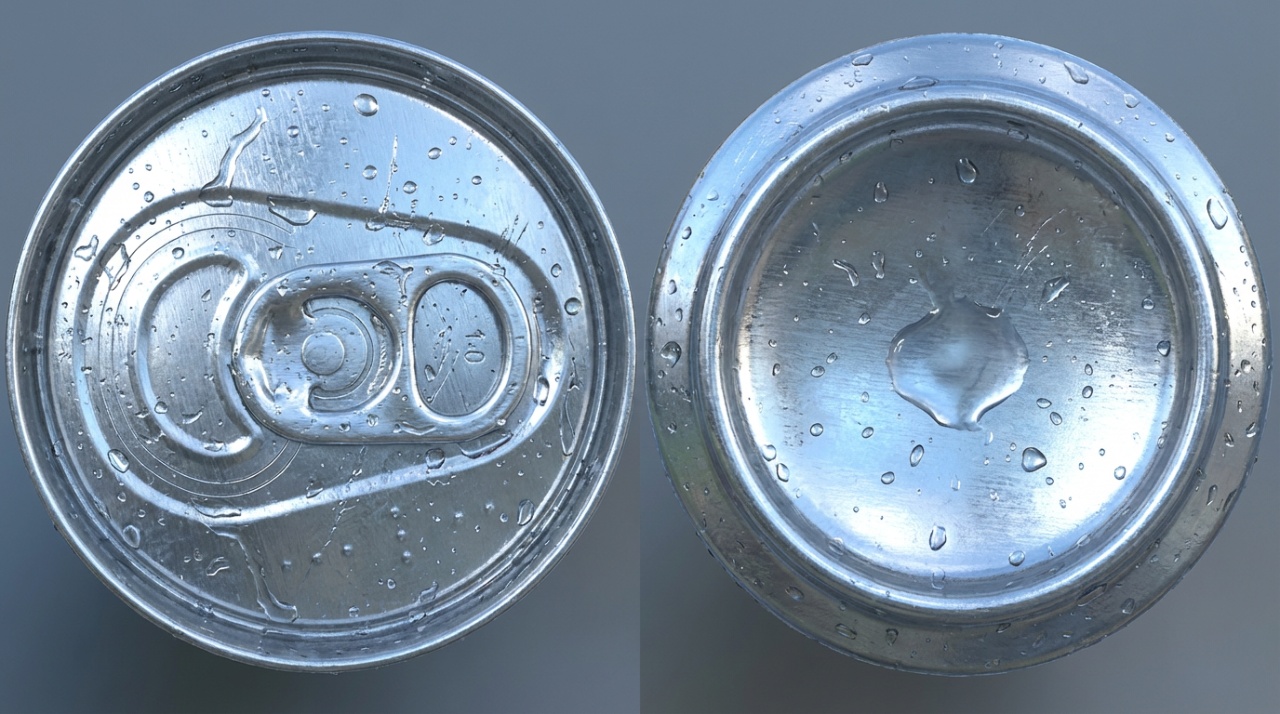
All of these textures look cold with dew drops on them, like they’re in a nice cold freezer. I did that by telling the AI to make it look refreshing. By telling it to make it look refreshing, it added that coolness to it.
Finishing Touches
And that sums up what I have going on in this blockbuster level so far. Don’t know how long it’s gonna take me to finish this map. I’m not really rushing it. I’ve been doing other stuff at the same time, like setting records in Episode 1 Racer. I’ll talk about that next time, but for now, that’s the entirety of this very long dev log updating you on what I’ve been working on one thing at a time, starting with this blockbuster. I’ll tell you some of the other stuff I’ve been working on in a blog post tomorrow. Have a good day. Peace out and I’ll see you on the flip side.