Been working on some major upgrades to the Schmo Time integration with Anarchy Arcade, and I’m pretty excited about how everything’s turning out. Let me walk you through the biggest changes.
Visual Feedback for Speaking Characters
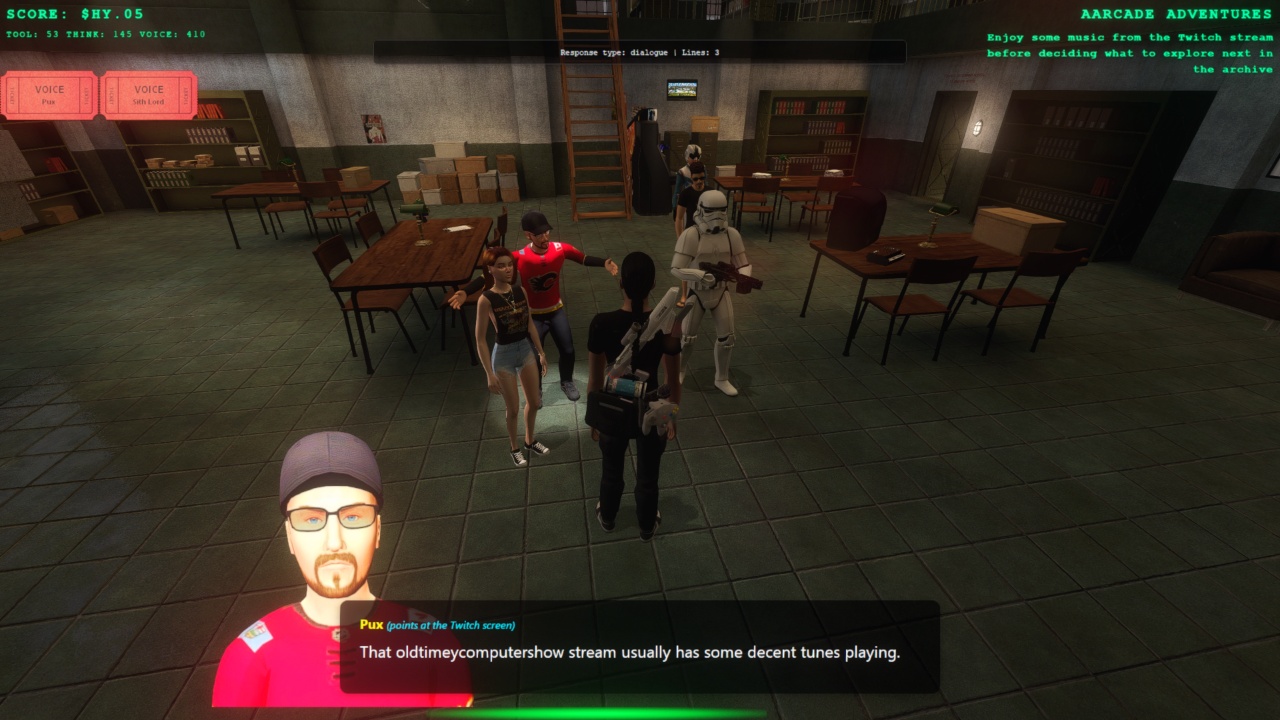
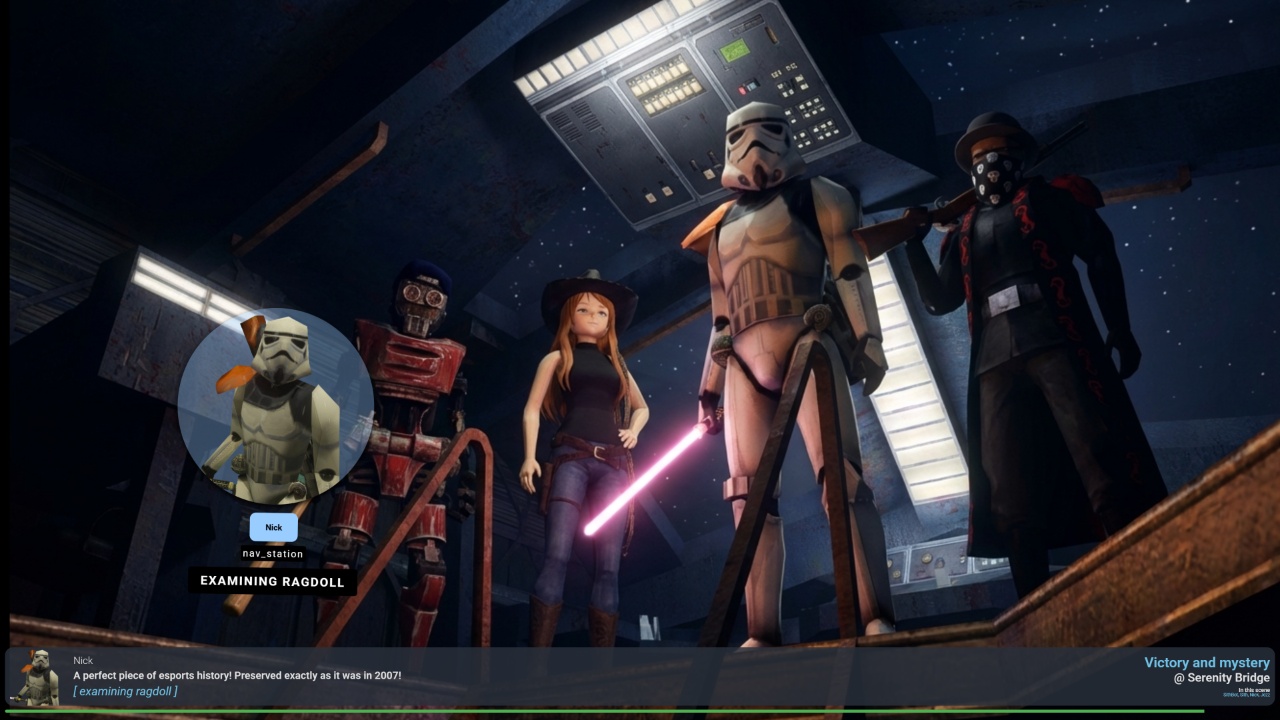
First up, I added visual indicators so you can actually tell who’s talking when you’re running around with multiple bots. Now when someone speaks, they get a spotlight on them and play a talking animation. It’s a simple change but makes a huge difference when you’ve got a bunch of actors scattered around and need to follow the conversation.
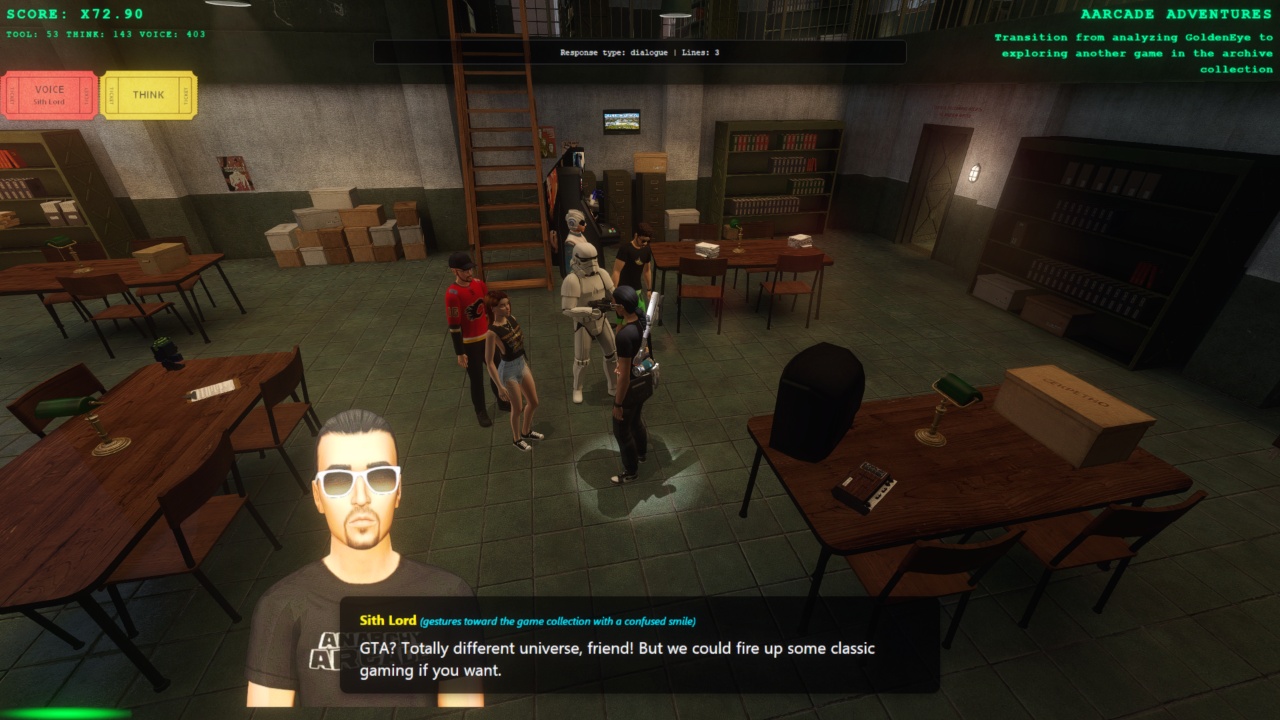
The actors can’t walk and talk simultaneously, but they keep the spotlight even when moving, so you never lose track of who’s in the conversation.
Dynamic Auto-Casting System
Here’s where things get really interesting. I implemented what I’m calling “auto-casting” – the system now dynamically determines which actors participate in conversations based on two criteria: proximity and following status.
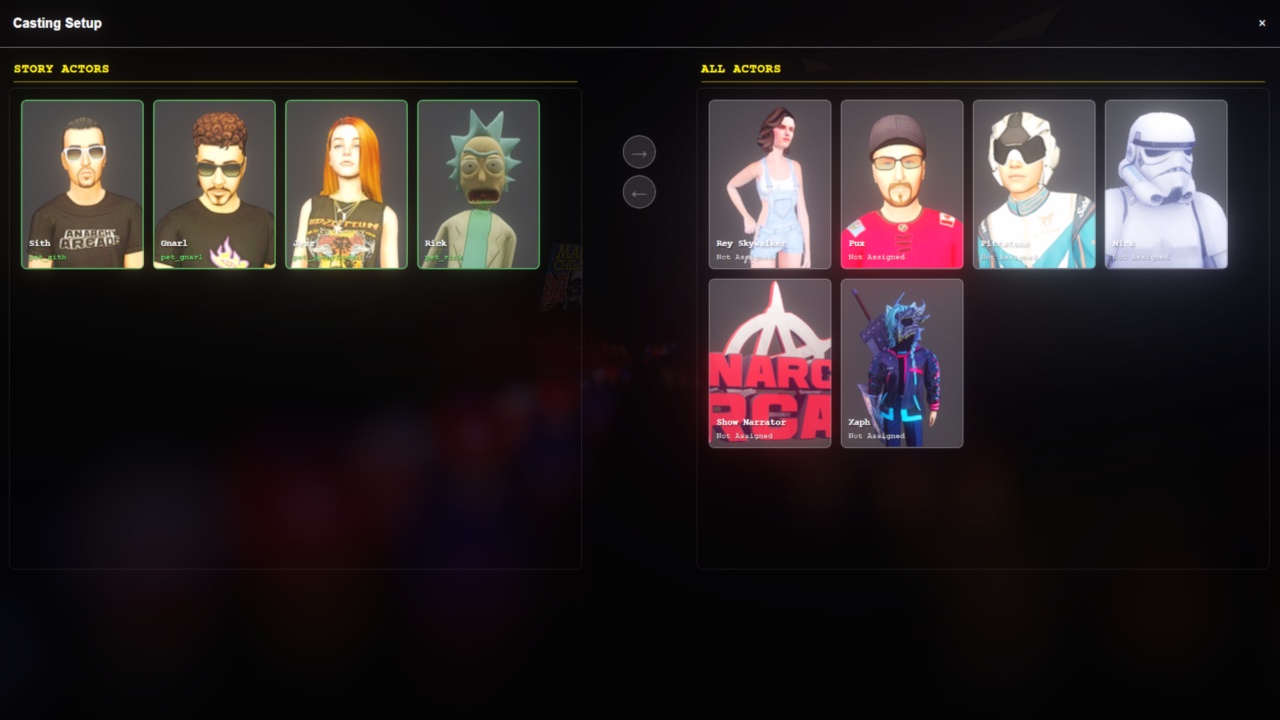
Any actor following you around automatically joins the cast. Plus, anyone within 500 inches can hear and respond to what you say. The AI context even tracks when actors enter or exit scenes, so the dialogue can naturally reference characters coming and going.
Context-Aware Speaking Modes
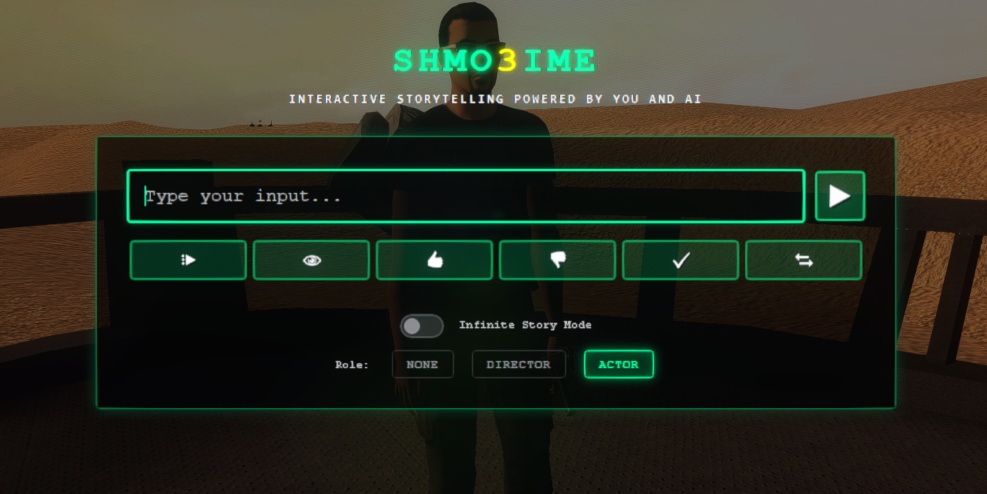
I added new speaking context buttons that let you choose how the AI interprets your input. You can speak as “None” (voice of God style), “Director” (giving stage directions that actors follow but don’t repeat), or “Actor” (where your character says something close to your input but in their own voice).
AI-Powered Image Generation Pipeline
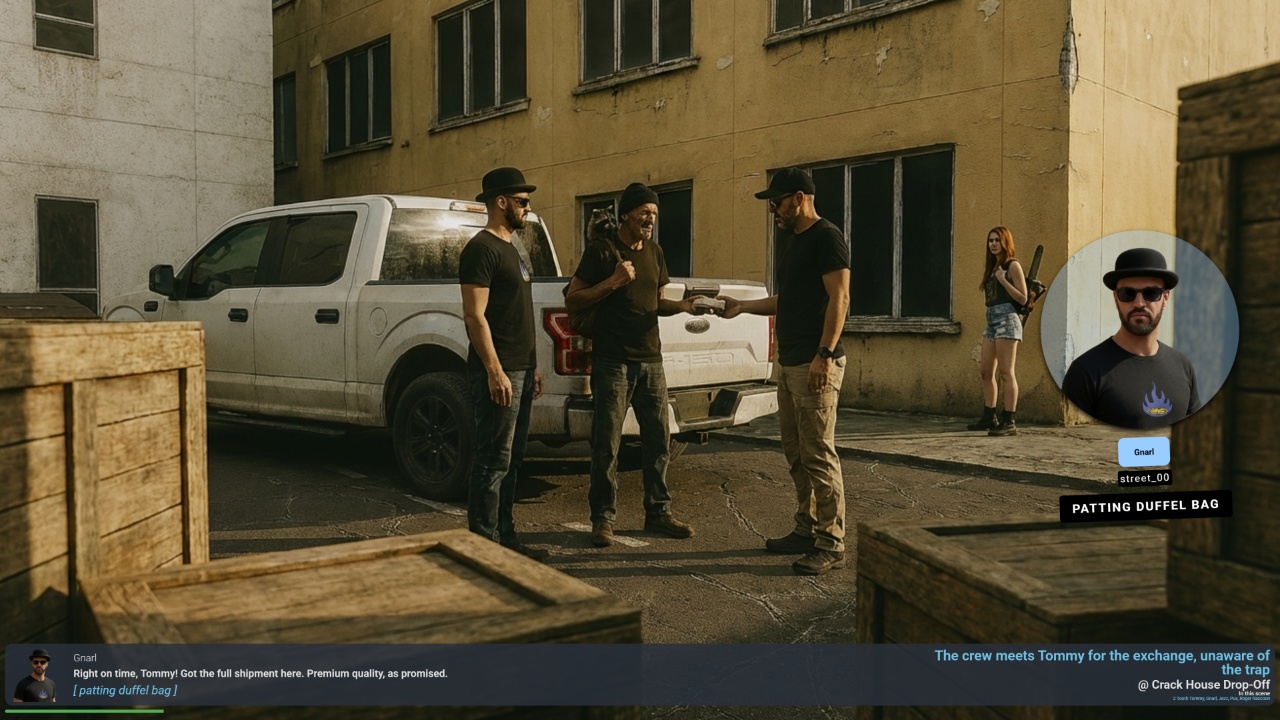
This is probably the biggest upgrade – I’ve integrated image generation into the 2D playback player. The system takes basic ingredients (location images, character headshots) and generates custom scene illustrations for every episode.
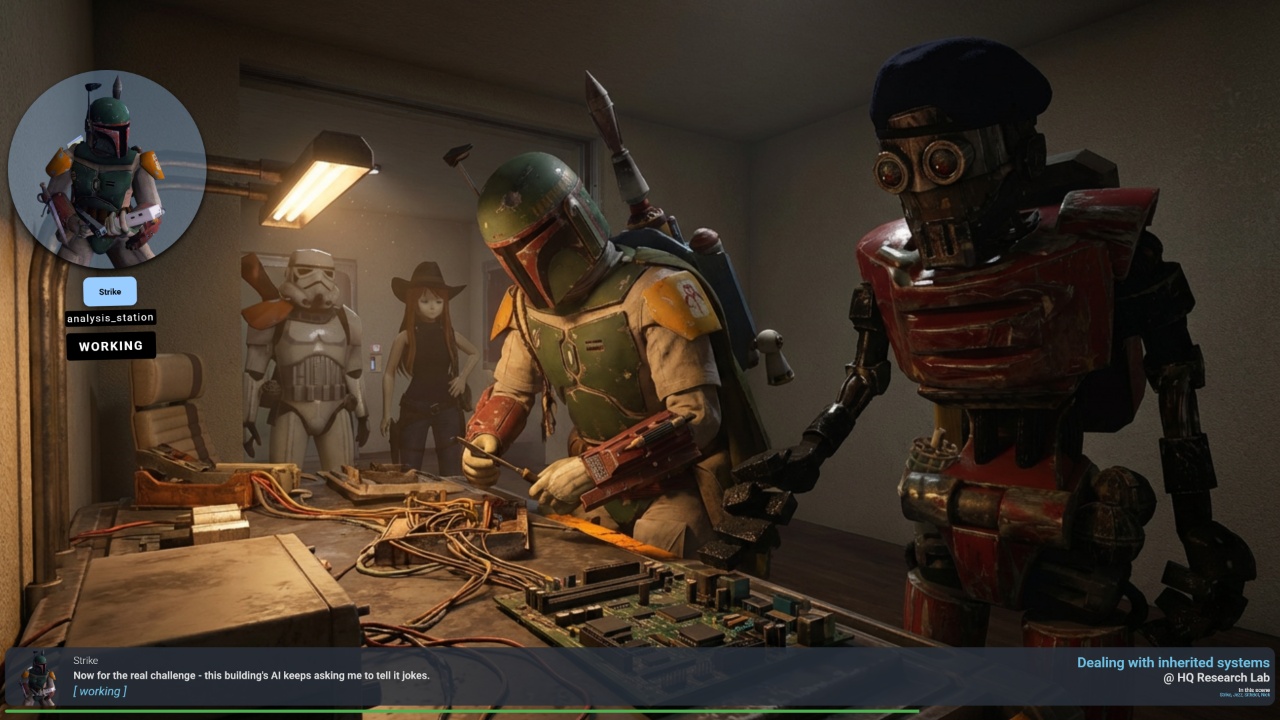
The image generator gets fed the speaking characters’ headshots, the location image, and detailed actor information to maintain character consistency across scenes.
Multi-Pass AI Content Creation
I had to solve a tricky problem: when the show writer tried to handle both story and stage directions simultaneously, the quality suffered. So I implemented a three-pass system.
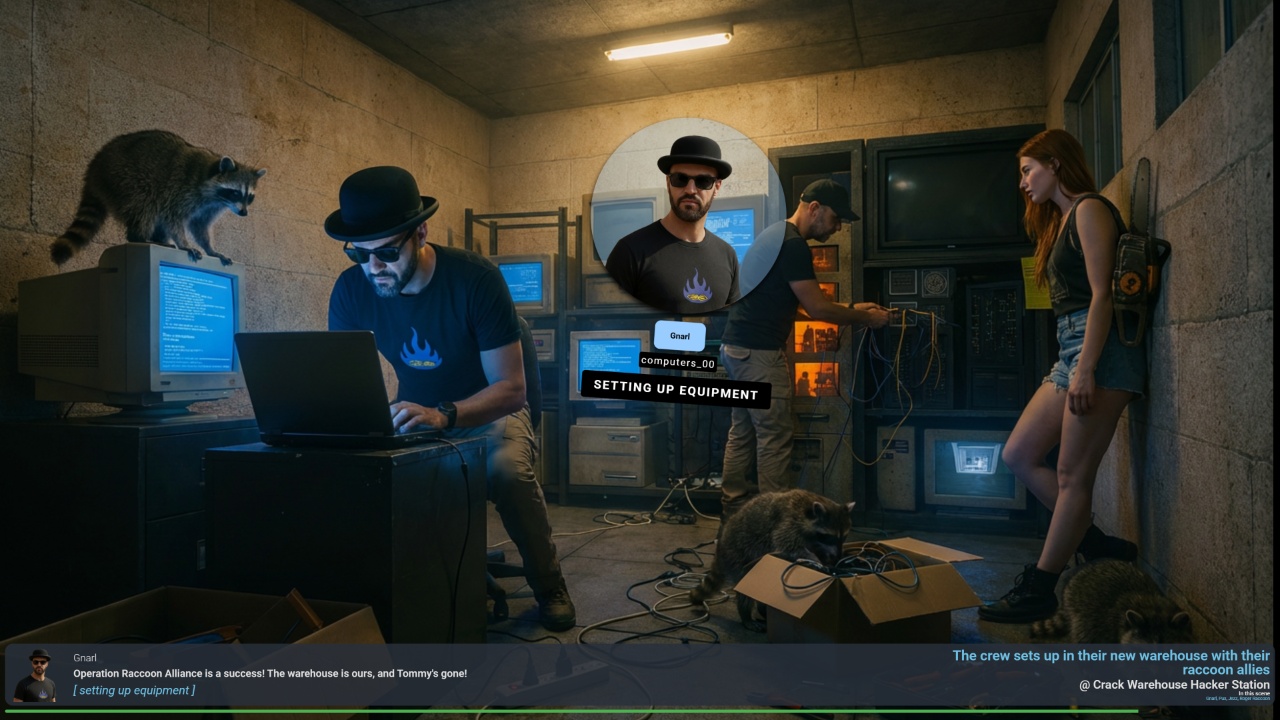
First, the show writer focuses purely on dialogue and plot. Then a separate stage director AI reviews the script and adds detailed action descriptions for each scene. Finally, the image generator creates visuals based on both the story and staging notes.
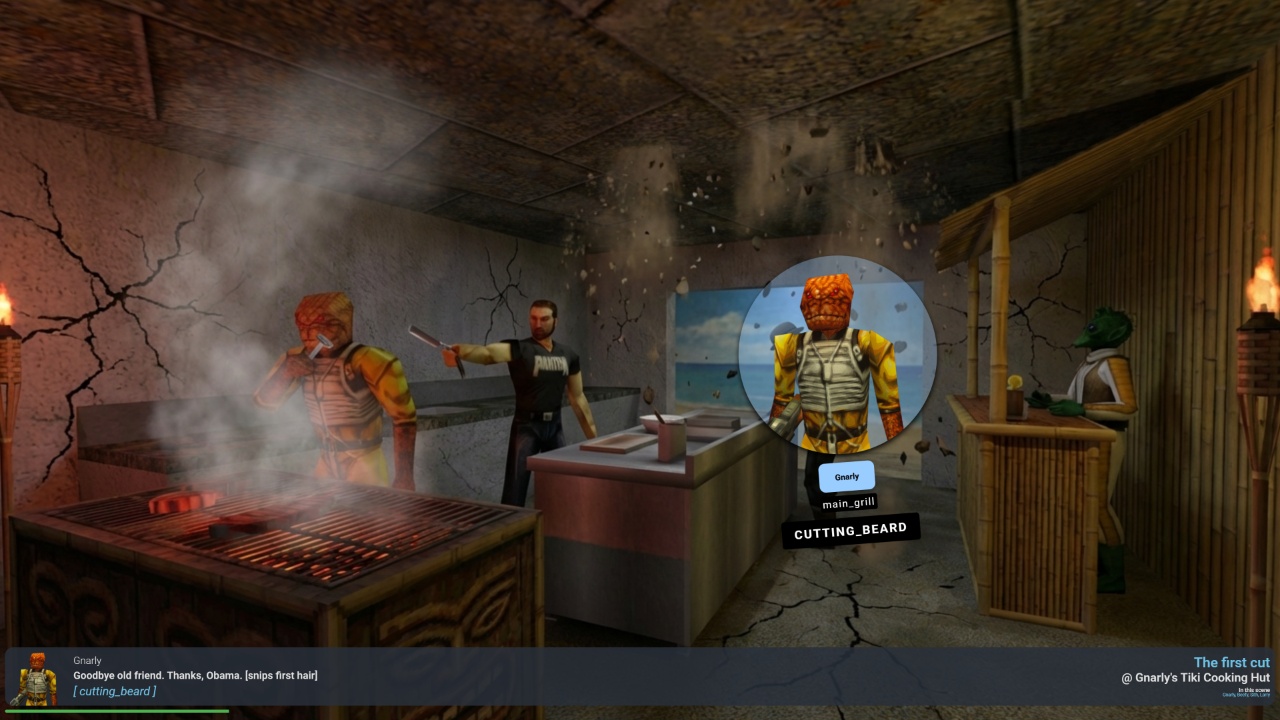
Dynamic Camera Angles
To avoid repetitive visuals, each location generates alternative camera angles automatically. The AI creates different perspectives of the same space, so even consecutive scenes in the same location look fresh and interesting.
Show-Specific Character Overrides
Different shows have different art styles, so I added character override systems. Each actor can have different headshots, names, and behaviors depending on which show they’re appearing in.
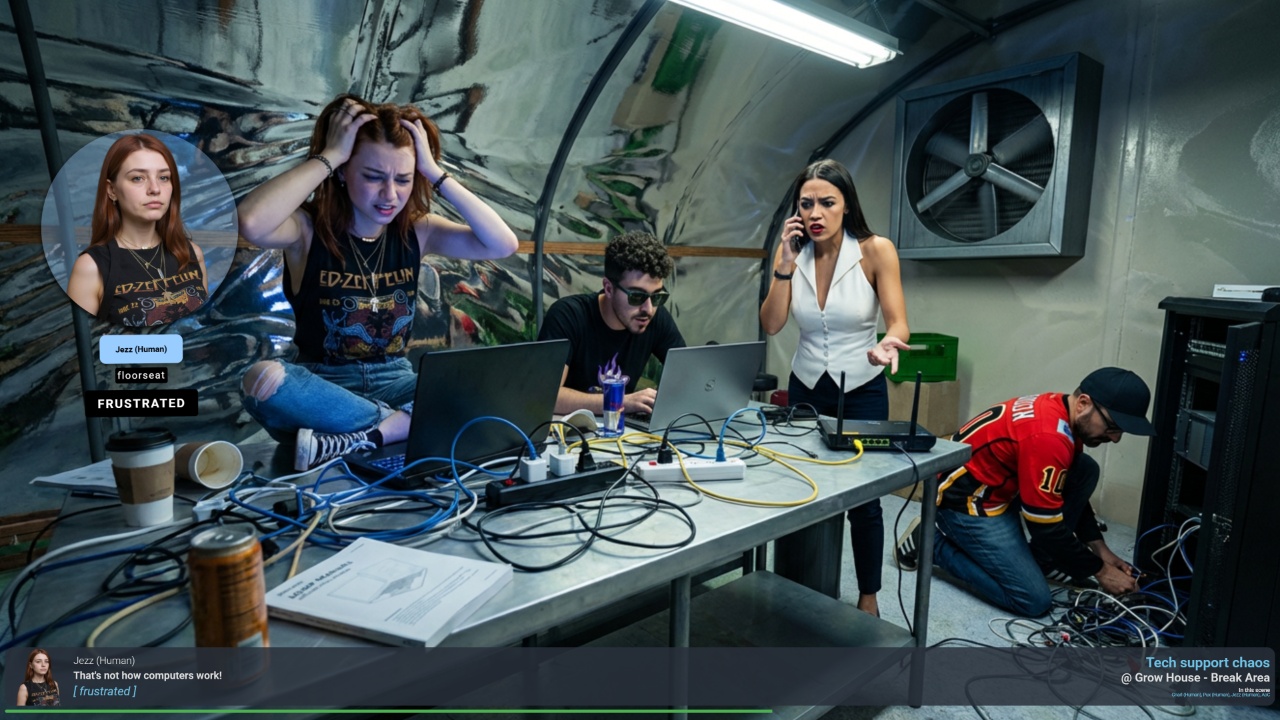
For example, in the realistic Gnarly Farm show, all characters get photorealistic headshots. But in the Jedi Knight show, they use their Jedi models instead. This maintains character consistency while matching each show’s unique aesthetic.
Enhanced 2D Stage Improvements
I overhauled how the wobbly head actors work in 2D scenes. Now only the speaking character is visible as a wobbling head, while the others stay hidden since they’re already visible in the generated background image.
The system generates 10 images in parallel, so most episodes only take about a minute to process. I also created intro videos for each show, complete with AI-generated music from ElevenLabs.
New Show Landing Pages
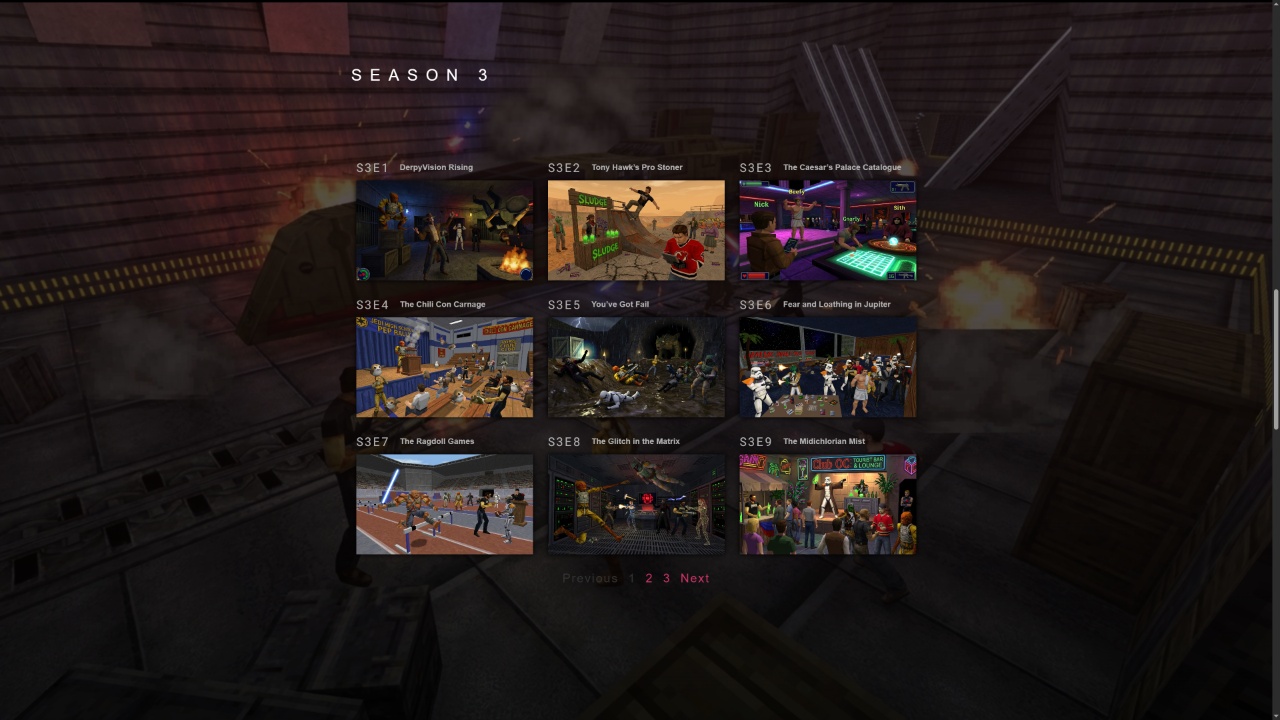
With all these generated assets, I built proper landing pages for each show. The JK Crew Adventures page showcases the generated imagery as backgrounds and featured content.
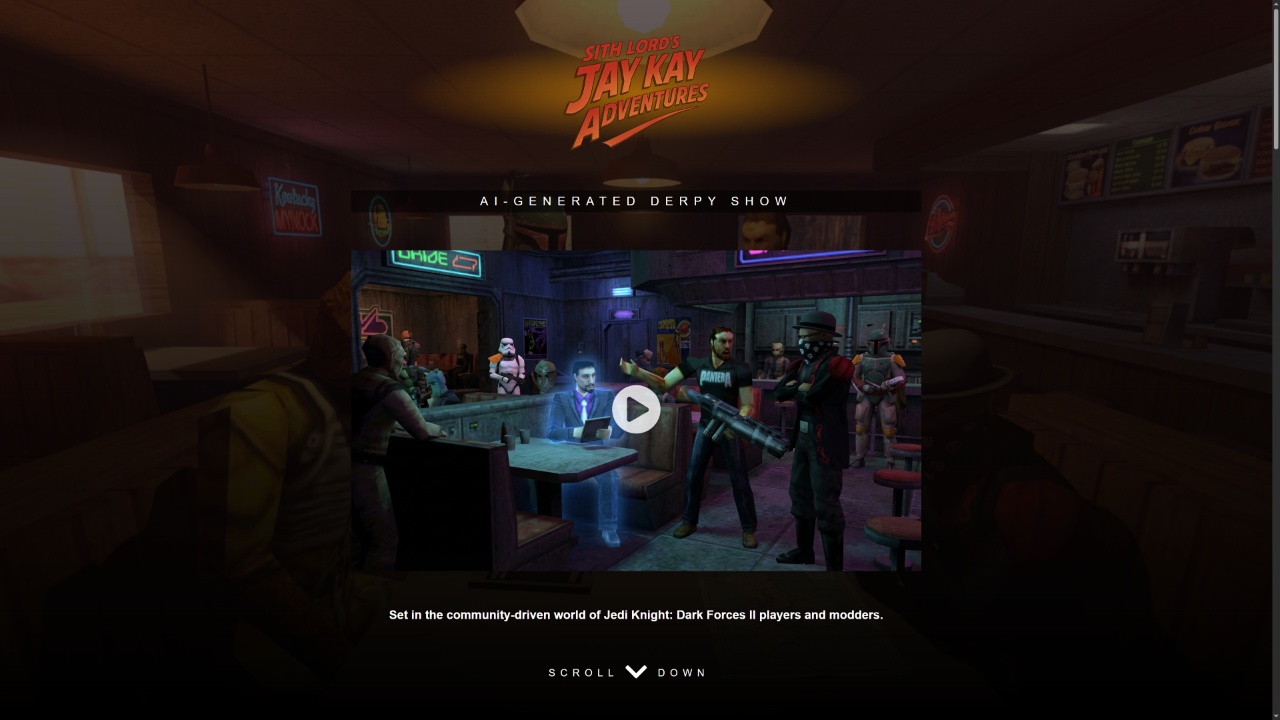
Episodes are organized by season, with each season showing substantial differences in writing style, image quality, and plot development.
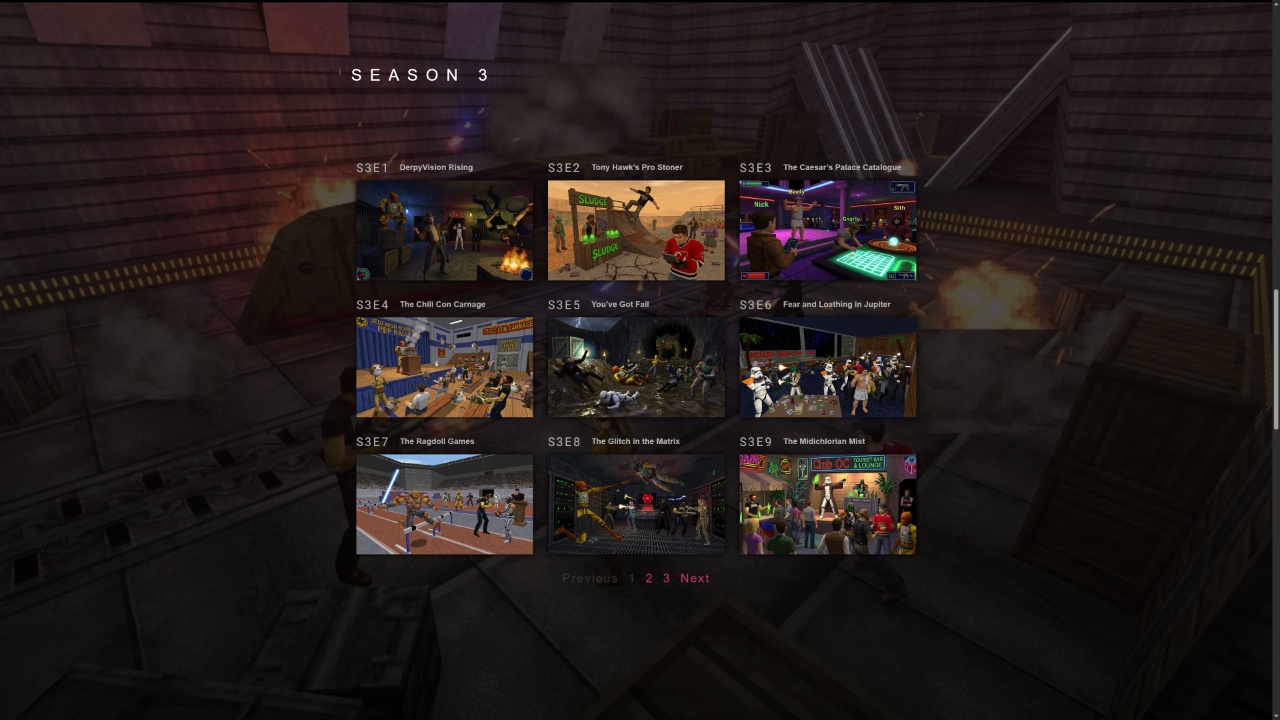
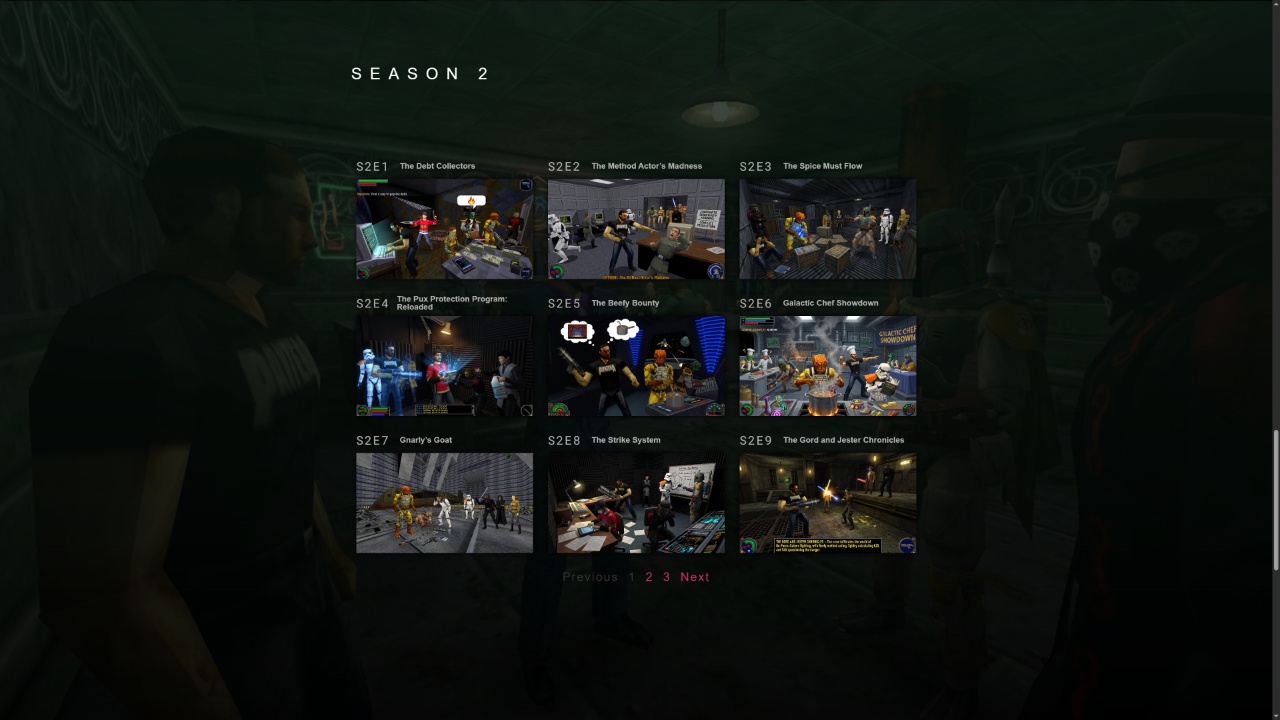
The filtering system uses custom PHP to parse episode IDs and extract season numbers automatically, so everything updates dynamically as new episodes are added.
Character Profile Pages
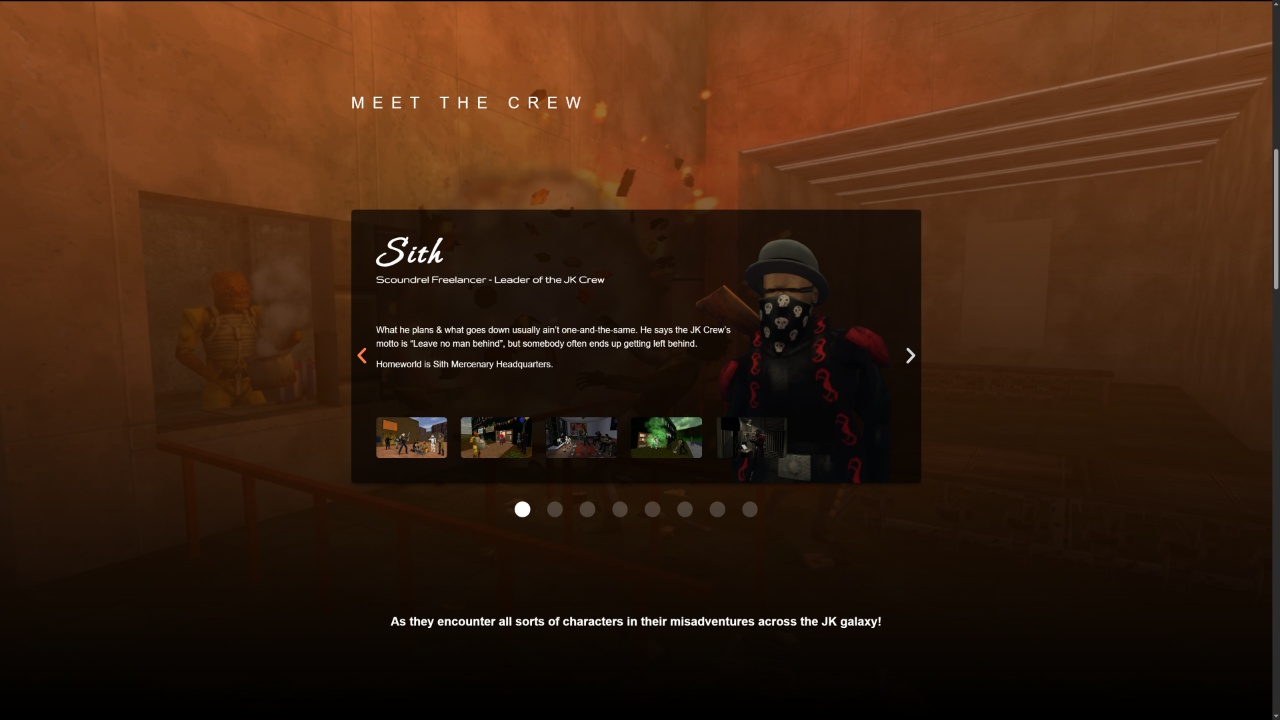
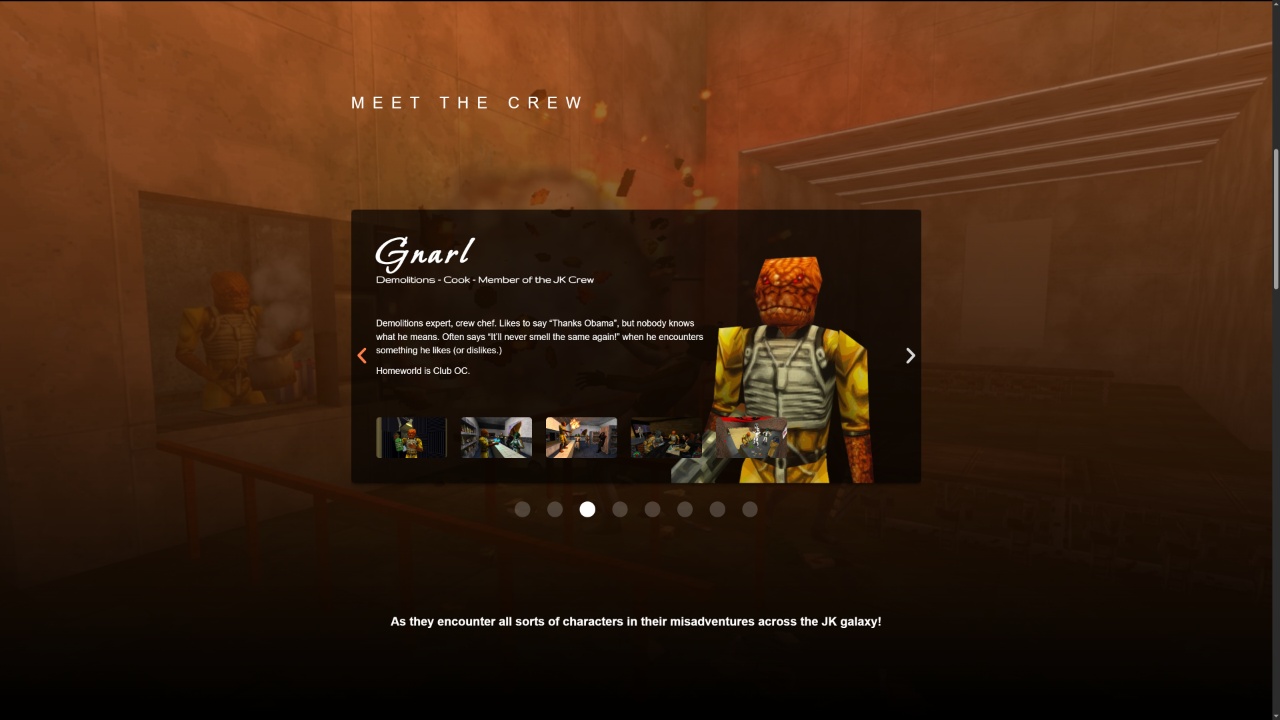
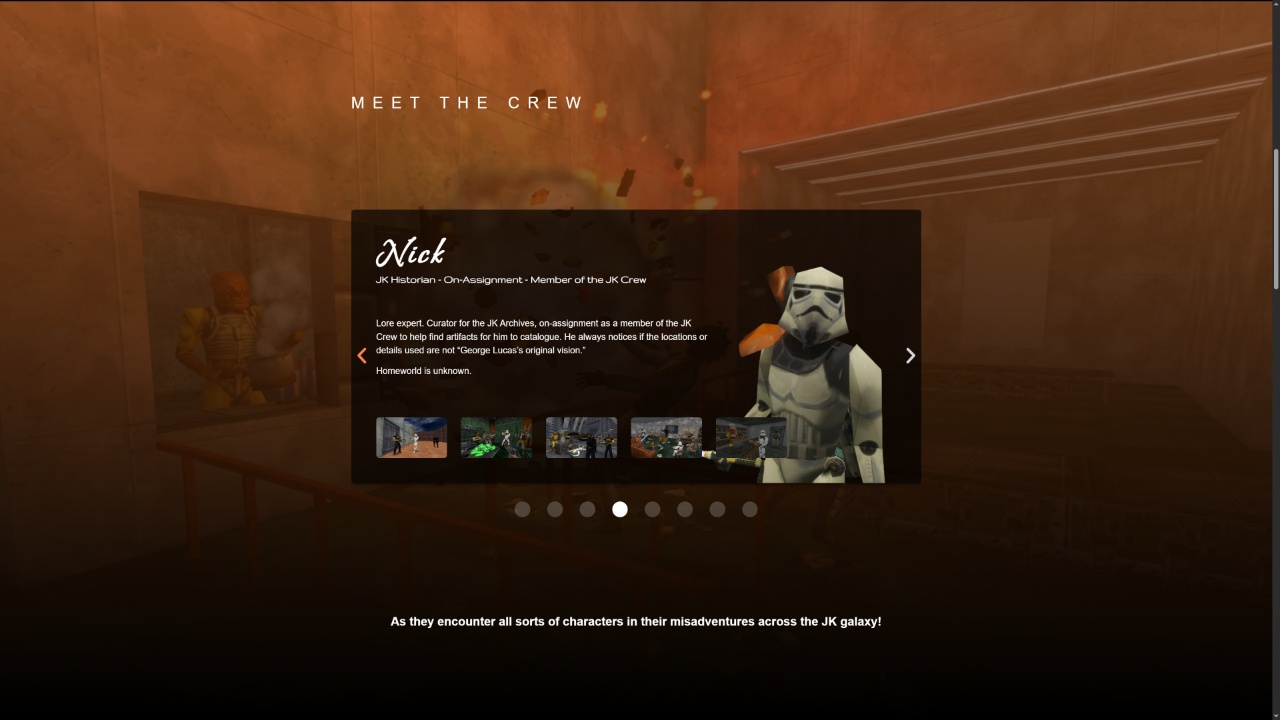
Each landing page includes a “Meet the Crew” section with character profiles featuring five screenshots per actor, along with their home planet, affiliation, and bio information.
Pro tip: when building a cast, make sure you have some conflict. Characters that always agree make for boring shows. Pick people who disagree or even hate each other – it creates much more interesting dynamics.
Cost Considerations and Future Plans
Each fully-generated 2D episode costs about a dollar to produce and takes roughly a minute to process. That’s because feeding multiple input images (headshots + location) to the generator increases costs significantly. So not every episode will get the full image generation treatment.
This is where the real-time PlayCanvas shows prove their value – they cost practically nothing to generate and run in real-time 3D. The Unity stages and Anarchy Arcade stages all serve different purposes until we reach the point where AI can generate complete videos from basic ingredients.
Even when video generation becomes cheap and fast, there’s still value in real-time 3D shows. You can modify them live (like putting a funny hat on the host mid-episode), add multiplayer features, and implement microtransactions for real-time modifications that other viewers can see.
Video generation looks impressive and will definitely improve, but it’s still expensive and not interactive. Until it becomes both cheap AND real-time, we’ll keep developing multiple approaches for different use cases.