So yesterday I was playing games and took a bunch of screenshots, but this is the development blog, so let me tell you about the actual dev work I squeezed in between gaming sessions.
Fixing the Skybox Depth Problem
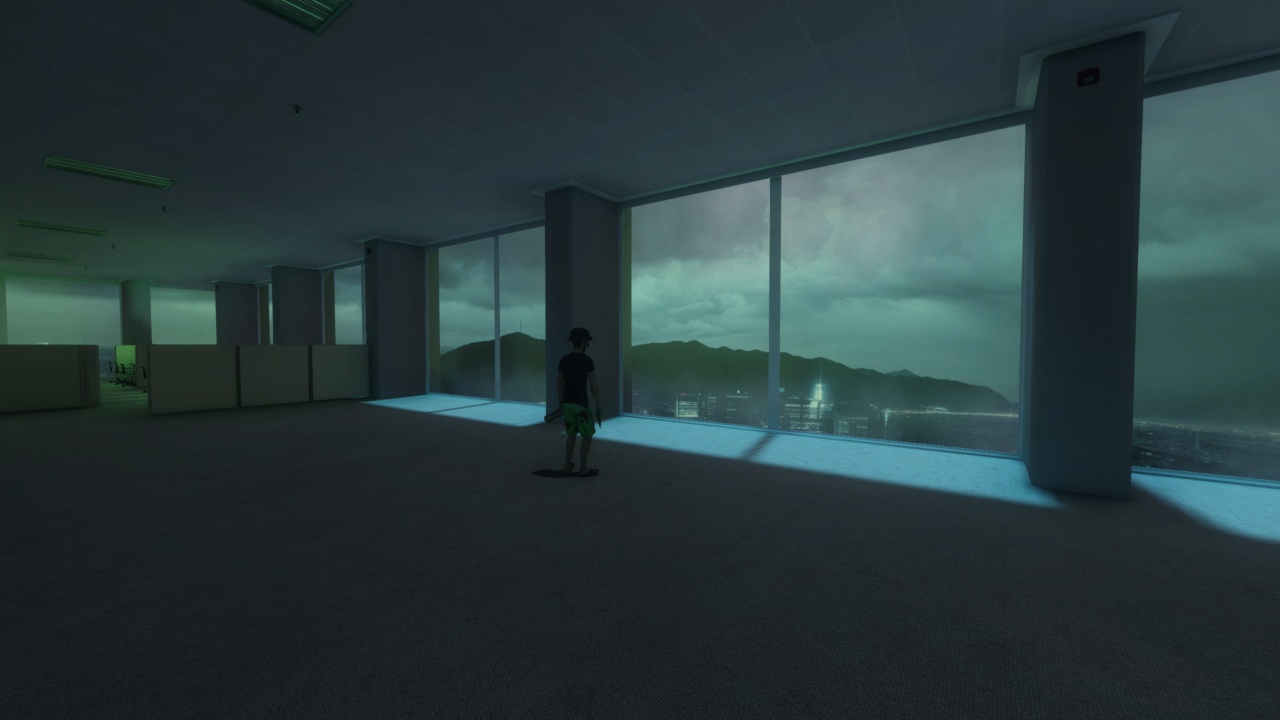
I’ve been working on this Matrix-looking empty office space map in Anarchy Arcade, and someone pointed out that my AI-generated skybox from Blockade Labs looked flat and 2D – they were absolutely right. The skybox lacked depth, so I had to get creative with the solution.
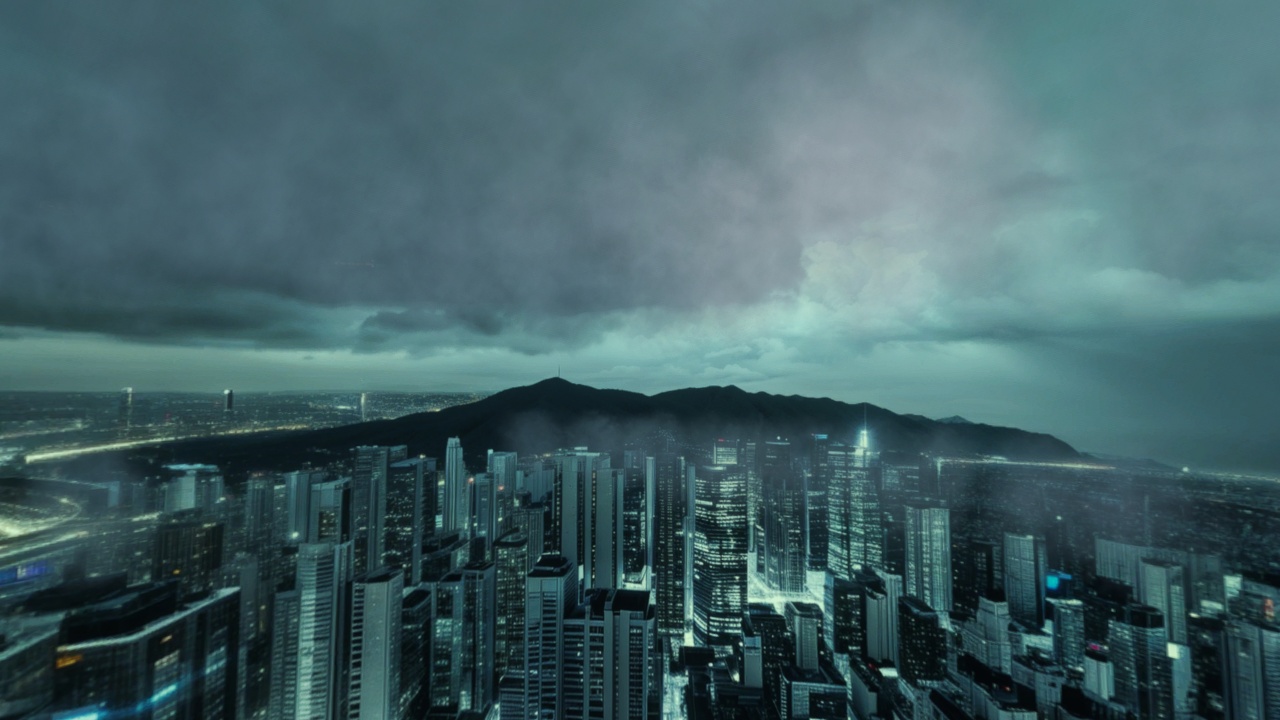
To fix this, I added clouds into the map using Hammerplus with regular smoke volume entities. But here’s where it got tricky – I couldn’t just make a huge play area because the regular fog in the main map was making my clouds look dark and murky. The solution? A 3D skybox that allowed me to use different fog settings than the regular world.
I ended up with two layers of clouds: high-altitude clouds blowing around in the 3D skybox, and a low haze hovering over the city area. The city had all these lights but dark clouds above it that looked like smog, so I added a big light in the 3D skybox to properly illuminate the clouds. The parallax effect now makes them look like they’re a mile or two away, giving that crucial depth.
Upgrading the Schmo Time Episode Generator
Today I worked on improving the Schmo Time Generate episode form. The background now features a nice rotating hue animation, and I added some practical new fields that make the workflow much smoother.
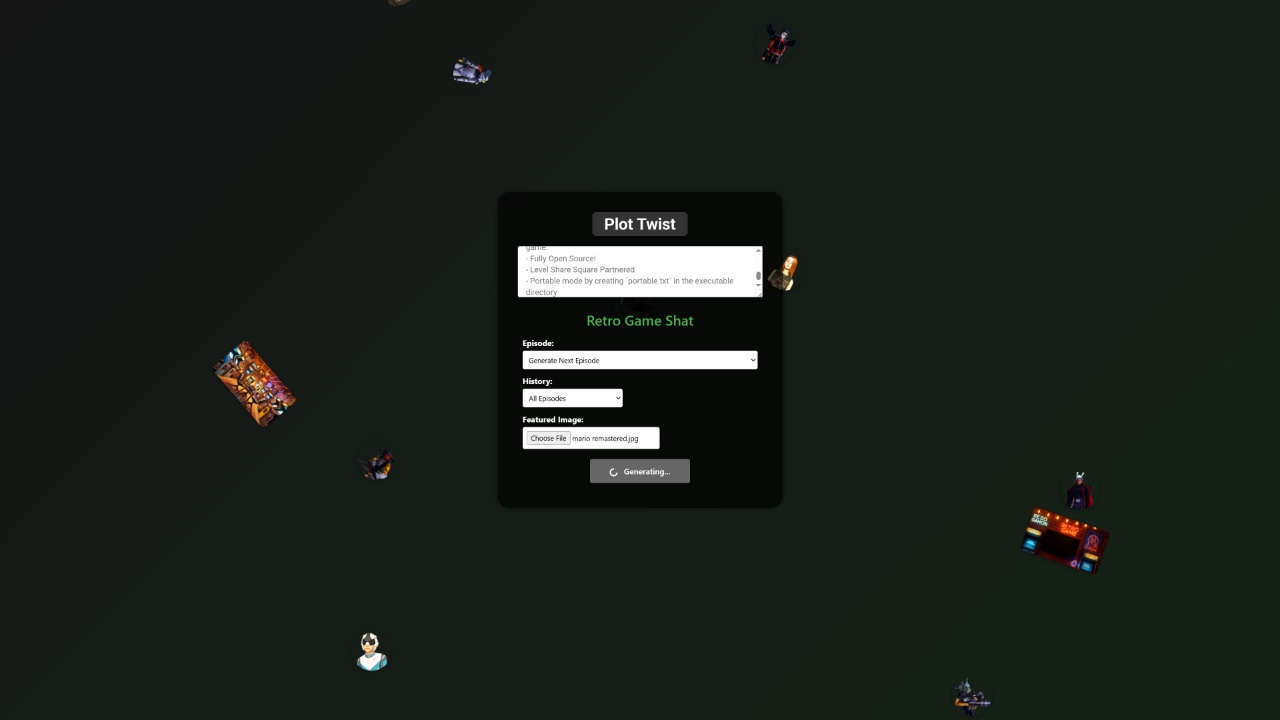
You can now choose how much episode history to include with your generation, and there’s a direct image upload feature right on the form. This means after you type your plot twist and click generate, you get a fully ready-to-go episode that’s immediately shareable.
Here’s what the form looks like in action, with all the actor headshots and background location images scrolling past to show you what you’re working with:
It’s these little workflow improvements that really add up over time. Being able to upload an image directly to the generation form instead of having to do it as a separate step afterward makes the whole process much more fluid.
Both of these updates might seem small, but they’re exactly the kind of polish that transforms a functional tool into something that’s actually enjoyable to use. The skybox now has the depth it was missing, and the episode generator is more streamlined than ever.