This is a very short update, but a crucial one for Lurk Mode. Today, with the help of Echo Junior (EKOJR), I was finally able to get the Twitch webhooks working through a relay – specifically, a dumb proxy relay.
The reason I needed this relay in the first place was because my web host was blocking the custom headers that the Twitch challenge was sending when implementing their API. But with the dumb proxy, I’m able to get the events and respond to them correctly, and everything worked out great.
This literally took me an entire day to figure out. I may have said some choice words along the way (including the SH word and the F word, just to be clear), but in the end, the result is accurate and near instantaneous.
What This Means for Lurk Mode
Now I have live status updates from Kick and Twitch on the Lurk Mode TV, which combined with the chat bot status functionality from the previous update, gives Lurk Mode everything it needs to show accurate and up-to-date live stream information. This includes:
- When somebody goes live
- When they go offline
- When they change their title
- When they change their game
All of this updates instantly now in Lurk Mode.
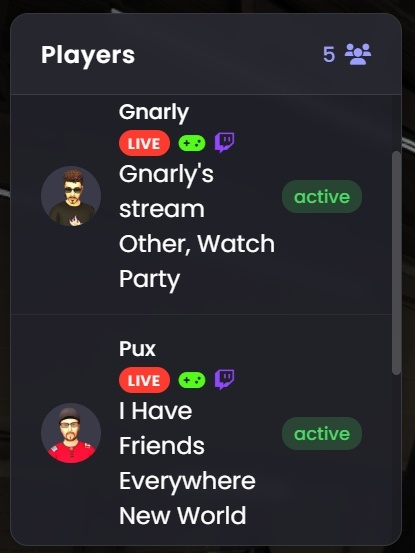
The Development Process
Getting this working was quite the journey. I spent time working with VS Code and the Claude code extension, trying to get things integrated with Echo Junior’s relay (EKOJR). This was actually the first time I onboarded Claude code into this project, so that was a whole thing in itself.
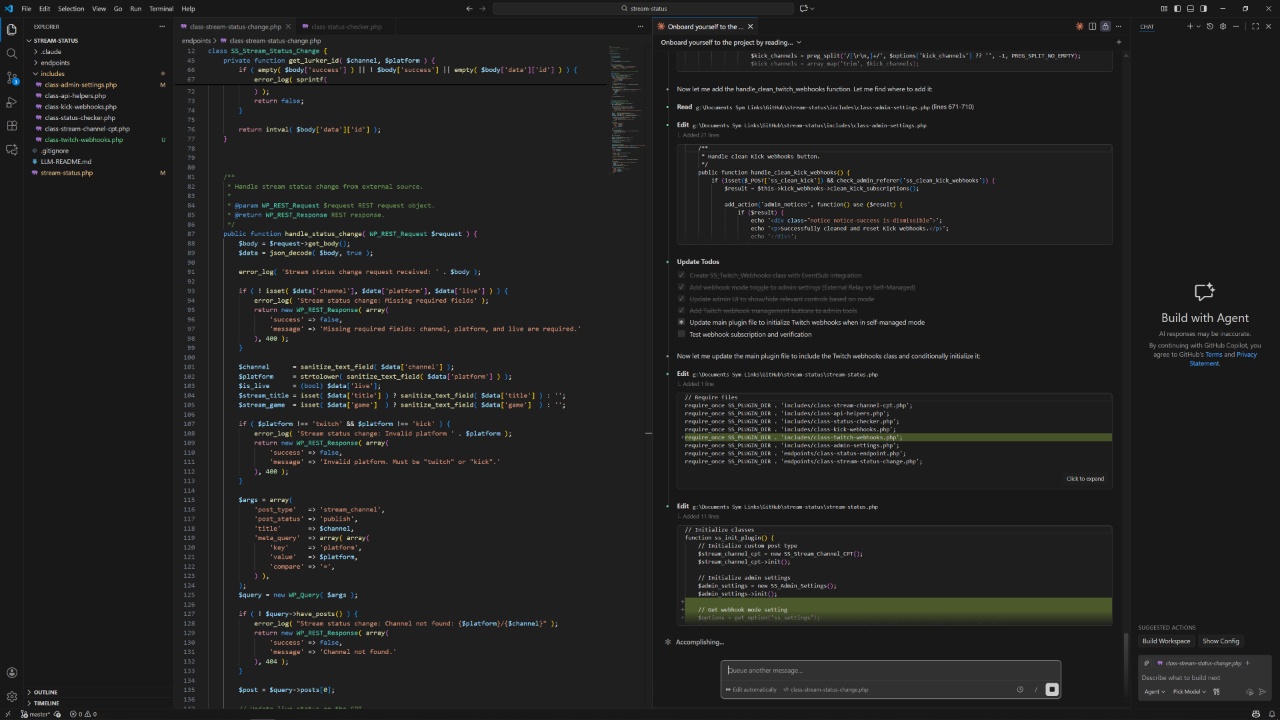
Even figuring out why I needed a proxy in the first place was a challenge. It was just one thing after the other, but thankfully Echo was there to set things up for me to test as we moved along.
The end result makes all the frustration worth it – Lurk Mode now has the real-time streaming updates it was designed for.