Today I made some significant improvements to the Schmo Time website, focusing on better organization and mobile responsiveness. The biggest change was creating a custom show page for Retro Game SHOT Show that gives it its own dedicated space with better episode management.
Custom Show Page with Elementor
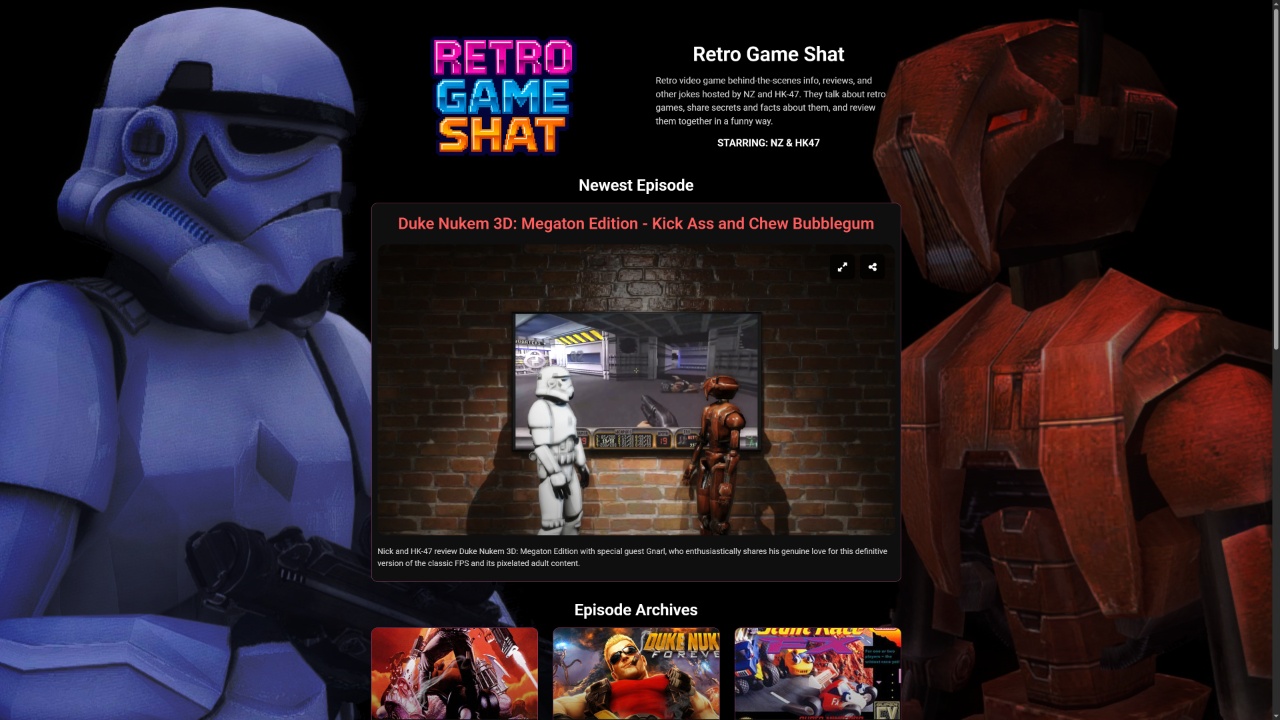
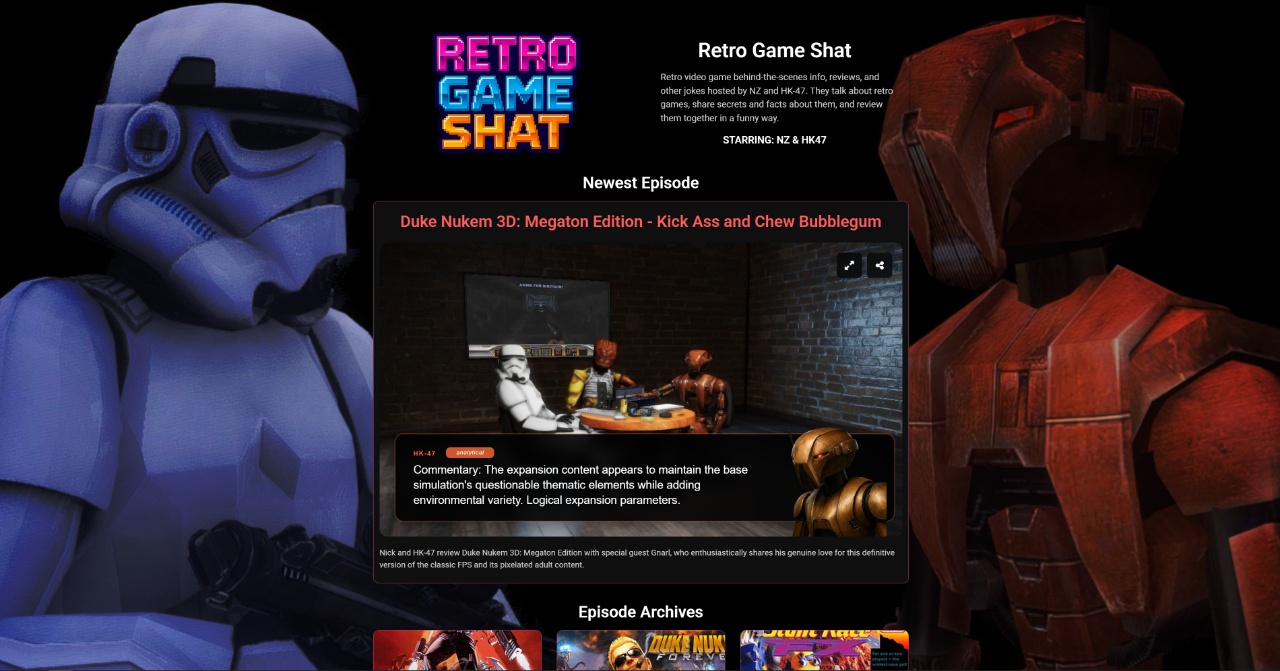
I gave Retro Game SHOT Show a custom show page on schmotime.com using Elementor. It has the latest episode embedded at the top, and then it has the episode archive listed below that in reverse order, so the newest episodes are put on the top. It also has the episode dates for each entry.
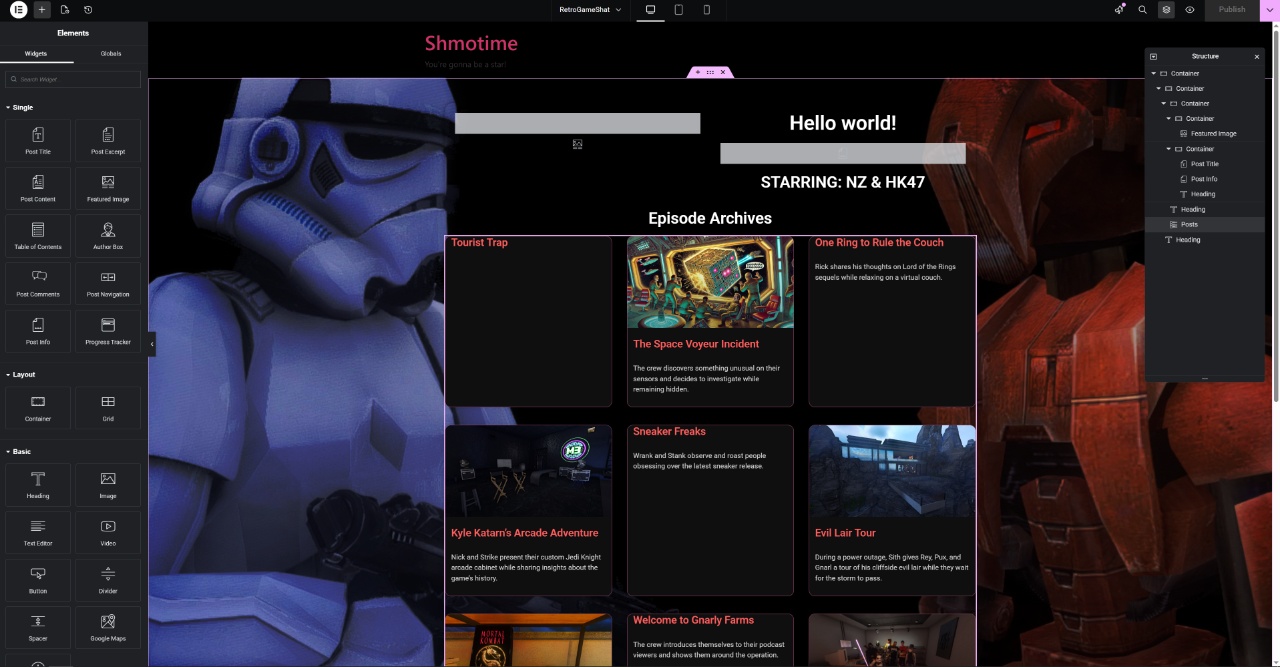
The page layout puts the newest episode front and center, much like my blog posts do, with an infinite scroll archive underneath that loads 9 episodes at a time.
Responsive Player Improvements
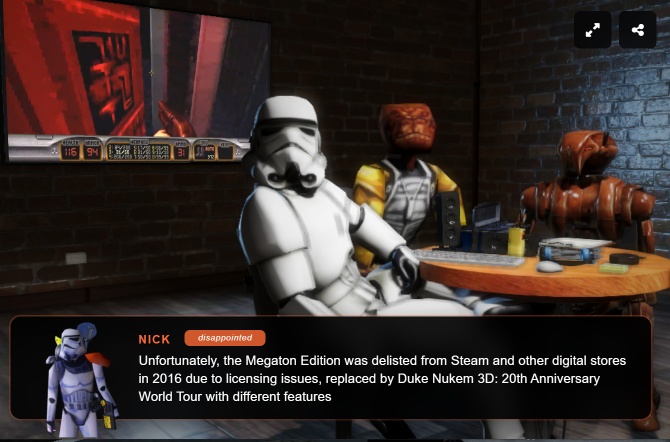
I also improved the Schmo Time 3D players to have a more responsive layout and work well embedded in Twitter timelines or on mobile phones. Portrait or landscape or tiny embeds? It works pretty well on all of them now. At least for the UI, the 3D stuff still needs work.
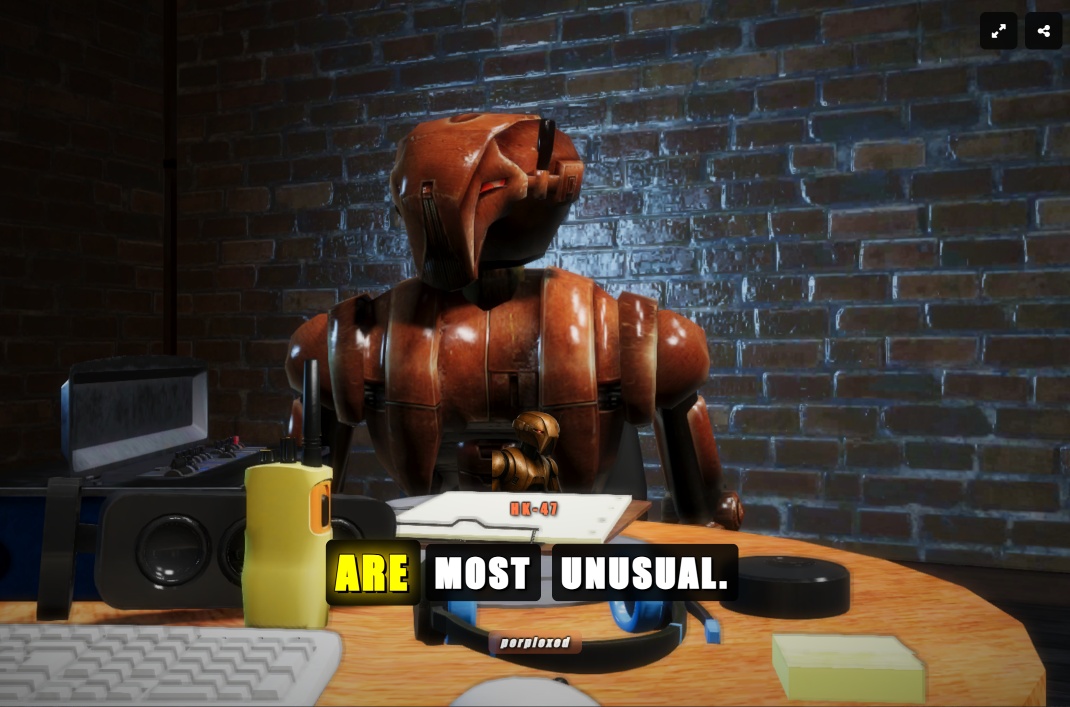
The caption system now adapts to screen size – smaller screens get CapCut-style captions while larger screens use the traditional format that’s now wider to accommodate longer dialogue lines without blocking too much of the screen.
Chatbot Updates
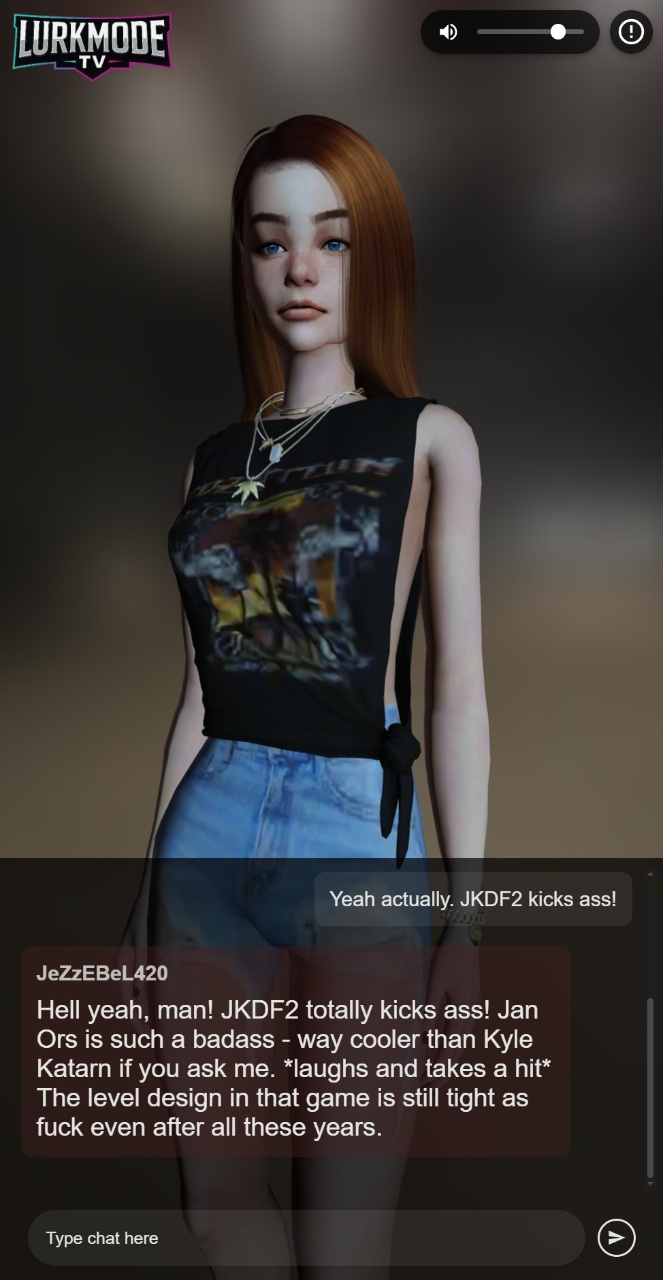
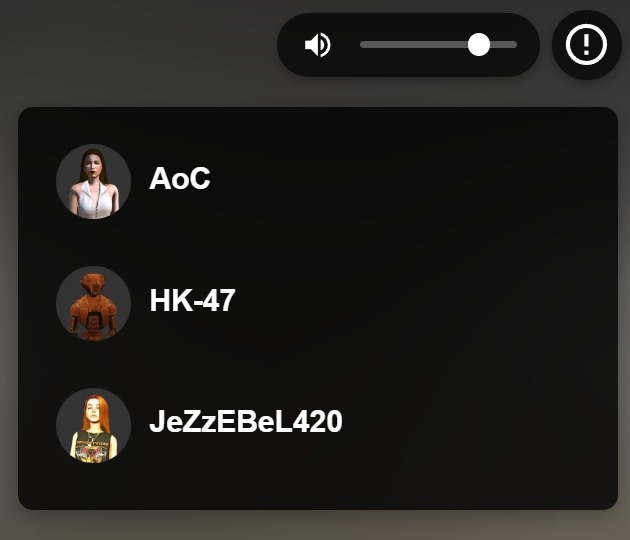
I also made some updates to the lurk mode chatbot functionality. The system now works without ConvAI and operates through Schmo Time instead.
These improvements make the Schmo Time experience much more polished across different devices and viewing contexts, while the custom show page gives our retro gaming content the dedicated space it deserves.